
Generative
171 presets across 10 groups. This is the only part of the tool that costs credits and the only part that sends your image anywhere.
The groups
| Group | Presets |
|---|---|
| Print and zine | 33 |
| Art and craft | 32 |
| Retro digital | 31 |
| Materials | 21 |
| Photo and film | 11 |
| Objects and toys | 11 |
| Science and imaging | 10 |
| Manufacturing | 9 |
| Nature | 9 |
| Street and glam | 4 |
Every preset ships four pre-rendered covers on four different demo people, so you can see what a look does on more than one face before spending anything.
What a credit costs
Cost depends on output resolution, not on the preset.
| Resolution | Credits |
|---|---|
| 1K | 1 |
| 2K | 2 |
| 4K | 3 |
Charged per attempt, including a regenerate, because the model bills for every call rather than for every result you keep.
A free account starts with 3 credits. Pro adds 10 per billing period. Credits never expire, they roll over, and cancelling does not claw back what you already have.
How a render runs
- The current frame is drawn to a scratch canvas and downscaled so its long edge is at most 1024px, then encoded as JPEG.
- That image, the preset's prompt, your strength setting and any extra direction you typed are sent to a server that holds the model key.
- The server debits the credit first, then calls the model. Doing it the other way round would hand out a free render to anyone who could make the model error.
- The result is published and a URL comes back, along with your new balance.
Strength is baked into the prompt text as one of four bands rather than passed as a parameter: subtle (10 to 30), balanced (31 to 60), strong (61 to 85) and full (86 to 100).
If it fails
A model failure refunds the credit automatically and tells you the new balance. If the refund itself fails, the message says so plainly and asks you to get in touch, rather than quietly losing a credit.
Running out of credits is refused before the model is called, so a failed render costs nothing. So does hitting the rate limit.
Free and Pro
Generative is credit-gated, not Pro-gated. All 171 presets are available at every tier and at every resolution. What Pro changes is the supply of credits, not the catalogue.
The picker
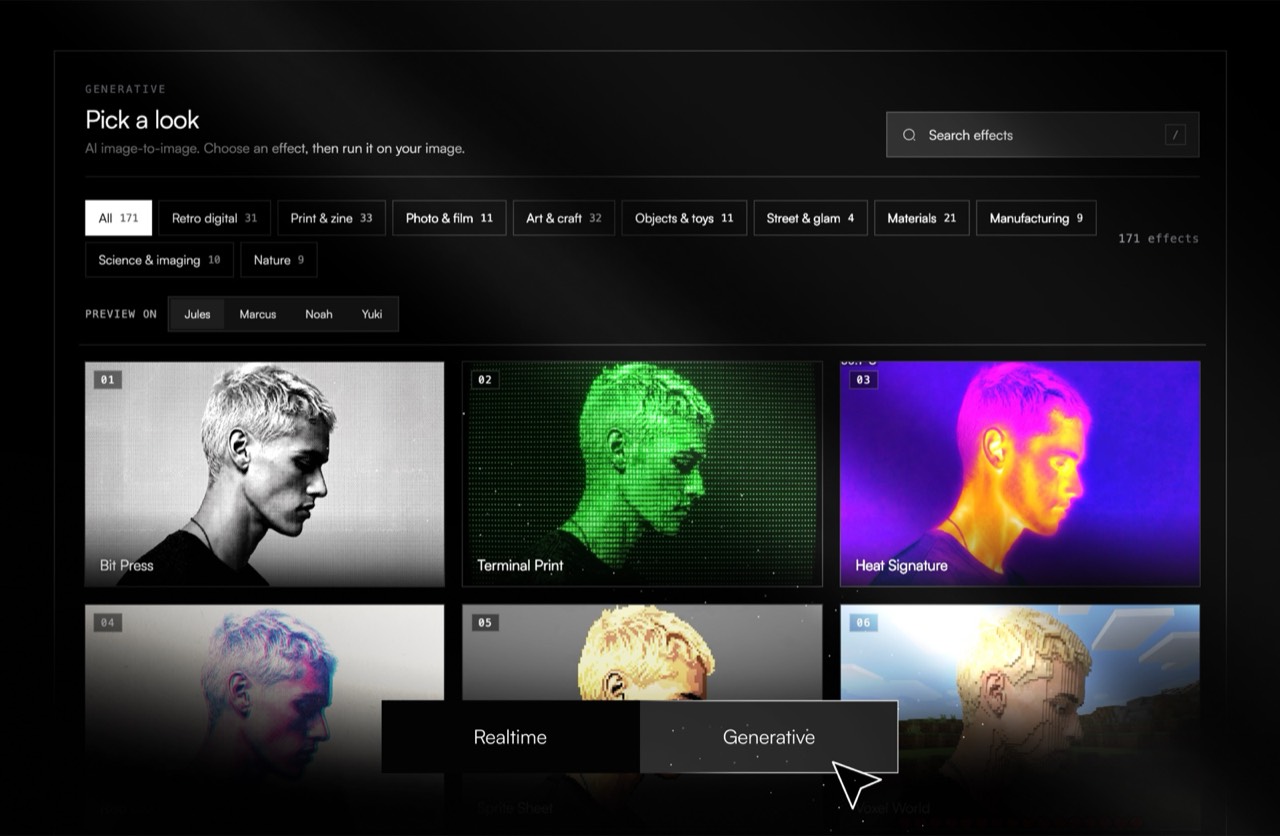
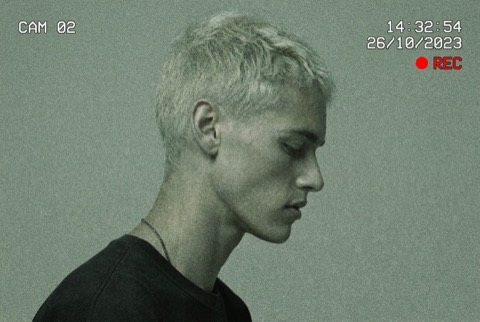
What the presets look like
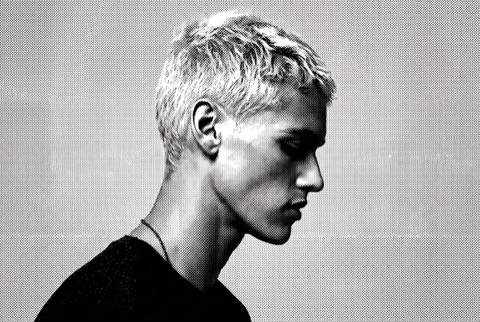
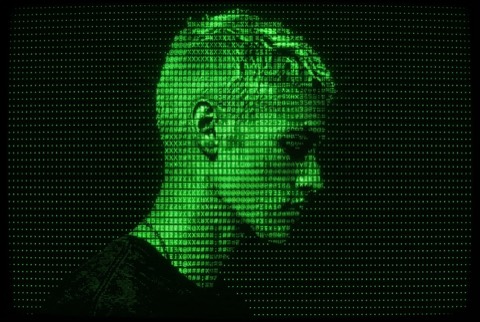
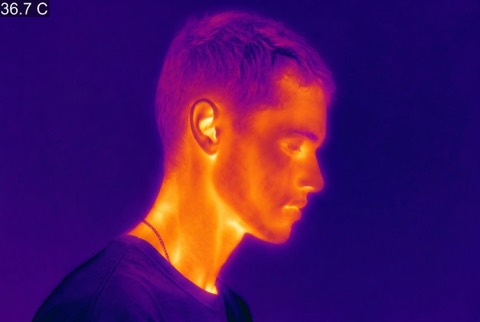
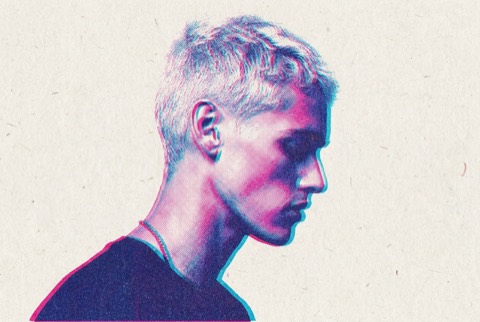
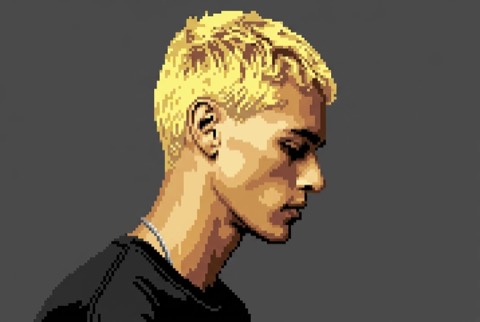
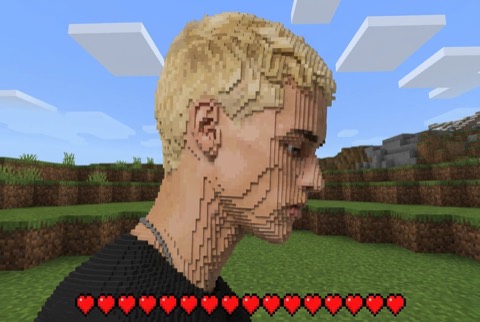
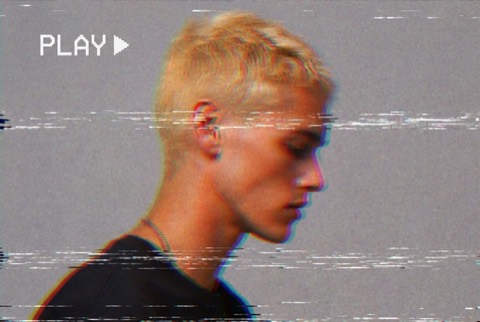
How it differs from everything else
Every other render in this tool happens on your machine. A generative render does not, and cannot: it needs a model, and the model is not in your browser. That single difference explains all of the following.
| A normal render | A generative render | |
|---|---|---|
| Where it runs | Your tab | A server, calling a model |
| What leaves your machine | Nothing | A downscaled copy of your image |
| Cost | Nothing | 1 to 3 credits |
| Speed | Immediate, repaints as you drag | Seconds, and it can fail |
| Reproducible | Exactly, via a recipe | No. The same preset twice gives two results |
| Needs an account | No | Yes |
What is sent
Your image is downscaled so the long edge is 1024px before it goes anywhere, and the accepted source is capped at 12 MB. The downscale is not a quality decision, it is the model's input size. The render that comes back is then generated at the resolution you asked for.
Why a regenerate costs again
The model bills per call, not per result you decide to keep. A regenerate is another call, so it is another charge, whether or not you liked the first one. Choosing a lower resolution while you explore and raising it for the one you keep is the cheap way to work: 1K costs one credit against 4K's three.
If it fails
A failed generation does not consume a credit. A generation you dislike does, because it succeeded. The distinction is whether the model returned something, not whether you wanted it.
The groups, and what each is for
| Group | Presets | Reach for it when |
|---|---|---|
| Retro digital | 31 | You want a screen, a console or a console-era palette. |
| Print and zine | 33 | You want ink on paper: risograph, zine, newsprint, screen print. |
| Photo and film | 11 | You want a film stock, a camera era or a darkroom process. |
| Art and craft | 32 | You want a made thing: embroidery, ceramic, paper cut, weave. |
| Objects and toys | 11 | You want the subject rebuilt out of toys, blocks or found objects. |
| Street and glam | 4 | You want fashion, nightlife or editorial lighting. |
| Materials | 21 | You want a surface: metal, stone, glass, fabric, liquid. |
| Manufacturing | 9 | You want an industrial process: moulded, stamped, machined, printed. |
| Science and imaging | 10 | You want an instrument's view: thermal, x-ray, microscope, satellite. |
| Nature | 9 | You want organic growth: moss, frost, mineral, bloom. |
Last updated