
/STYLE · PIXEL ART
Image to pixel art in your browser. Drop any photo or video and convert it to clean pixel art in real time, 8-bit, 16-bit or modern pixel looks, all generated inside a full-featured pixel art editor. Adjustable pixel size, contrast and coverage, no upload, no signup, runs entirely in your browser.
Open the editor →/TRY IT HERE
Straight colour quantisation to a cell grid, the base of every pixel-art look. Drop the cell size for chunkier pixels.
Controls
Appearance
These are the same controls as the studio, running the same maths. The full editor adds video, animation, post effects and export up to 4×.
/SEE IT
Drop any photo into the editor and pick the Pixel Art style. The tool downsamples your image into a clean grid of chunky pixels, keeping your image's own colours, producing a sharp 8-bit / 16-bit look that reads from any distance.
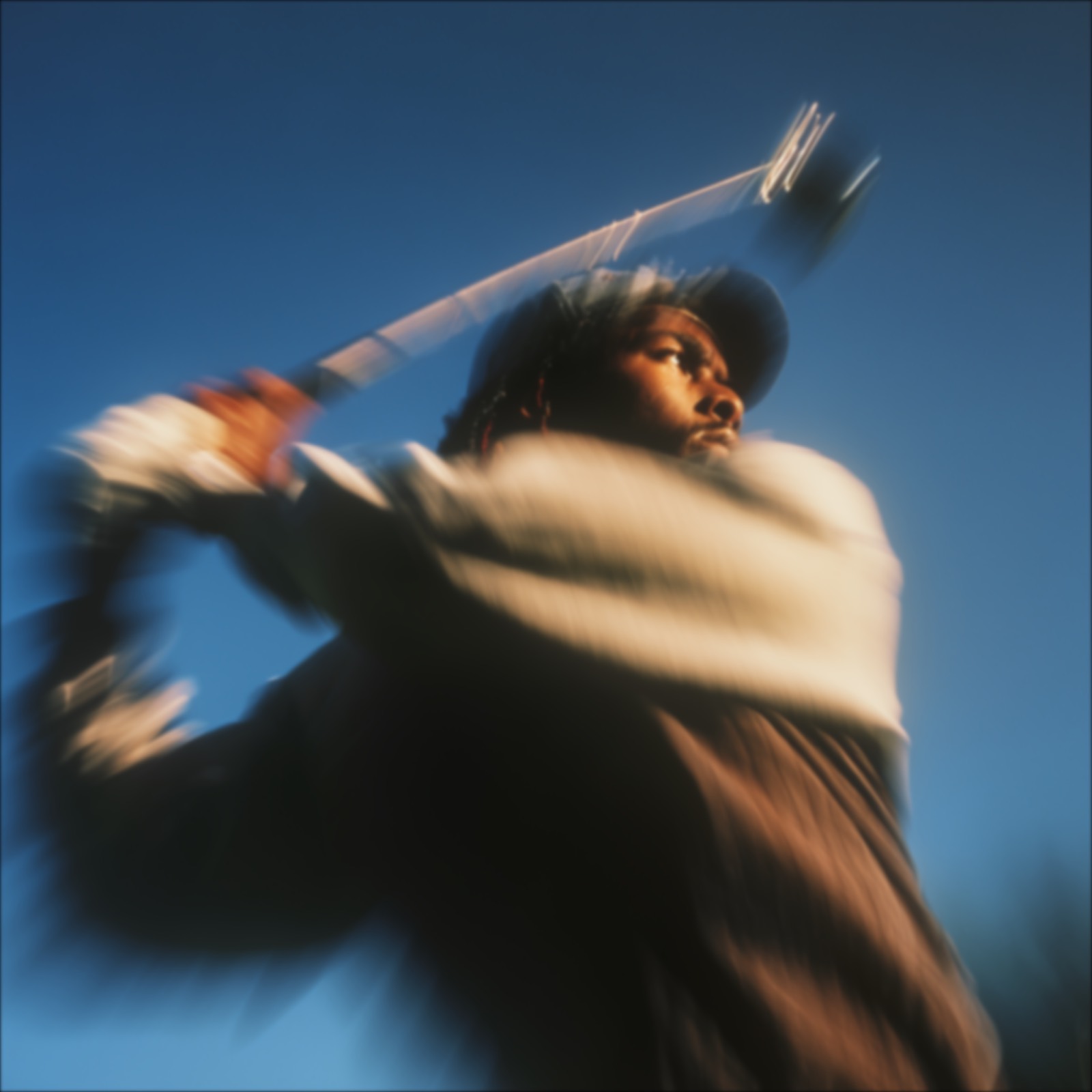
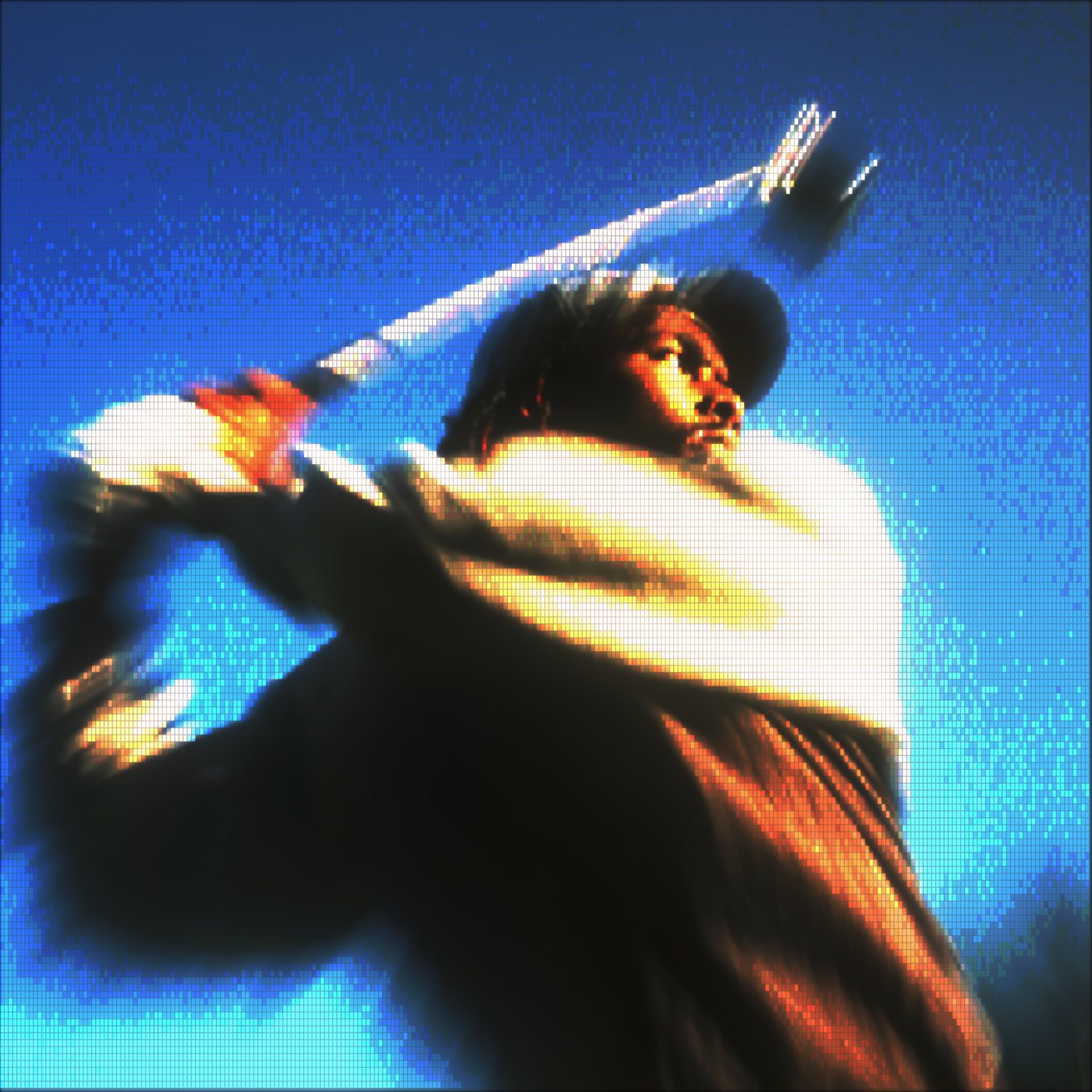
/MORE EXAMPLES
Same photo, six different pixel-art settings. Adjust Font Size for that crunchy 8-bit feel or finer modern detail; push contrast, coverage and edge emphasis for softer or sharper output. Every image below is a real ASCII Magic export, no AI, no upscaling, just clean pixelation.
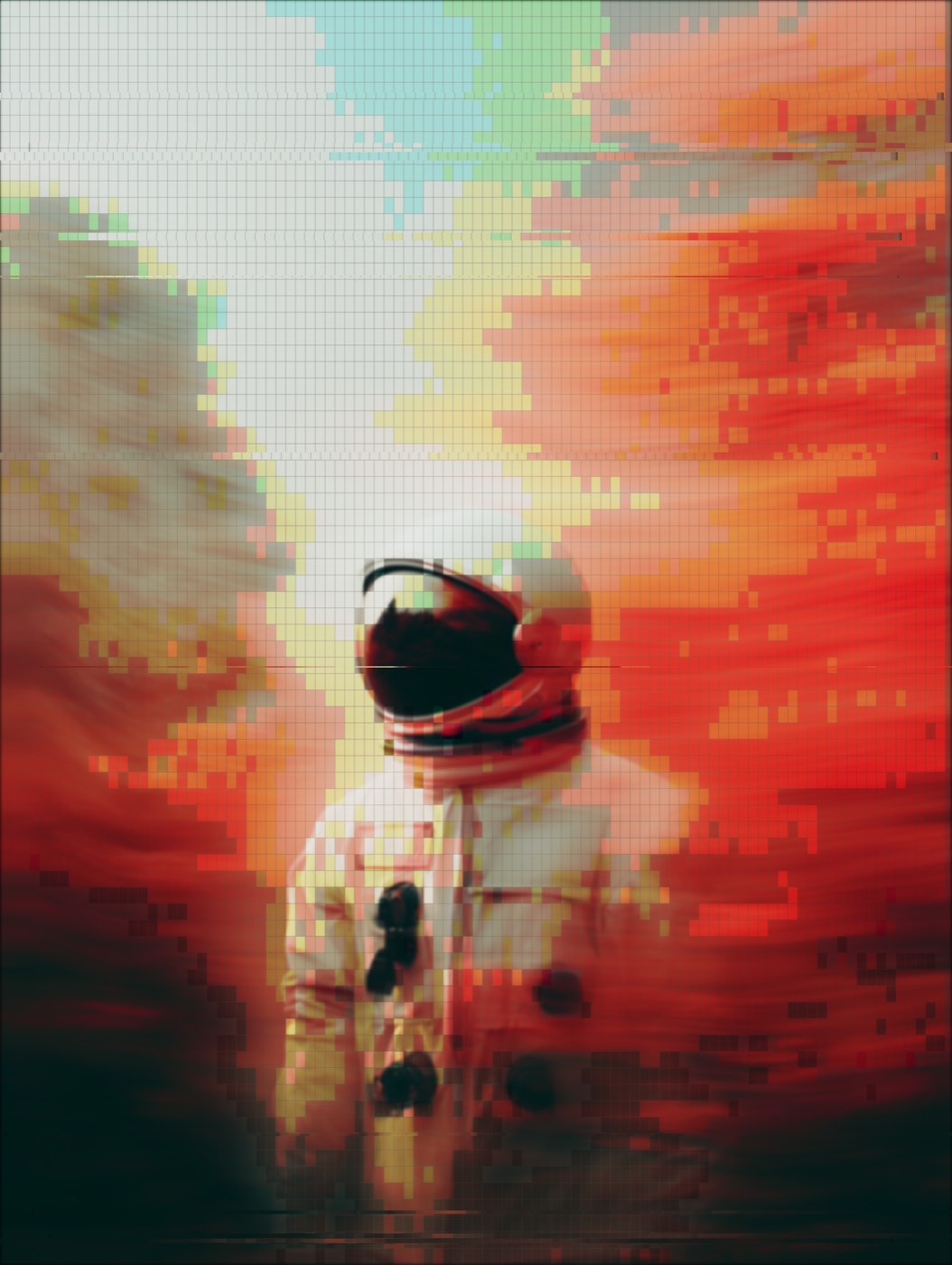
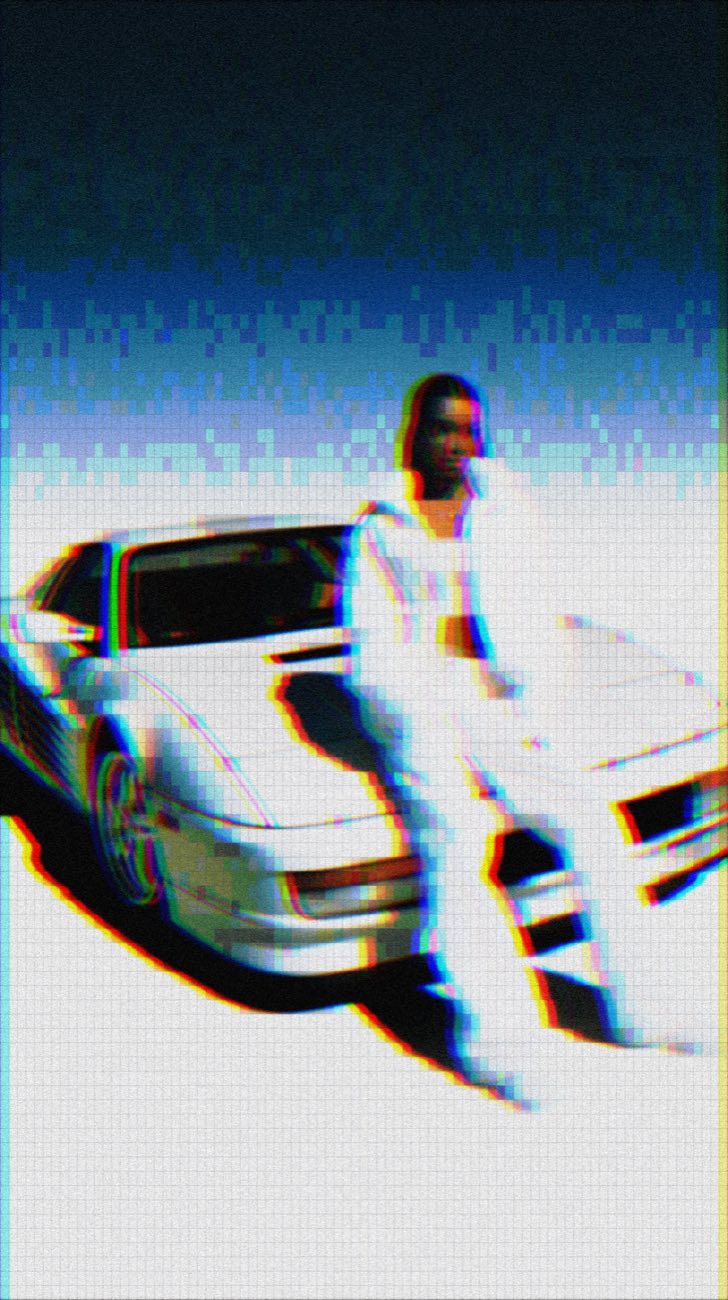
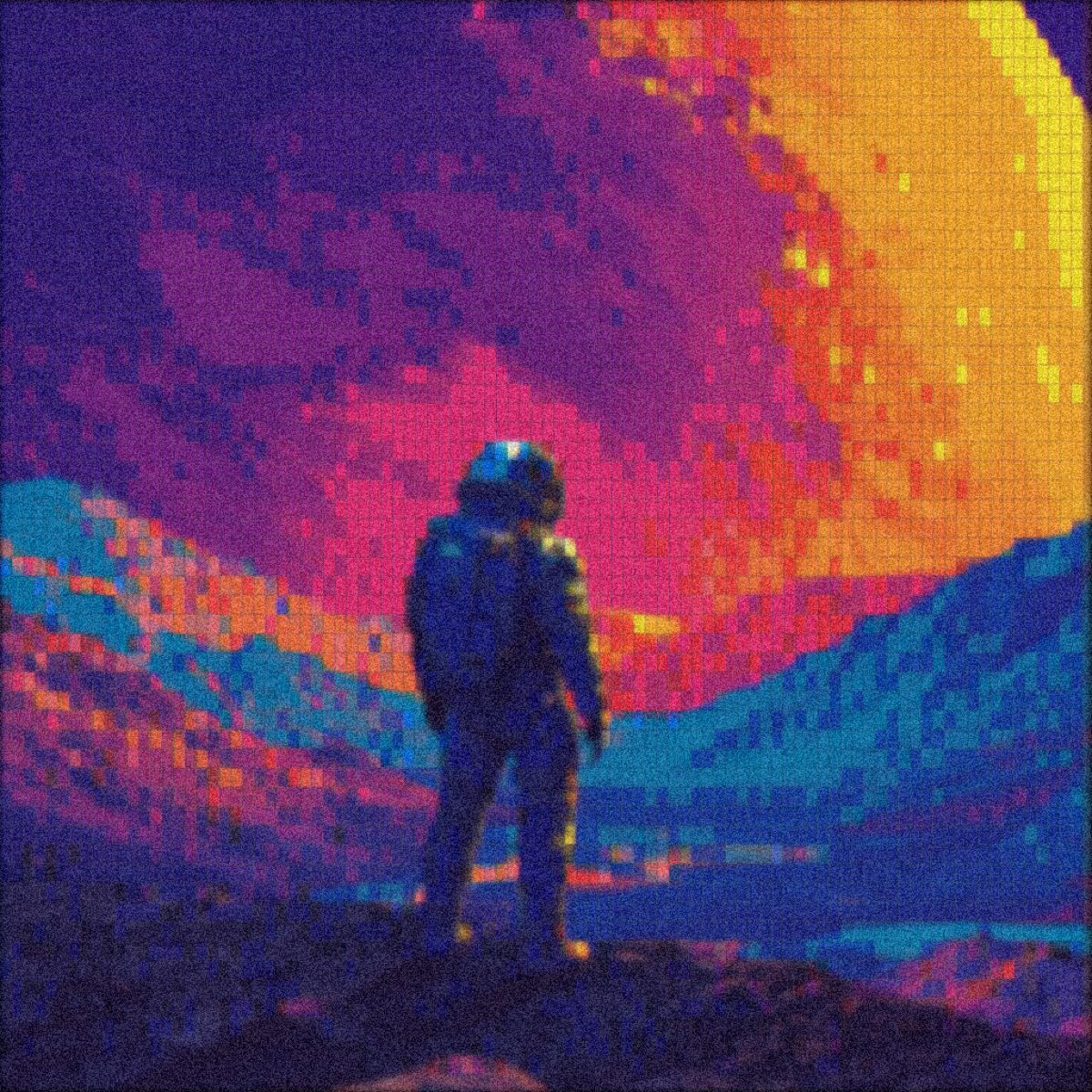
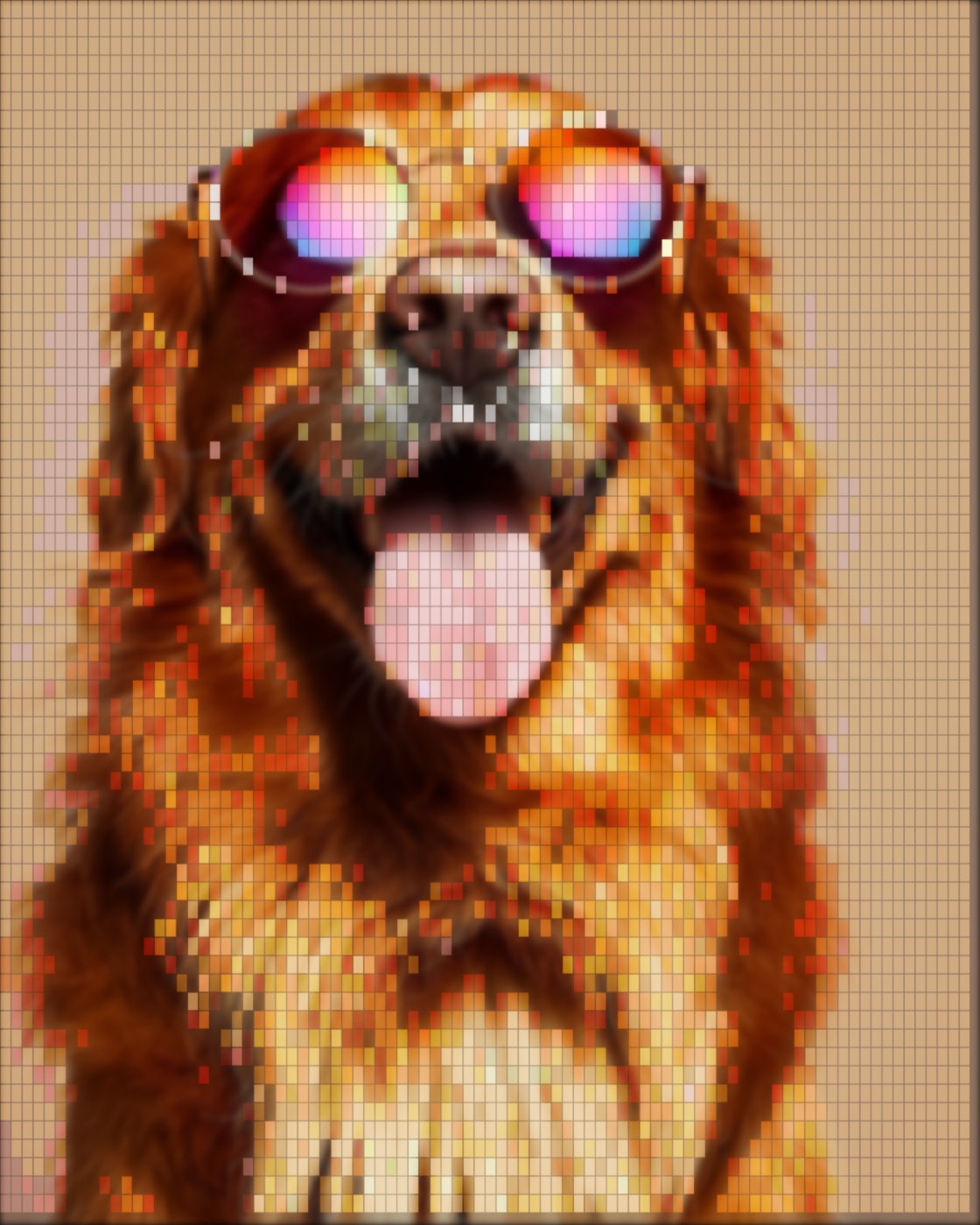
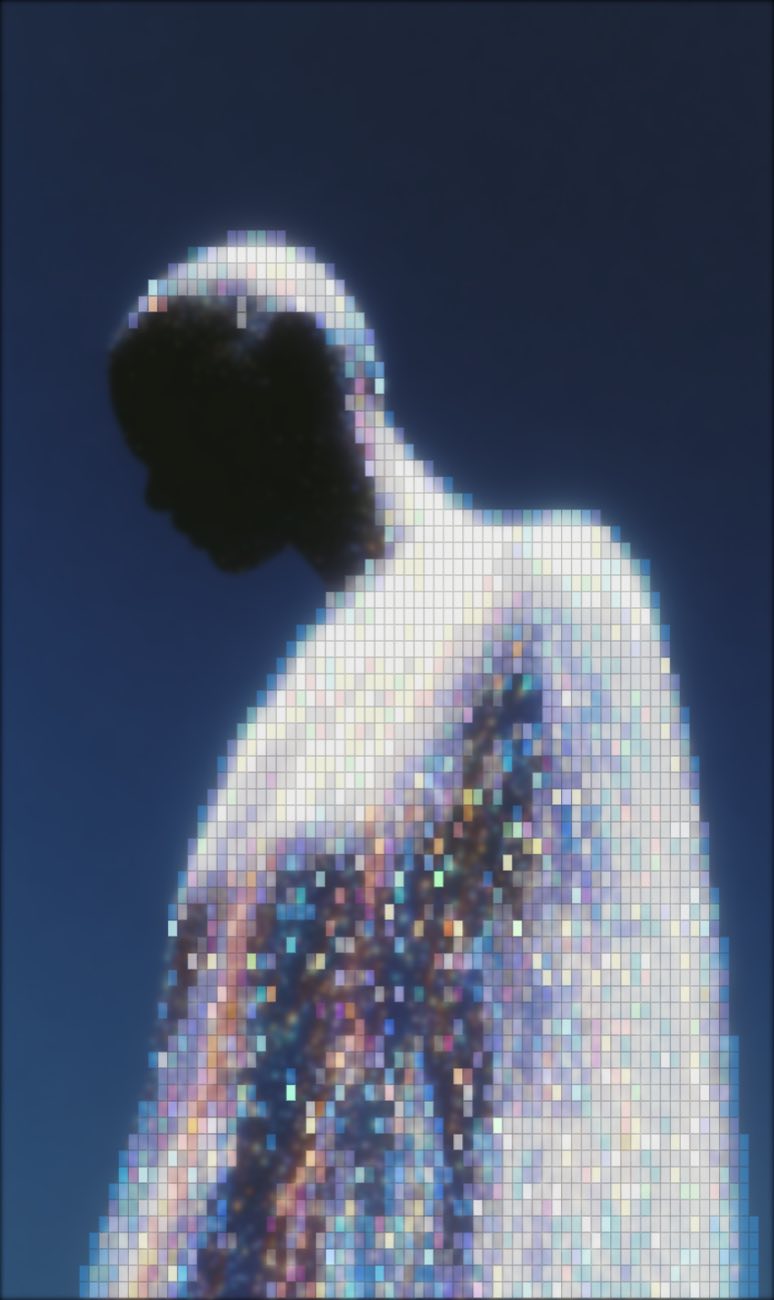
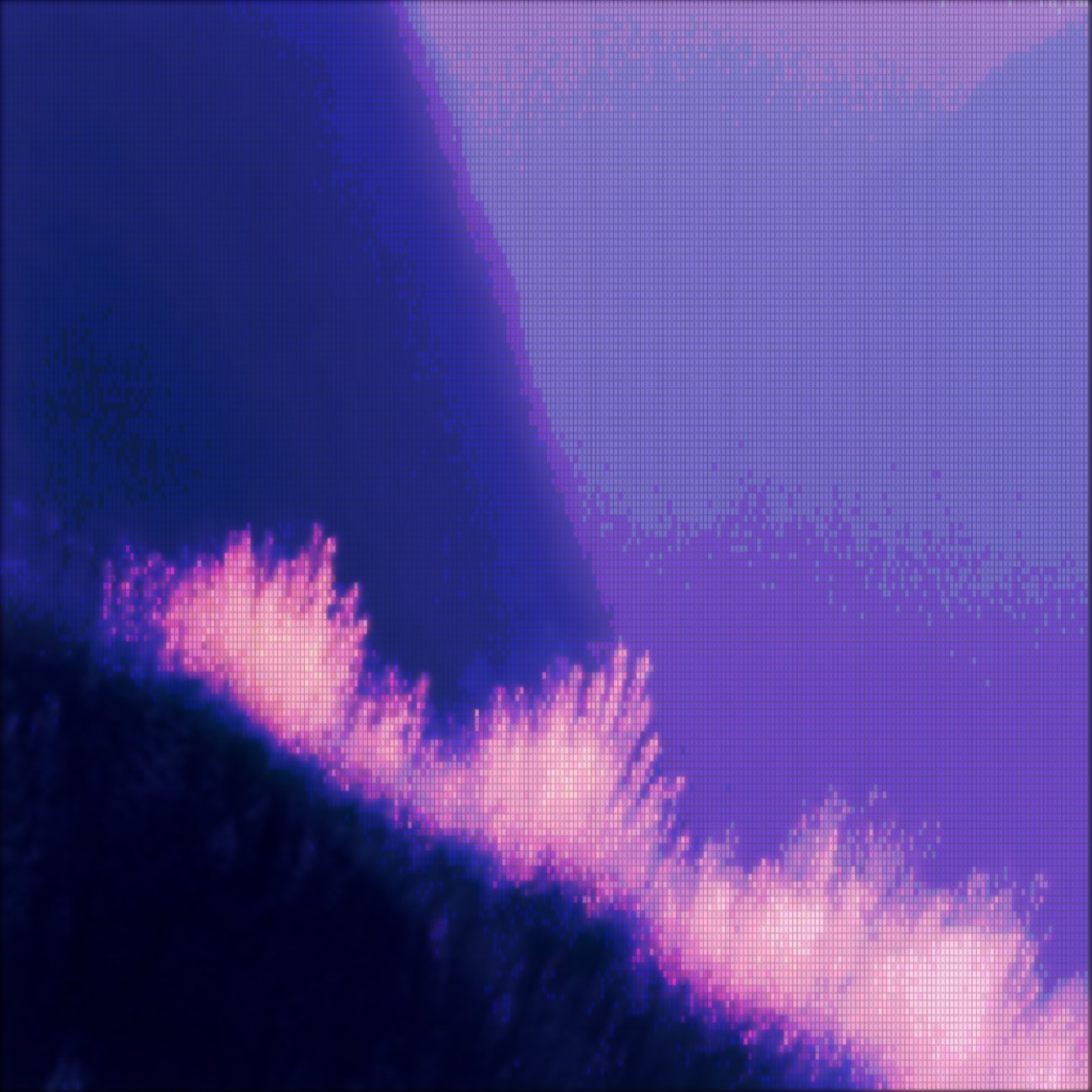
Same source photo, six different pixel-art settings. The editor lets you tune Font Size, contrast, coverage and edge emphasis in real time, your output updates within milliseconds as you drag the sliders.
/HOW IT WORKS
Drag any JPG, PNG, WebP, GIF or MP4 into the editor. No upload, your file stays in the browser.
The Pixel Art renderer downsamples your image into a clean grid of chunky pixels, keeping its own colours.
Adjust Font Size (pixel size), coverage, contrast, brightness, edge emphasis and background mode in real time.
Save as PNG, JPG, animated GIF or MP4, at up to 4× source resolution. No watermark.
/WHY ASCII MAGIC
From chunky 8-bit (Atari / NES) all the way to fine, modern indie pixel detail. One slider, Font Size, sets the entire vibe.
Every pixel-size step and post-effect updates within milliseconds. No render queue, no waiting.
Drop an MP4 or WebM clip, every frame renders with the same chunky-pixel look. Export as a looping MP4 or animated GIF.
A 1080p source exports up to 4320×2440. Print-ready, poster-ready, wallpaper-ready. No watermark.
/HISTORY
Pixel art is the act of designing imagery one square at a time, descended directly from the technical limitations of 1970s and 1980s game hardware. The original Atari 2600 displayed 192 lines of 160 pixels with 128 possible colours; the NES (1985) doubled that with 256x240 and a 54-colour palette; the SNES (1990) and Sega Genesis pushed deeper with sprite priorities and per-line palette swaps. Pixel artists at Namco, Capcom and Nintendo developed conventions, dithering for tonal range, anti-aliasing by hand for smooth edges, tile reuse to fit small ROMs, that became the visual grammar of an entire era. Pixel art never died; it had a renaissance in 2010s indie games (Stardew Valley, Celeste, Hyper Light Drifter), then escaped games entirely into NFTs, profile pics, TikTok pixel portraits and Roblox UGC. ASCII Magic's Pixel Art mode automates the conversion: drop a photo, snap its colours to a quantised palette, and resize down to a chunky grid that reads as a hand-drawn sprite at viewing distance.
/REFERENCE
Every retro console had a native resolution and palette that defines its look. Match ASCII Magic's Pixel Art settings to any of these and the output reads like the era instantly.
| Era / console | Native resolution | Colours | Font Size in ASCII Magic |
|---|---|---|---|
| Atari 2600 (1977) | 160×192 | 128 total, 4 per line | Extra large |
| NES (1985) | 256×240 | 54 total, 25 on screen | Large |
| Game Boy (1989) | 160×144 | 4 shades of green | Large + Game Boy palette (Dither style) |
| Sega Genesis (1988) | 320×224 | 512 total, 64 on screen | Medium to large |
| SNES (1990) | 256×224 to 512×448 | 32,768 total, 256 on screen | Medium |
| PICO-8 (modern fantasy console) | 128×128 | 16 fixed | Large |
| Modern indie (Stardew, Celeste era) | Any | Any palette | Fine to medium |
For a Game Boy Camera portrait, switch to the Dither style with the Game Boy palette. For a general 8-bit vibe, Pixel Art with a larger Font Size and the Contrast slider bumped is the fastest route.
/USE CASE
ASCII Magic's Pixel Art mode doubles as a quick photo pixelation tool. If you want to obscure a face in a screenshot, blur a license plate, or hide a sensitive detail in a design mockup before sharing, drop the image into the editor, switch to Pixel Art, and turn the Font Size up until each chunk fully covers the detail. Export as PNG. The whole conversion runs locally so the source image never leaves your device, which matters when the point of pixelation is privacy.
For selective pixelation (only the face, not the whole image), the current workflow is to crop to that region first, pixelate, then composite in an external editor. A native region brush for pixelating just a selected area is on the roadmap.
All three styles colour-quantise a photo to a fixed palette and arrange it on a grid. The differences are dimensional: Pixel Art is flat 2D squares (one face). Voxel (Cube) is 3D cubes with three visible faces, top/left/right, automatically shaded. LEGO adds a raised-stud pattern on top of each 2D-style brick, making it read as plastic rather than digital. Pick by output intent: web/social posts = pixel; game-key-art or isometric scenes = voxel; portraits-as-art or real-build prototypes = LEGO. All three respect the same source-image controls (crop, contrast, density) and export the same way (PNG, GIF, MP4, up to 4x).
/PIXELATE A PHOTO
The Pixel Art mode also works as a straightforward tool to pixelate a photo or pixelate an image in the browser, whether you want the retro-arcade look or you just need chunky pixels for censoring, cropping to a wallpaper, or setting a distinct mood. Same tool, two intents.
Drop any image (JPG, PNG, WebP) or a short MP4 clip onto the canvas. Higher-resolution source photos give sharper pixel edges when the pixelate pass downsamples them.
Slide Pixel Size from 4 for a lightly pixelated photo (subtle mosaic, subject still readable) up to 32+ for a heavily pixelate-image look (chunky retro tiles). Pixel sizes 8-16 sit in the sweet-spot for social posts and desktop wallpapers.
Hit Export and pick 1×, 2×, or 4× of your source resolution. To pixelate a video, upload an MP4 up to 30 seconds and every frame is pixelated with the same size for a smooth output.
Because everything renders in your browser, you can pixelate a photo without uploading it anywhere. No signup, no watermark, no server-side processing. Repeat the same pixel-size across a batch of six photos and you get a consistent pixelated set, useful for Instagram grid covers, thumbnail decks or DIY zines.
/FAQS
/CREATE ART IN SECONDS
Every pixel-size step and slider updates the preview instantly, export at up to 4× resolution. Free forever.
Try it out now/RELATED STYLES
ASCII Art is live. Other styles unlock as their pages ship, typically one new style page per week.