
/STYLE · DITHER
Image to dither in your browser. Turn any photo or video into a dithered image with Floyd–Steinberg, Atkinson, Stucki, Bayer 2×2/4×4/8×8/16×16, halftone, blue noise and line dither, across 16 palettes including Game Boy, CGA, NES and Pico-8. Generated in real time, animate the dither matrix, build custom palettes, export at up to 4×. No upload, no signup, runs entirely in your browser.
Open the editor →/TRY IT HERE
Every algorithm and palette described further down, running live. Same error-diffusion kernels, same Bayer matrices and the same palette values as the full editor, so what you get here is what you get there.
Controls
Appearance
These are the same controls as the studio, running the same maths. The full editor adds video, animation, post effects and export up to 4×.
/SEE IT
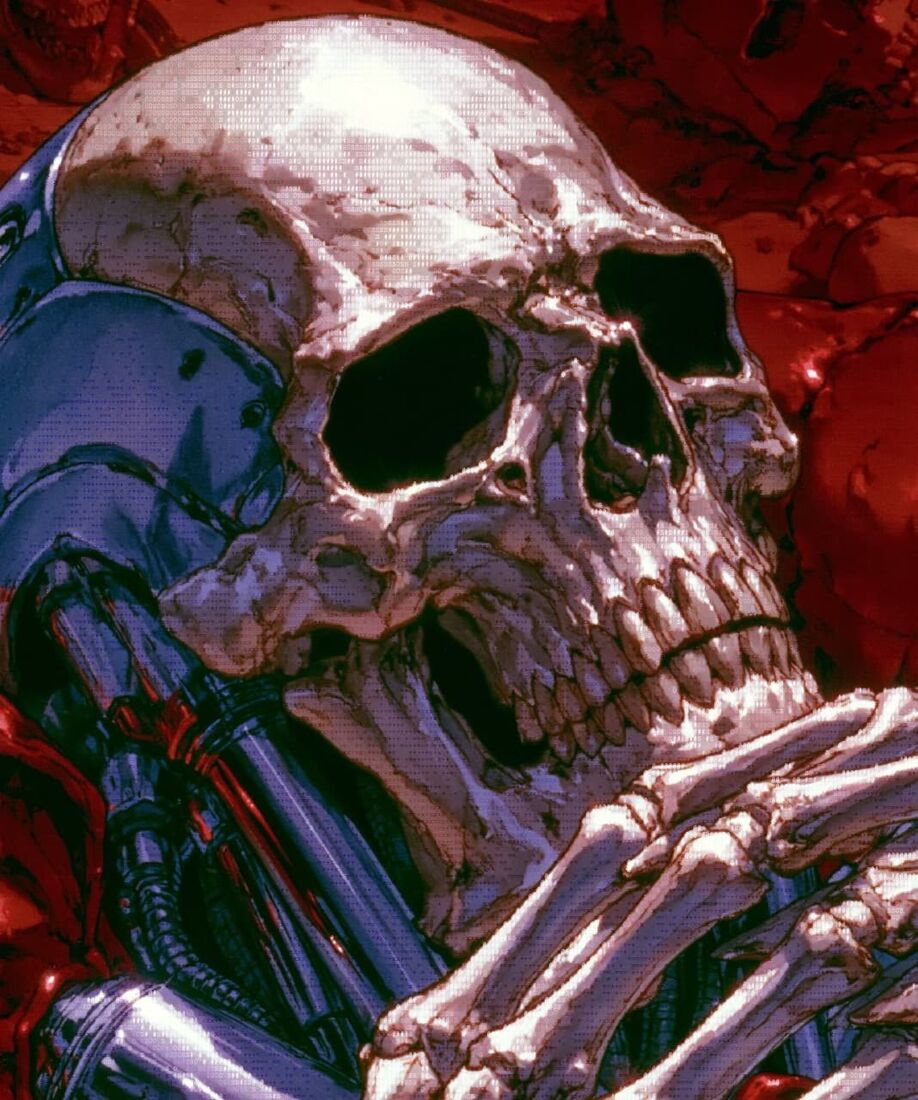
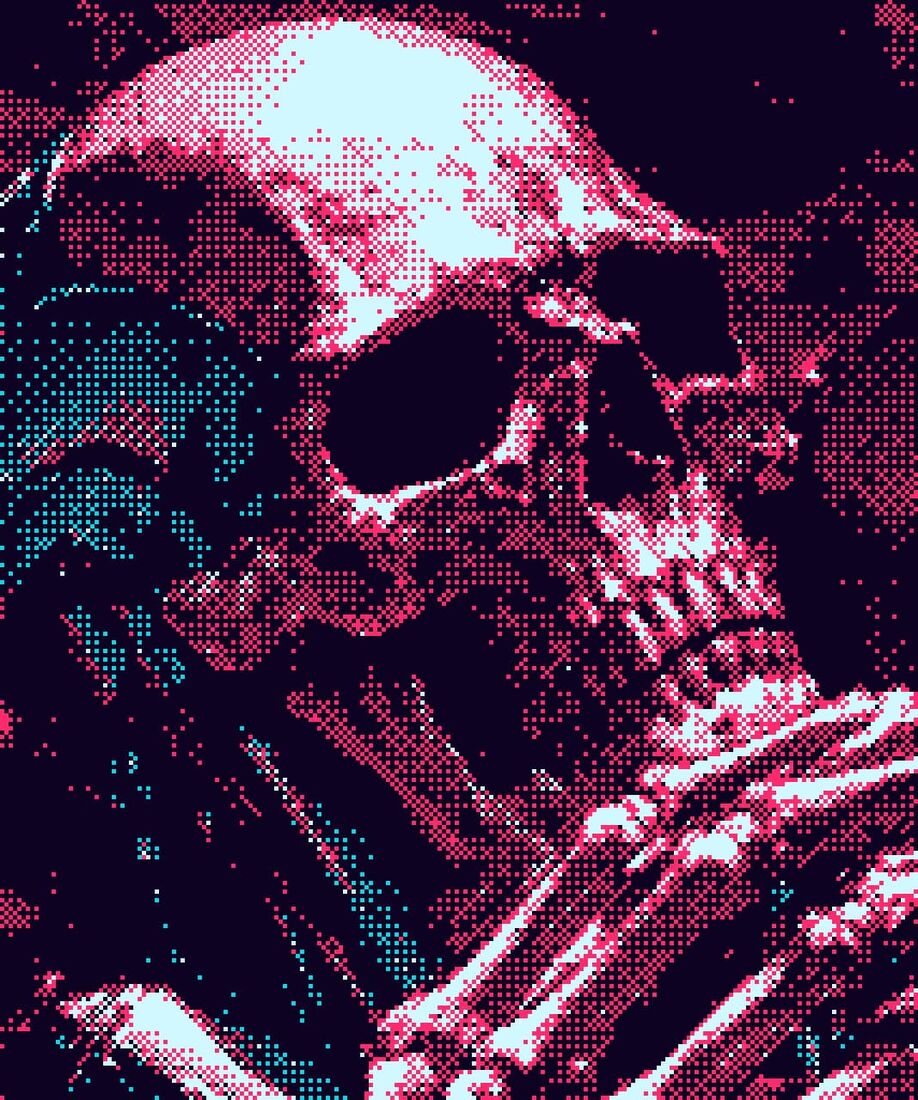
Drop any photo into the editor and pick the Dither style. The engine quantises your image to a small palette and arranges the available colours in a dither pattern, recreating the look of old computers, Game Boys and 1-bit printers, from your image's own tones.
/MORE EXAMPLES
Same photo, six different dither settings, error-diffusion vs ordered patterns, across classic palettes. Switch algorithm, palette, contrast, threshold and pixel scale in one click. Every image below is a real ASCII Magic export, no AI, no upscaling, just real dithering.
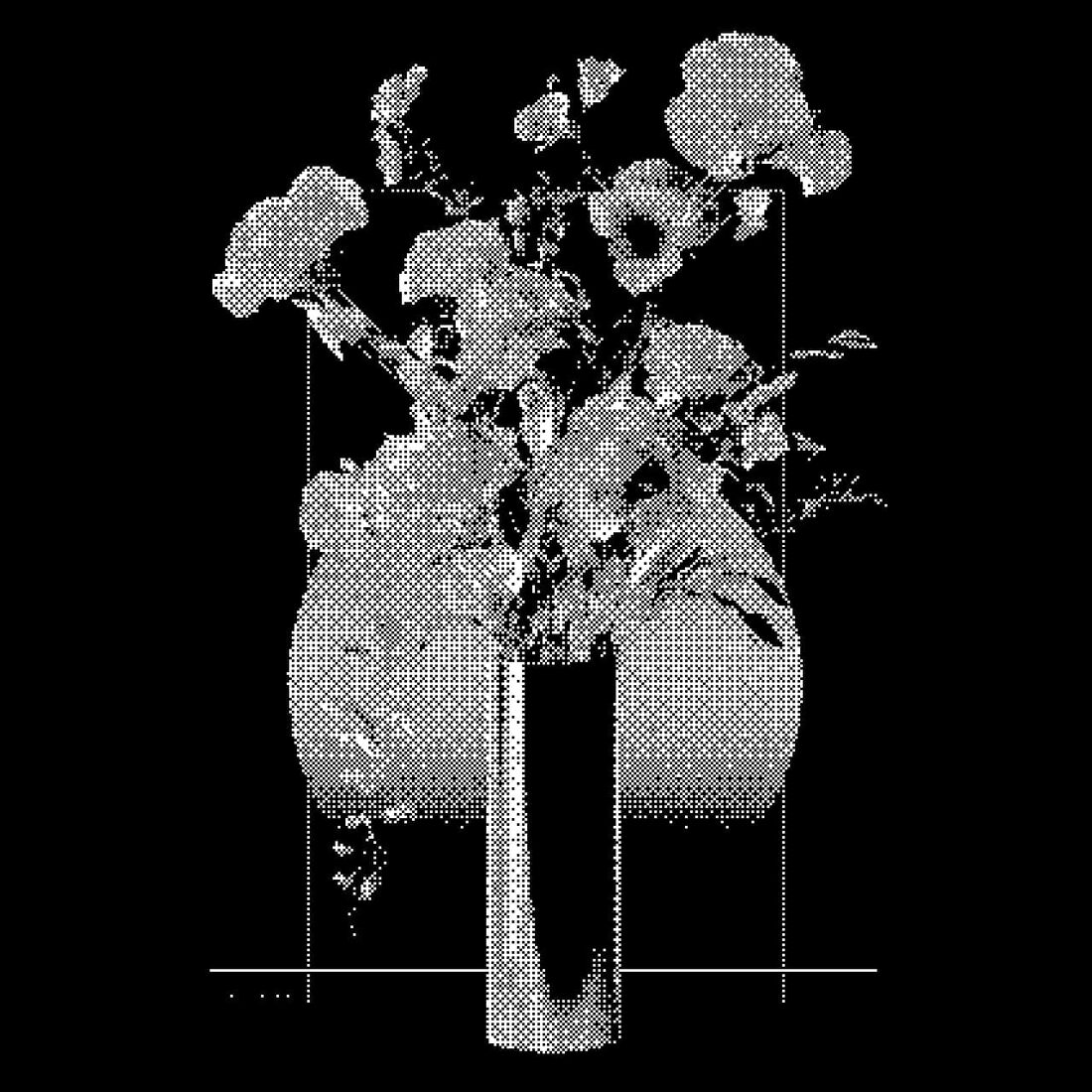
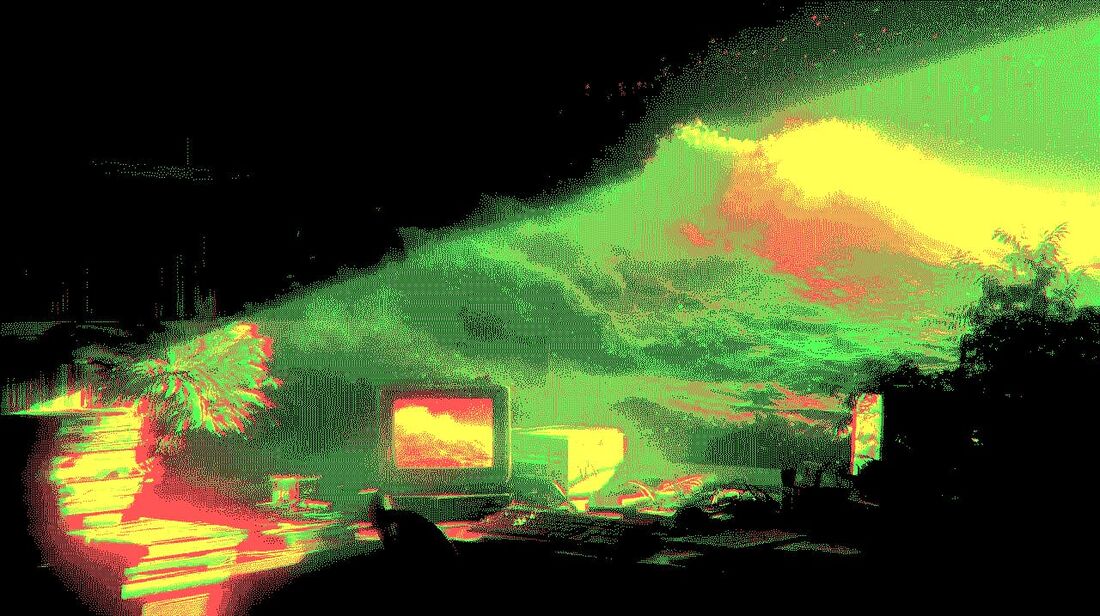
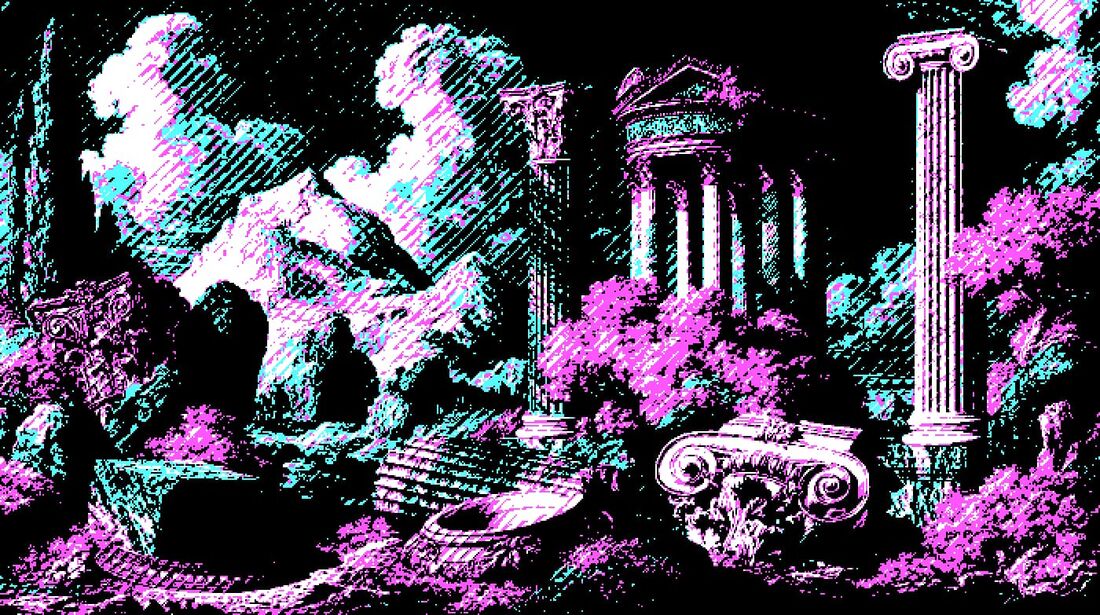
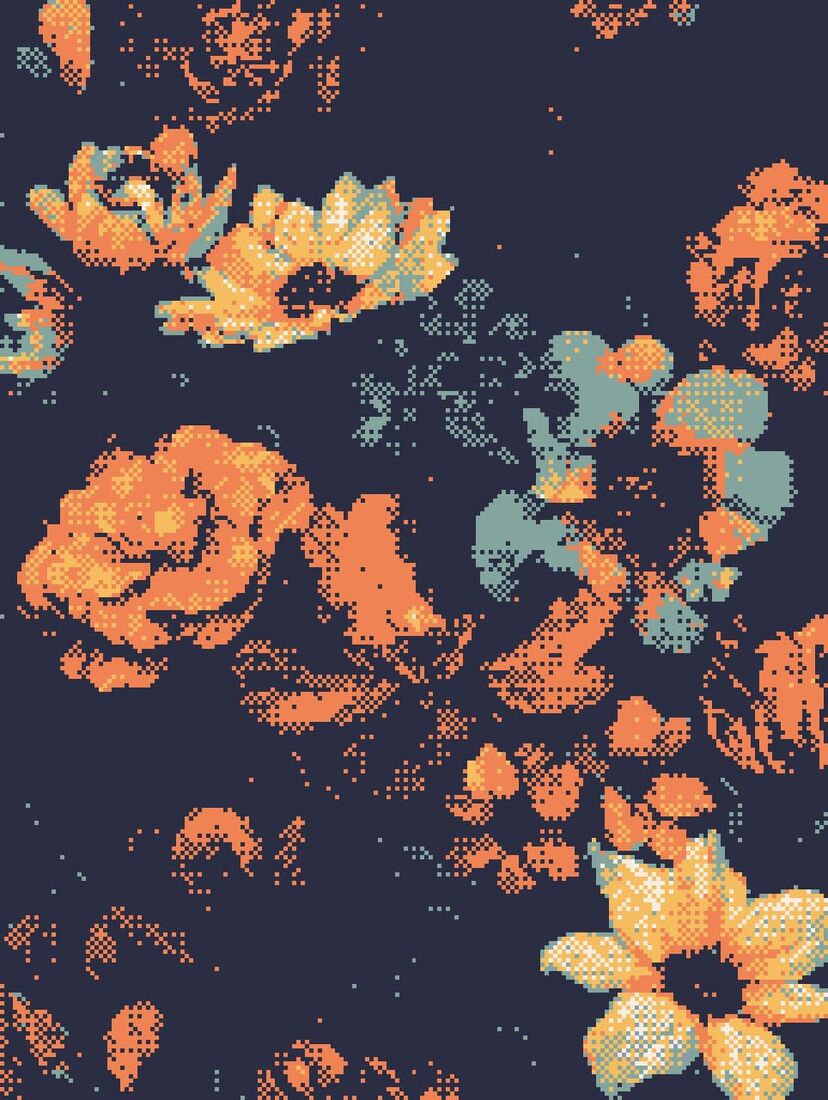
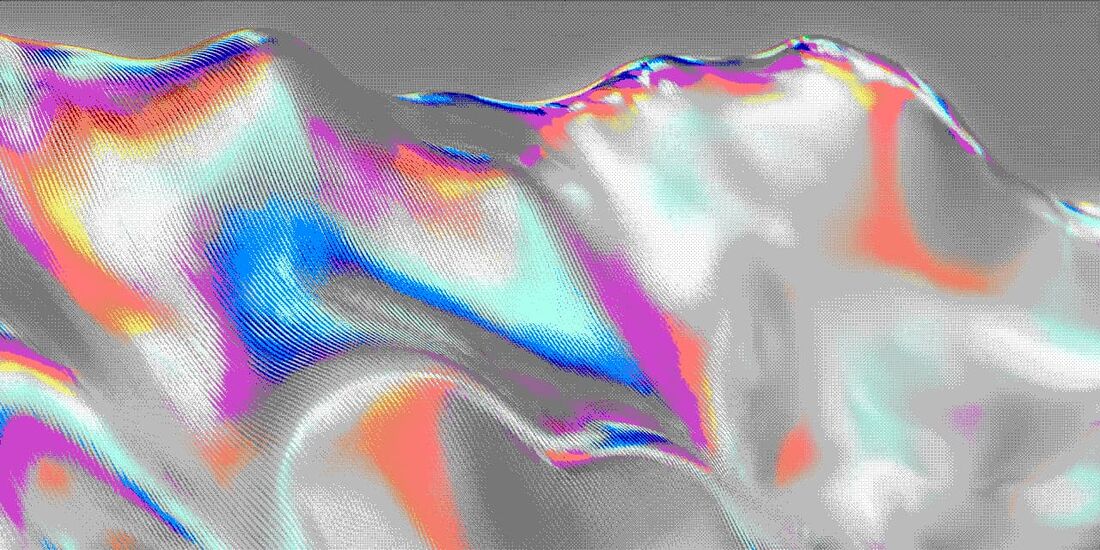
Same source photo, six different dither setups. The editor lets you tune algorithm, palette, contrast, threshold and scale in real time, and the dither matrix can be animated to flow across the frame.
/HOW IT WORKS
Drag any JPG, PNG, WebP, GIF or MP4 into the editor. No upload, your file stays in the browser.
Choose an algorithm, Floyd–Steinberg, Atkinson, ordered/Bayer, halftone or lines, and a palette.
Adjust contrast, threshold, pixel scale and chroma mode in real time. Animate the matrix if you want motion.
Save as PNG, JPG, animated GIF or MP4, at up to 4× source resolution. No watermark.
/WHY ASCII MAGIC
Error-diffusion (Floyd–Steinberg, Atkinson, Stucki, Sierra) and ordered patterns (Bayer 2/4/8/16, halftone, lines, noise), organic or patterned, one click apart.
Commodore 64, Game Boy, CGA, PICO-8, NES, risograph, sepia, 1-bit mono… or build your own palette and pick chroma modes.
Make the dither flow across the frame in 8 directions with a shimmer mode, a still photo becomes a living, vibrating dither.
Dither every frame of a clip and export a looping MP4 or GIF; stills export up to 4× source resolution. No watermark.
/ALGORITHM
Invented in 1976 by Robert W. Floyd and Louis Steinberg, Floyd-Steinberg is an error-diffusion dithering algorithm. For each pixel, it picks the closest available colour (e.g. pure black or pure white in 1-bit), then takes the difference between the original and the chosen colour (the error) and spreads it across the 4 surrounding pixels in fixed proportions: 7/16 to the right, 3/16 to the bottom-left, 5/16 below, 1/16 to the bottom-right. The result is the soft, organic-looking dither pattern most people picture when they hear "classic 1-bit", far more detail than threshold-only conversion. It is what the Game Boy Camera and early Mac apps used, and it is still the default for risograph mock-ups, lo-fi album covers, and 1-bit aesthetic posters. ASCII Magic's Dither style implements it natively alongside Bayer, Atkinson, and several other algorithms; switch between them from the algorithm dropdown.
/PRESET
The Game Boy Camera (Nintendo, 1998) shot 128×112 black-and-white photos and rendered them as 4 shades of pea-soup green: #9bbc0f (lightest), #8bac0f, #306230, #0f380f (darkest). The grainy, low-resolution, error-diffused output became one of the most beloved retro photographic aesthetics in design, lo-fi music, and indie photography. ASCII Magic recreates it with one preset: pick the Dither style, set the palette to Game Boy, the algorithm to Floyd-Steinberg, and optionally crop the source to 128×112 for period accuracy. The result is a faithful Game Boy Camera output, ready to copy into a Discord profile, an album cover, a YouTube thumbnail, or a lo-fi merch print.
/ALGORITHMS
ASCII Magic ships 15 dithering algorithms across three families. Switch between them in the Algorithm dropdown.
Ordered (stable in animation), 9 algorithms. These use a fixed threshold pattern, so every frame computes identically and there is no per-frame shimmer, ideal for video.
Noise, 2 algorithms. These thresholds are random, organic feel for stills.
Error-diffusion (organic, for stills), 4 algorithms. These compute a quantisation error per pixel and spread it to neighbours; produce the softest, most organic dither but show shimmer in video.
For a deeper walkthrough of when to pick which algorithm, plus the maths behind error-diffusion vs. ordered dithering, read our complete guide to dithering Floyd-Steinberg dithering → Atkinson dithering → Bayer dithering →.
/PALETTES
Dithering needs a target palette, the small set of colours every output pixel must snap to. ASCII Magic ships 16+ presets and a custom-colour editor.
+ to add a colour swatch, click an existing swatch to open the OS colour picker, click ✕ to remove (min 2 colours). The dither pattern recomputes live as you change colours. Pin your brand palette this way for consistent output across projects./DITHER TOOL · HALFTONE GENERATOR
Two SERPs, one page: this is both a dither tool online (11 algorithms including Floyd-Steinberg, Atkinson, Stucki, Sierra Lite, plus every Bayer matrix from 2×2 to 16×16) and a halftone generator (the halftone dither algorithm renders your photo as a grid of dot-clusters, exactly like an offset-print photograph). Whichever phrase you searched, the tool handles it.
Upload any photo, pick an algorithm from the Dither Algorithm dropdown, and every pixel is remapped through the chosen error-diffusion or ordered-dither pass. Floyd-Steinberg for the classic 1-bit look. Bayer 8×8 for that stable-in-animation retro grid. Atkinson for a lighter dither with more preserved detail. Every algorithm is one click away, and you can compare them by tapping through the dropdown live on your own image.
Pick Halftone from the dither algorithm dropdown and every source pixel becomes a variable-sized dot cluster, scaling with brightness. That is the same technique commercial offset presses used for newspapers, magazine covers and album art from the 1930s onwards. Adjust cell size for coarser or finer print. Combine with a Sepia or C64 palette for a vintage-print look.
Every algorithm is served instantly, in your browser, at up to 4× source resolution. No signup, no watermark, no upload to a server. Use it as a Floyd-Steinberg dither generator, a Bayer dither converter, an Atkinson dither online, or a halftone image generator, depending on which algorithm you pick and which SERP led you here. Each is the same page, one dropdown selection apart.
/FAQS
/CREATE ART IN SECONDS
11 algorithms, 16 palettes and animated matrices, every change previews instantly, export at up to 4× resolution. Free forever.
Try it out now/RELATED STYLES
Each opens the editor with that style ready. Explore the full styles index.