
/STYLE · ASCII ART
Image to ASCII in your browser. Drop a photo and it is converted to ASCII art in real time, every pixel mapped to a printable character that matches its brightness. Adjustable character ramps, full ASCII art editor, plus an ASCII video generator for animated clips. No upload, no signup, runs entirely in your browser.
Open the editor →/TRY IT HERE
Drop a photo in and it is redrawn as text characters, brightest areas getting the densest glyph. The result is real text you can copy, and the controls are the studio’s own.
Controls
Appearance
These are the same controls as the studio, running the same maths. The full editor adds video, animation, post effects and export up to 4×.
Copyable text
/SEE IT
Drop any photo into the editor and pick the Characters style. The ASCII converter replaces every pixel with a printable character, dense glyphs for shadows, sparse glyphs for highlights, producing a recognizable image made entirely of text.
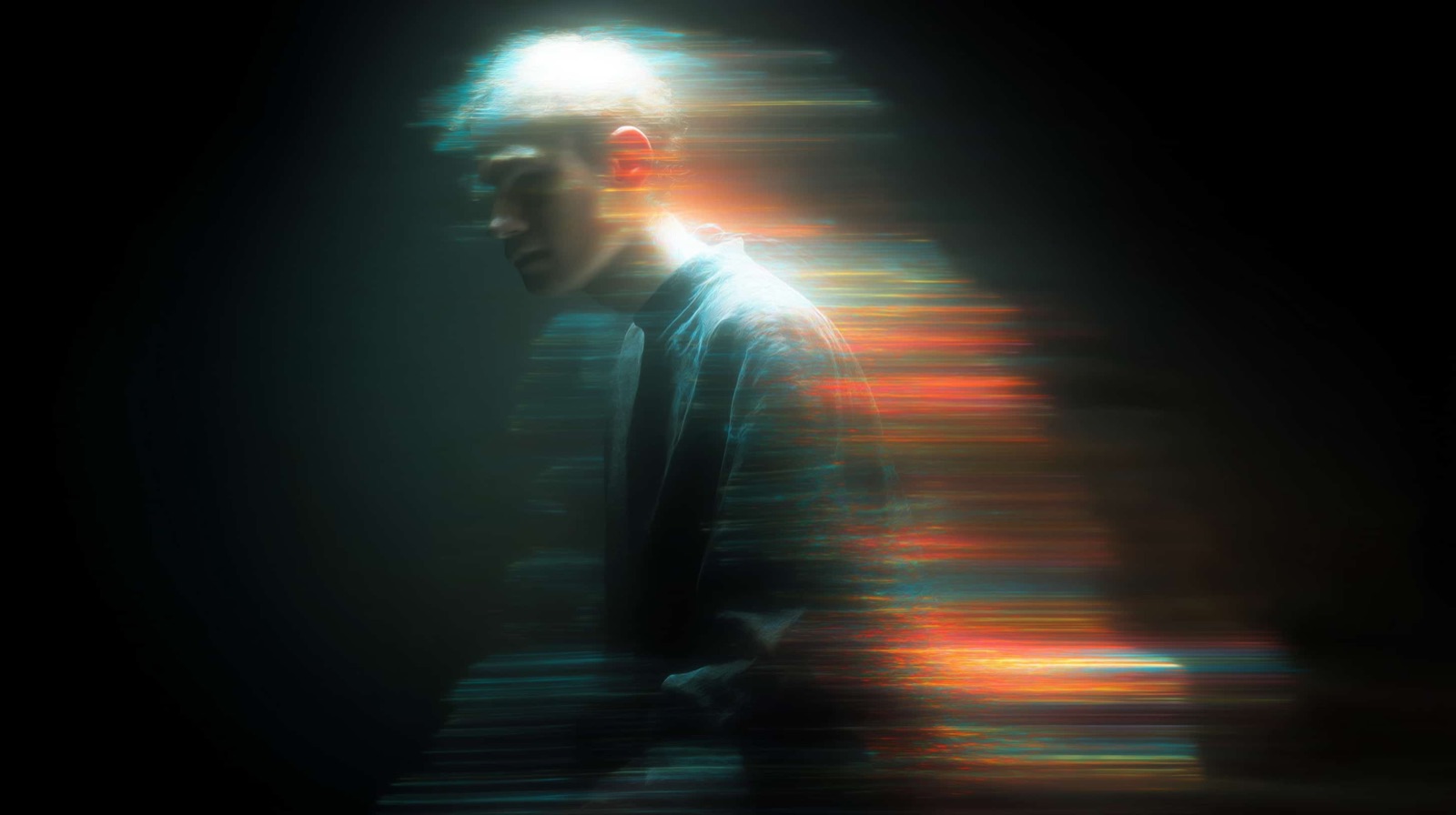
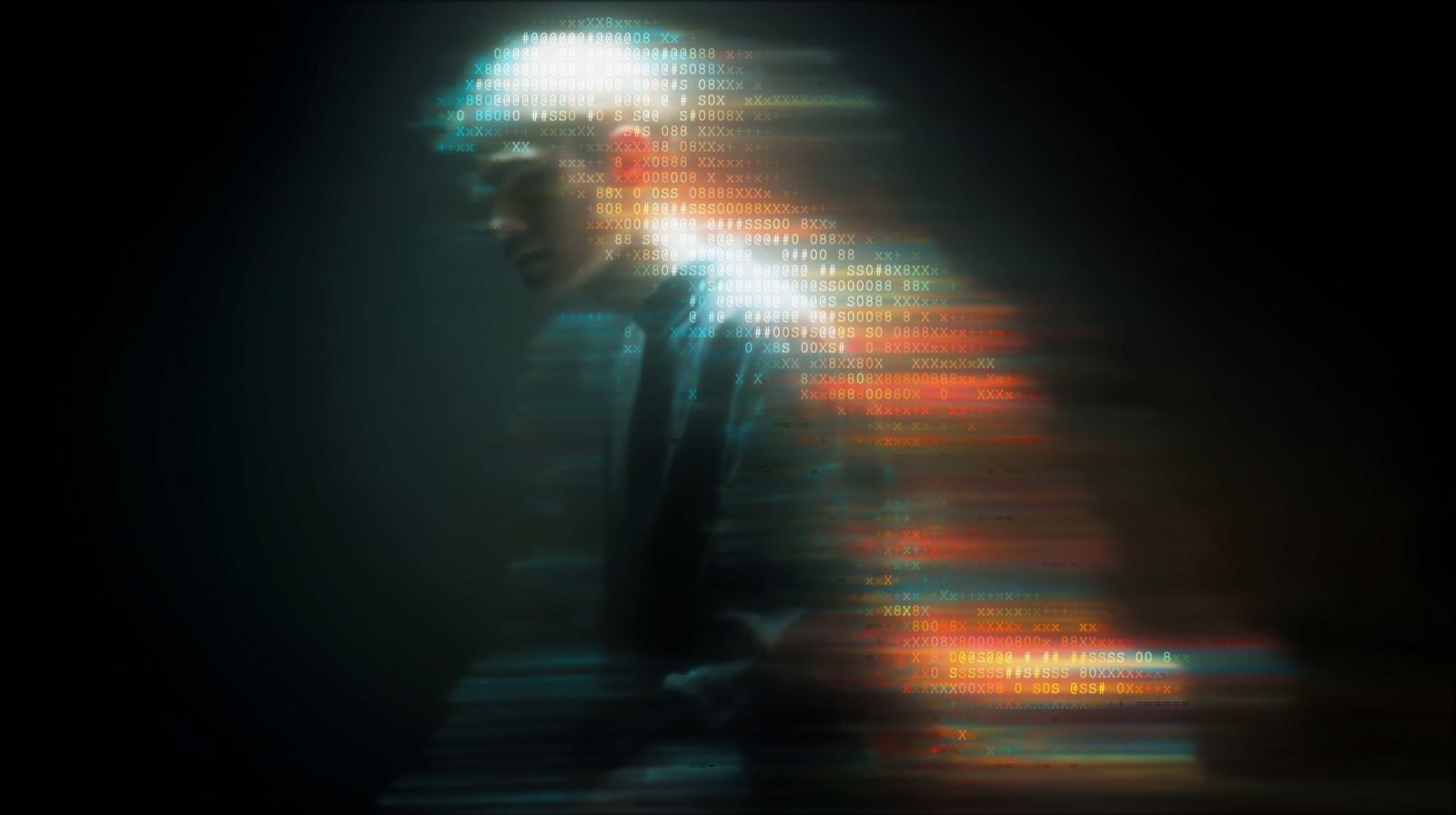
/MORE EXAMPLES
Same source photo, six different ASCII looks, each with its own density, glyph family, and visual texture. Switch styles and character sets in the editor to explore them.
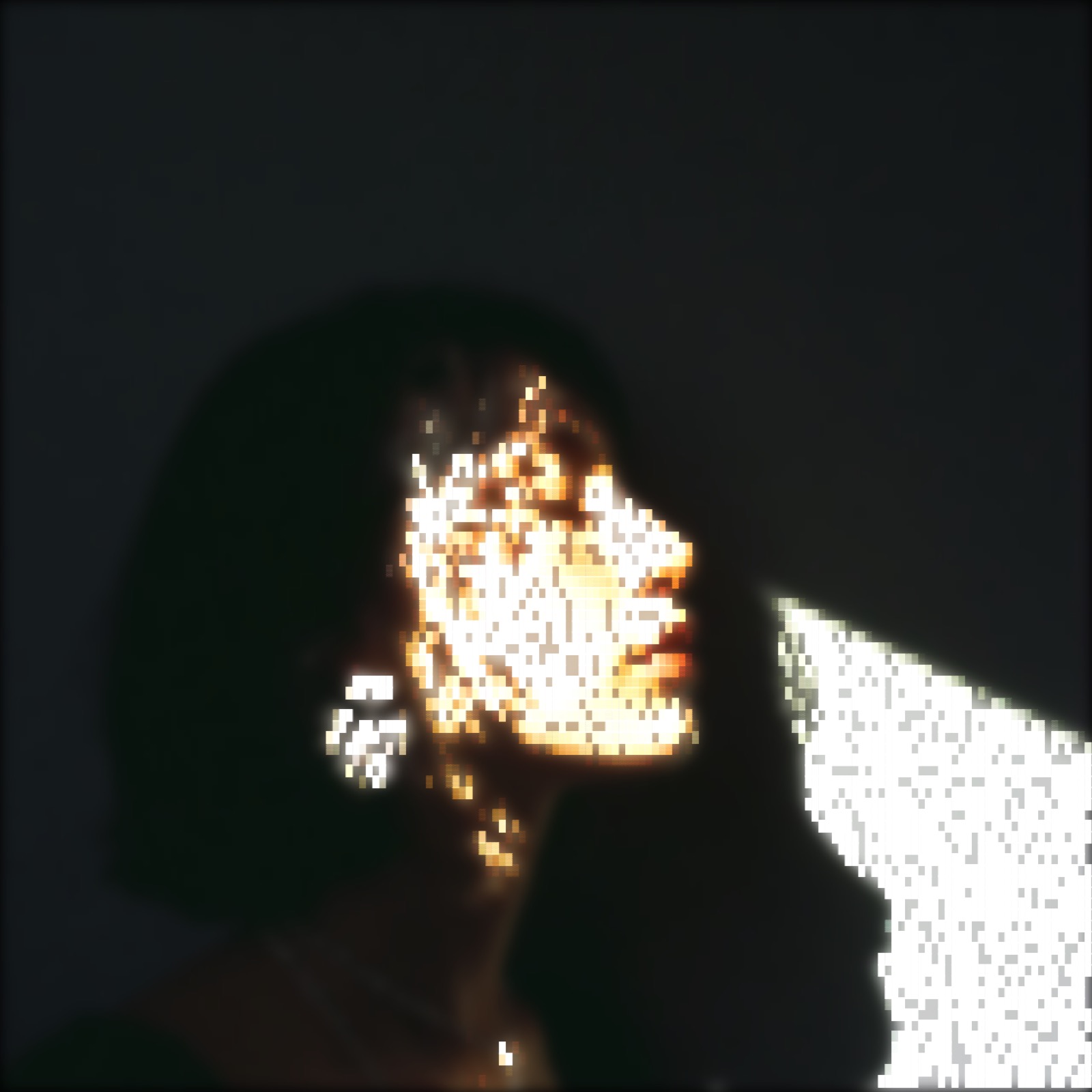
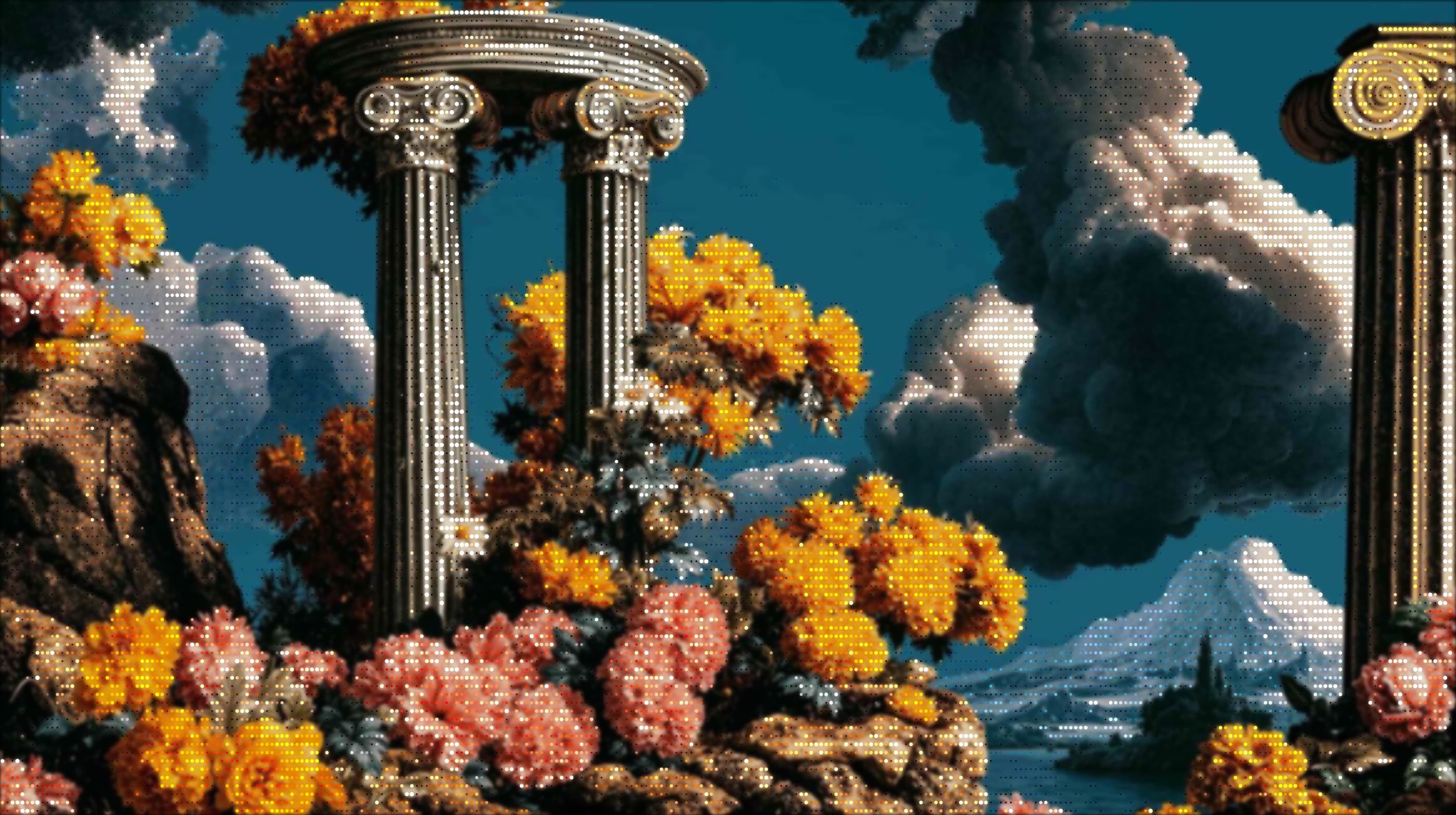
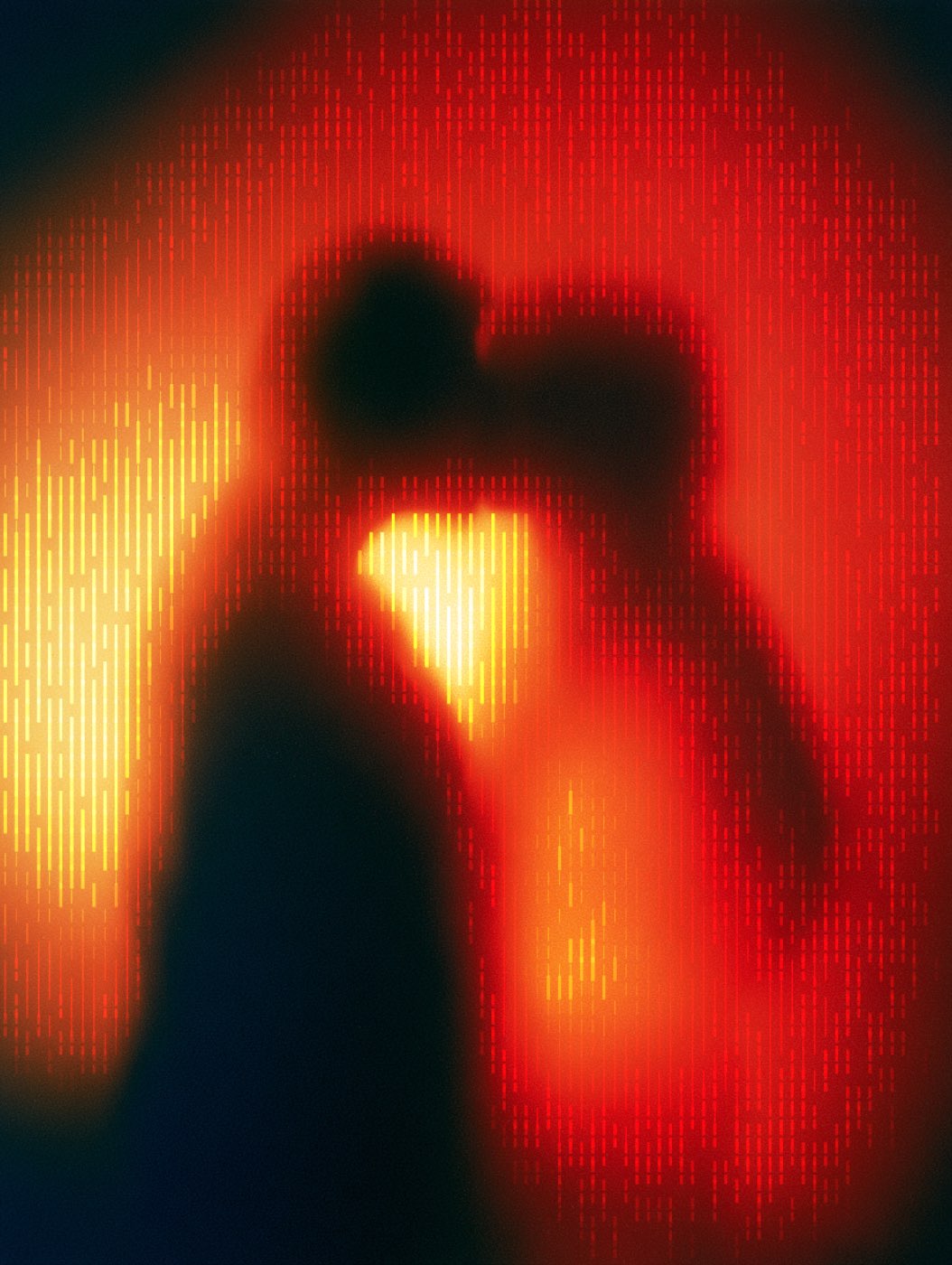
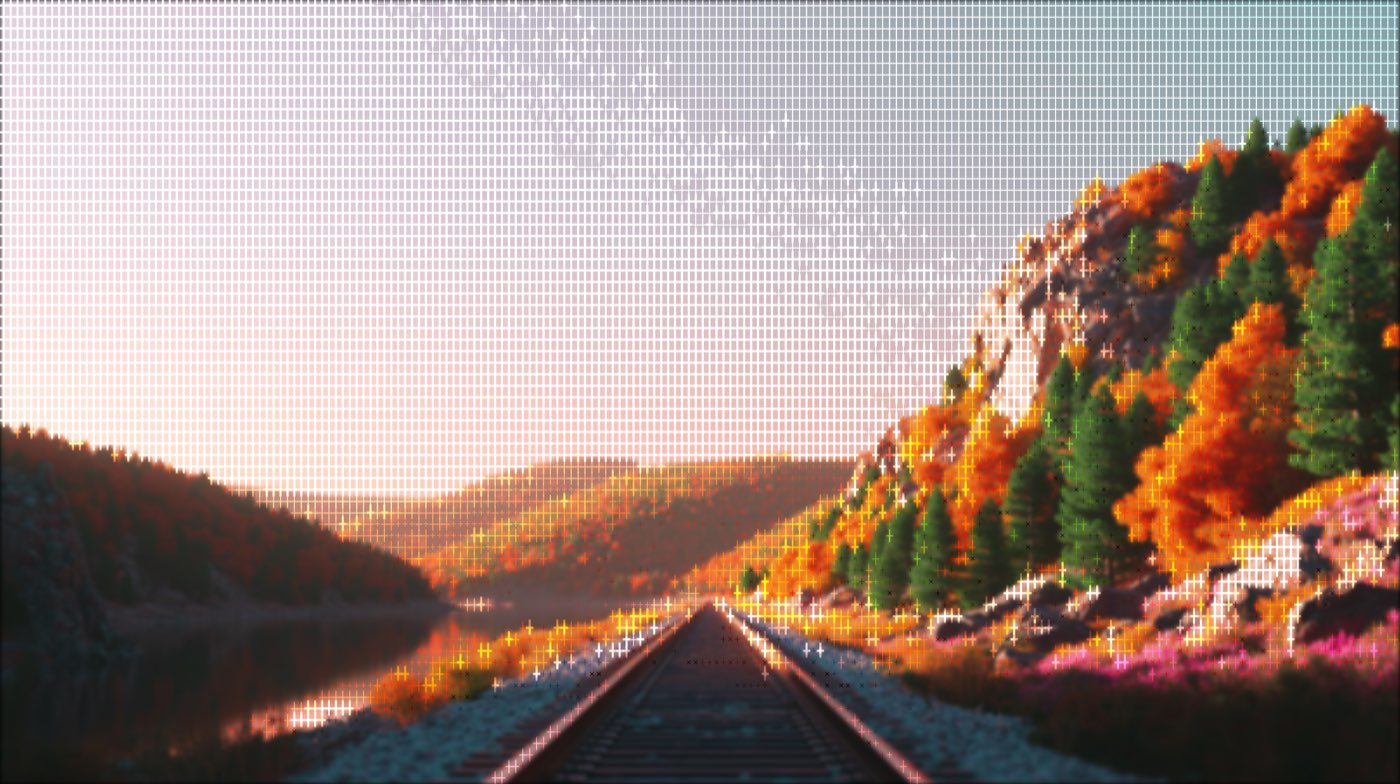
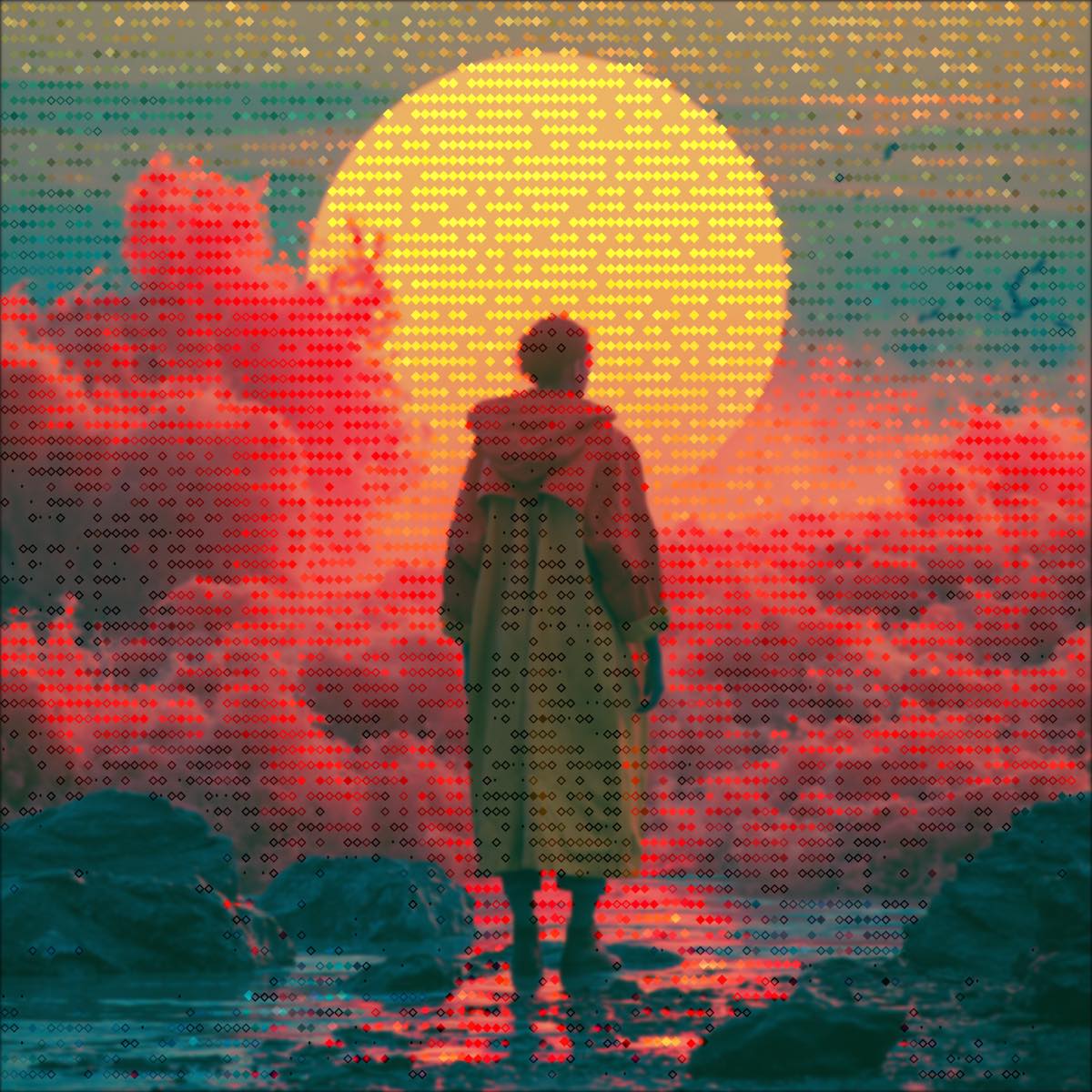
All six examples are real ASCII Magic exports, same source image, different character ramp setting. The editor lets you swap between them in one click and tune the density, contrast and glyph set in real time.
/HOW IT WORKS
Drag any JPG, PNG, WebP, GIF, or MP4 into the editor. No upload, your file stays in the browser.
The Characters renderer maps printable characters to image brightness. It's the default style.
Adjust character ramp, density, contrast, brightness, edge emphasis, and background mode in real time.
Save as PNG, JPG, animated GIF, or MP4, at up to 4× source resolution. No watermark.
/WHY ASCII MAGIC
From minimal "─ = ≡" line art to dense "@ # $ S 0 8 X" photo conversion. Or paste your own character set into the editor.
Every slider, every character ramp, every post-effect, updates within milliseconds. No render queue, no waiting.
Drop an MP4 or WebM clip, every frame renders as ASCII. Export the result as a looping MP4 or animated GIF. See the video-to-ASCII guide →
A 1080p source exports up to 4320×2440. Print-ready, poster-ready, wallpaper-ready. No watermark.
/HISTORY
ASCII art is the practice of drawing pictures with the 95 printable characters of the American Standard Code for Information Interchange (1963). Its roots are older than the standard itself, pre-ASCII typewriter art dates to the 1860s and Flora Stacey's typed butterfly is often credited as the first. The form exploded in the teletype era (1960s-70s) when programmers and engineers used overstrike typewriters and line printers to render landscapes, portraits and Christmas cards out of pure text. Usenet and BBS culture in the 1980s gave it global reach: the famous :-) emoticon was proposed in 1982 and the Newsgroups alt.ascii-art archived tens of thousands of submitted pieces. Today ASCII art lives on in GitHub README banners, terminal MOTDs, Discord servers, code comments and a surprising amount of TikTok and Reddit content. ASCII Magic automates the centuries-old idea: brightness in the source pixel maps to a character on a tone ramp, dense glyphs (@#W) for dark areas, light glyphs (.,:) for bright areas, blended at viewing distance into a recognisable image.
The Characters render mode samples your image on a regular grid (one cell per character) and maps each cell's average brightness to a glyph on a tonal ramp. Dense, ink-heavy characters like @, #, %, W, M sit on the dark end. Sparse, low-ink characters like ., :, ;, ' sit on the light end. The bigger the ramp, the smoother the tonal range; a tight ramp like @#%xo;:. gives 8 levels, a wide one like @$#WMG&wo*-:. gives 14+. Cell size controls density: smaller cells = more characters per inch = more detail but slower export; bigger cells = chunkier, more graphic. Pair this with the Color toggle to colour each character from the source pixel, or leave it monochrome for the classic terminal look.
Beyond the base character render, ASCII Magic ships ten stackable post-effects you can toggle from the Post-FX panel: Vignette, Scan Lines, CRT Curvature, Chromatic Aberration, Bloom, Film Grain, Glitch, RGB Split, Pixelate and Film Dust. Plus a colour-overlay with 11 blend modes (Multiply, Overlay, Screen, Color, Hue, Saturation, Luminosity, Soft Light, Hard Light, Color Burn, Color Dodge). Mix and match for distinct moods: pure ASCII + Scan Lines + Bloom = terminal nostalgia; ASCII + Glitch + RGB Split = datamosh vibes; ASCII + Vignette + Sepia overlay = analog warmth. Every post-effect has a real-time intensity slider.
/CURATED RECIPES
Both recipes below run on the same Characters renderer this page describes, tuned to a specific look and locked behind a one-click deep-link so you skip the parameter hunt. Drop your own photo in and the recipe applies verbatim.
/FAQS
/CREATE ART IN SECONDS
Every slider, every character ramp updates the preview instantly, export at up to 4× resolution. Free forever.
Try it out now/RELATED STYLES
Every style has its own page with examples, controls and a live preview. Browse the full set on the Styles hub.