
/STYLE · VIDEO TO ASCII
Turn any video into ASCII art, every frame mapped to printable characters and rendered in real time. Drop an MP4, MOV or WebM, tune the look, then export the result as an MP4 or animated GIF. It is a full ASCII video generator that runs entirely in your browser, no upload, no signup, no watermark.
Open the editor →/SEE IT
Drop a clip into the editor and pick a character style. ASCII Magic decodes the video and re-draws every frame as printable characters, dense glyphs for shadows, sparse glyphs for highlights, so the motion plays back as living ASCII you can export to MP4 or GIF.
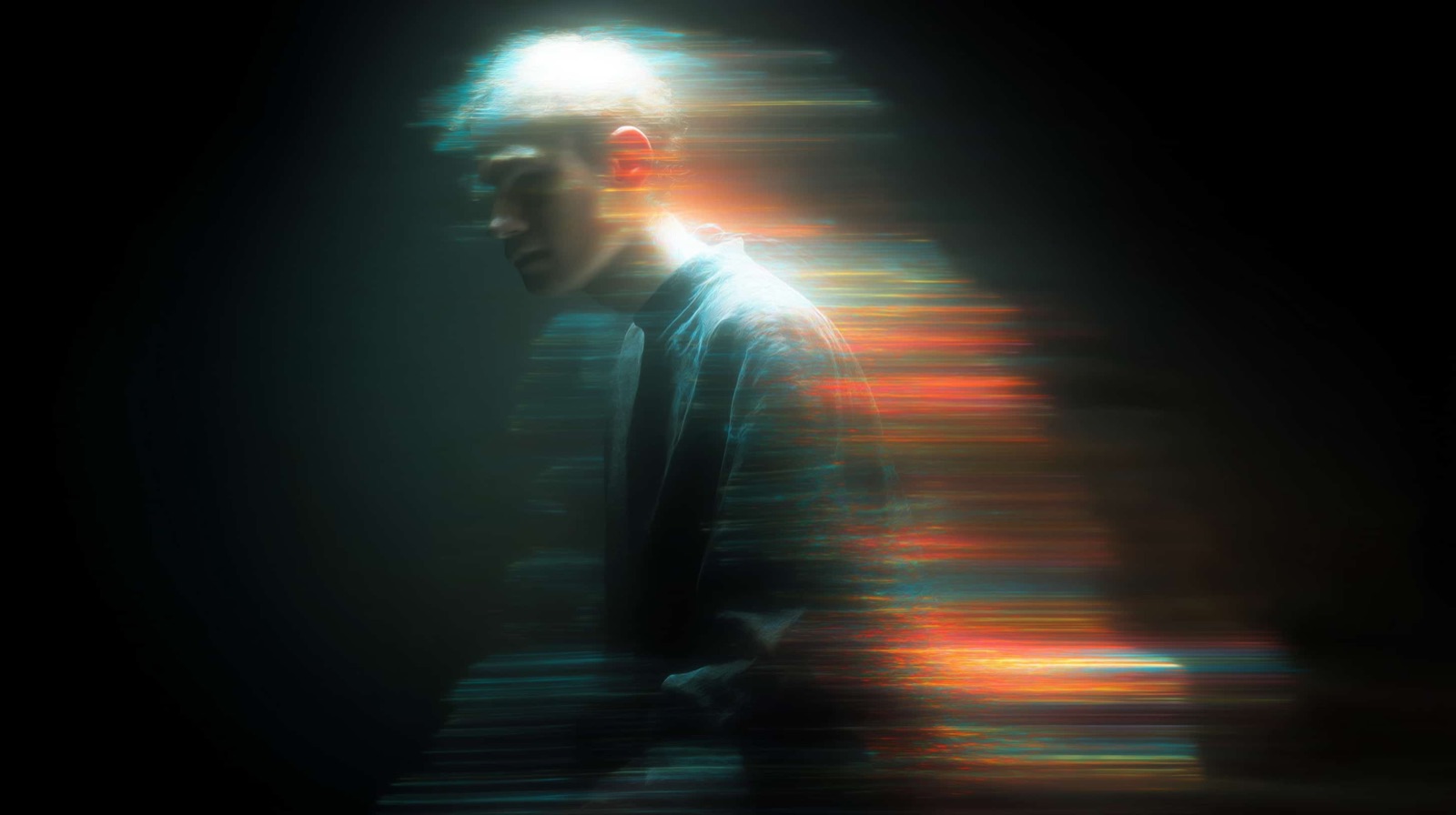

/MORE LOOKS
An ASCII video isn't one look, every character ramp gives the footage a different texture. Swap ramps in one click and the change applies across every frame of the export.



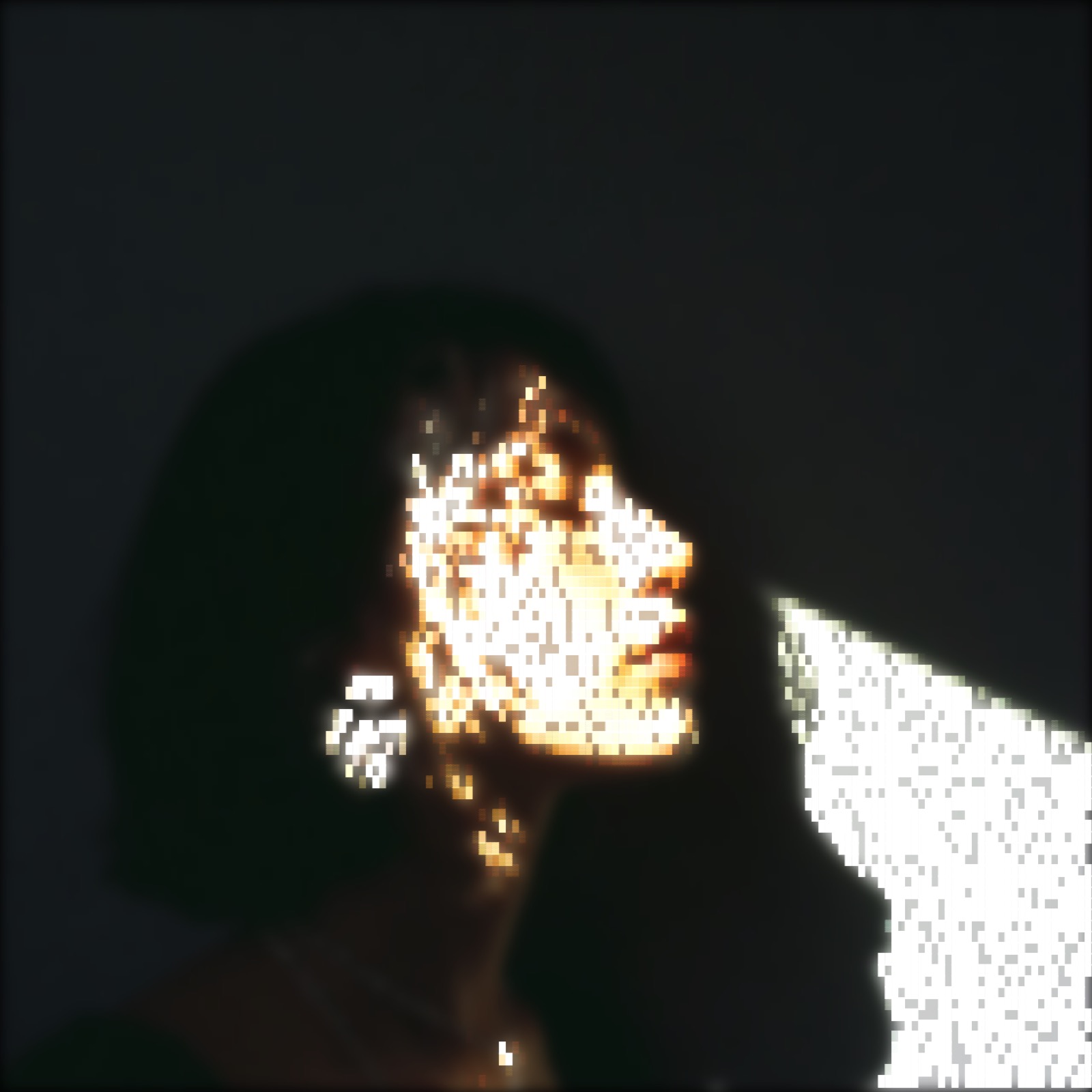

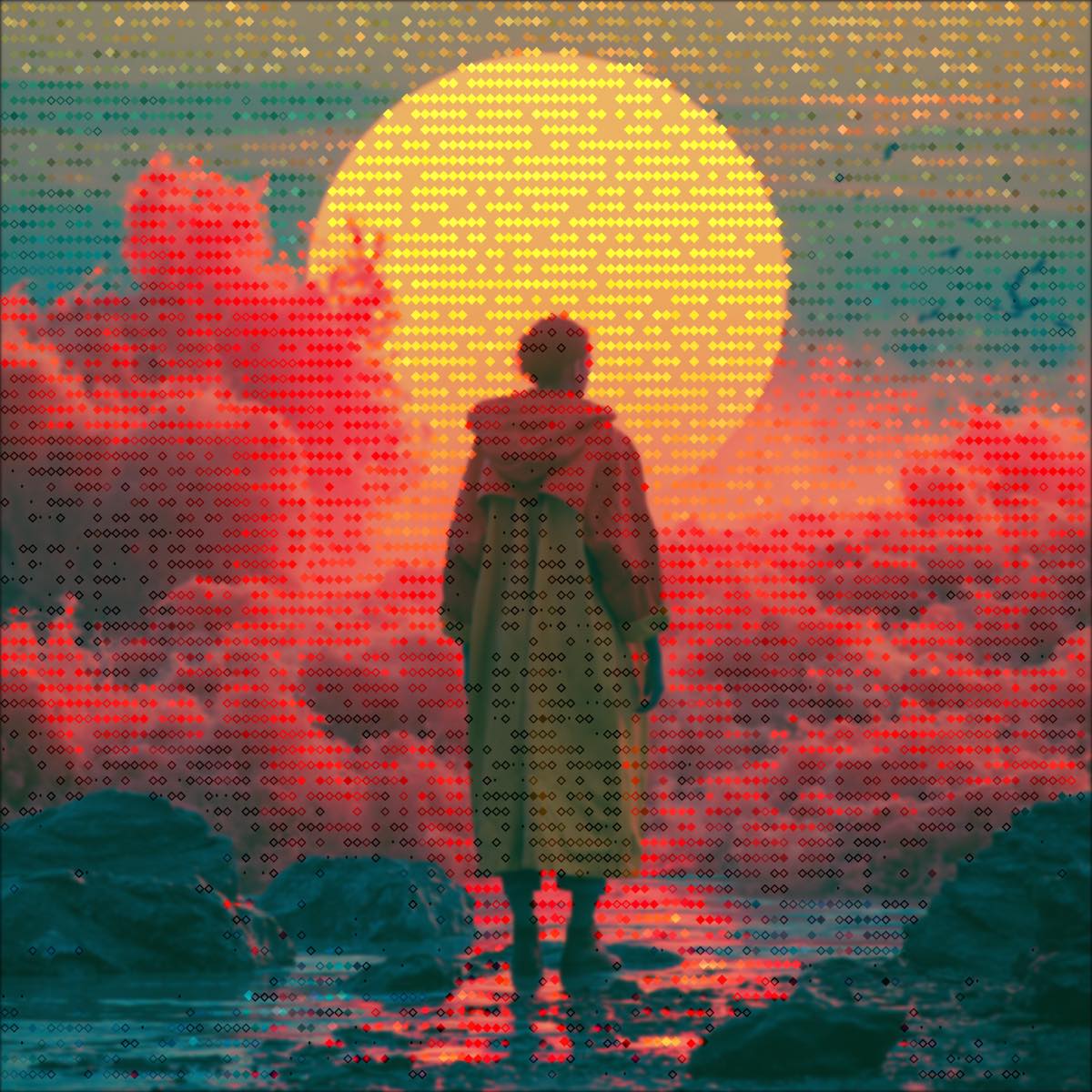
Each look is a real ASCII Magic render. The editor lets you preview the motion live, then export the finished ASCII video as an MP4 or looping GIF.
/HOW IT WORKS
Drag an MP4, MOV or WebM (up to 150 MB) into the editor. No upload, the file stays in your browser.
Choose a Character Set preset, Standard, Detailed or Minimal, or paste your own into the Chars field.
Adjust density, contrast, edge emphasis and post-FX while the clip previews in real time, frame by frame.
Render the finished ASCII video as an H.264 MP4 or a looping animated GIF, up to 4K, no watermark.
/WHY ASCII MAGIC
Scrub the clip and watch every frame convert to ASCII instantly, no render queue, no waiting to see the look.
Export the ASCII video as an H.264 MP4 for smooth motion, or a looping GIF for short shareable clips, up to 4K.
Every frame is decoded and converted locally. Your footage never uploads, safe for unreleased or private video.
Layer scanlines, glitch, bloom and CRT curvature on top of the ASCII for music videos, stream overlays and retro looks.
/WORKFLOW
ASCII Magic handles video the same way it handles a photo, just frame by frame. Drop an MP4, MOV or WebM into the editor, every frame is decoded locally with HTML5 Canvas, the render style you've chosen (Characters, Dither, Voxel, anything) is applied per-frame with identical settings, and the result is encoded back into an MP4 (H.264) or animated GIF. No upload, no server processing, no watermark, no signup. You can export 1x, 2x, 3x or 4x source resolution, though 4x is heavy for long clips. Practical rule of thumb: under 30 seconds and 720p export under a minute on a modern laptop. Beyond that, expect a wait, this is real-time encoding from your CPU/GPU.
/FAQS
/MOTION IN SECONDS
Drop a clip, pick a ramp, export an MP4 or GIF. Real-time preview, up to 4× resolution, free forever.
Try it out now/RELATED
New to this? Our step-by-step tutorial, How to Convert a Video to ASCII Art, walks through dropping in a clip, picking a style and exporting to MP4 or GIF. Want a single frame instead? The ASCII Art guide covers photo-to-ASCII; everything here is the moving-picture version of the same engine.