/RECIPE · NOIR
Upload a photo. Get a film noir look in one click, high-contrast black and white ASCII characters with heavy grain, film dust, deep vignette and a soft bloom. Free, no signup, no watermark, runs entirely in your browser. Export at up to 4× resolution or as an MP4 for a moving noir clip.
Try this look →/SEE IT
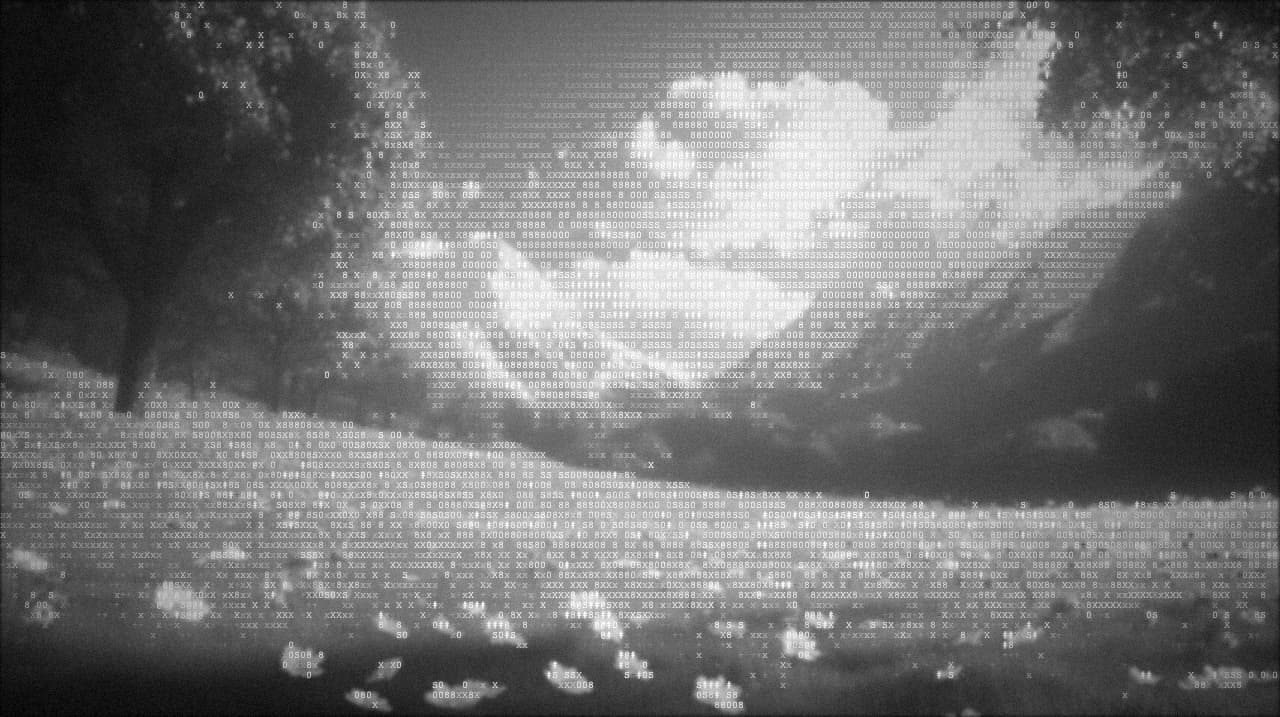
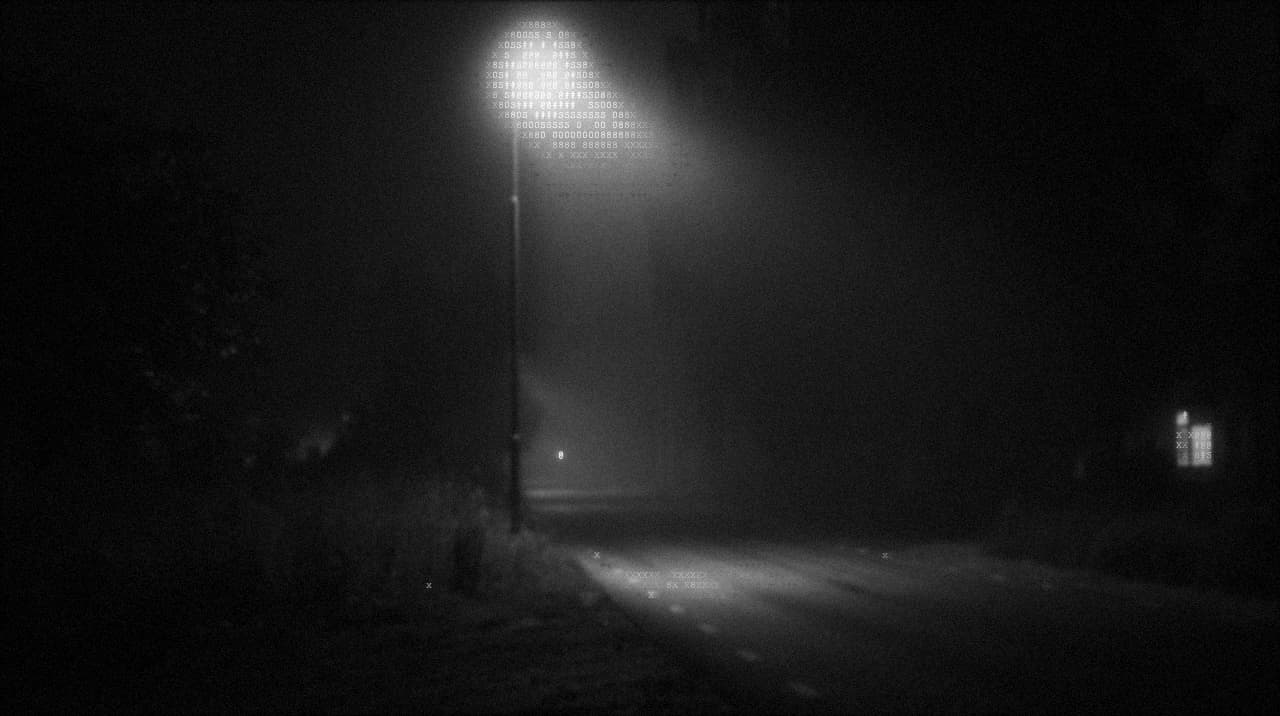
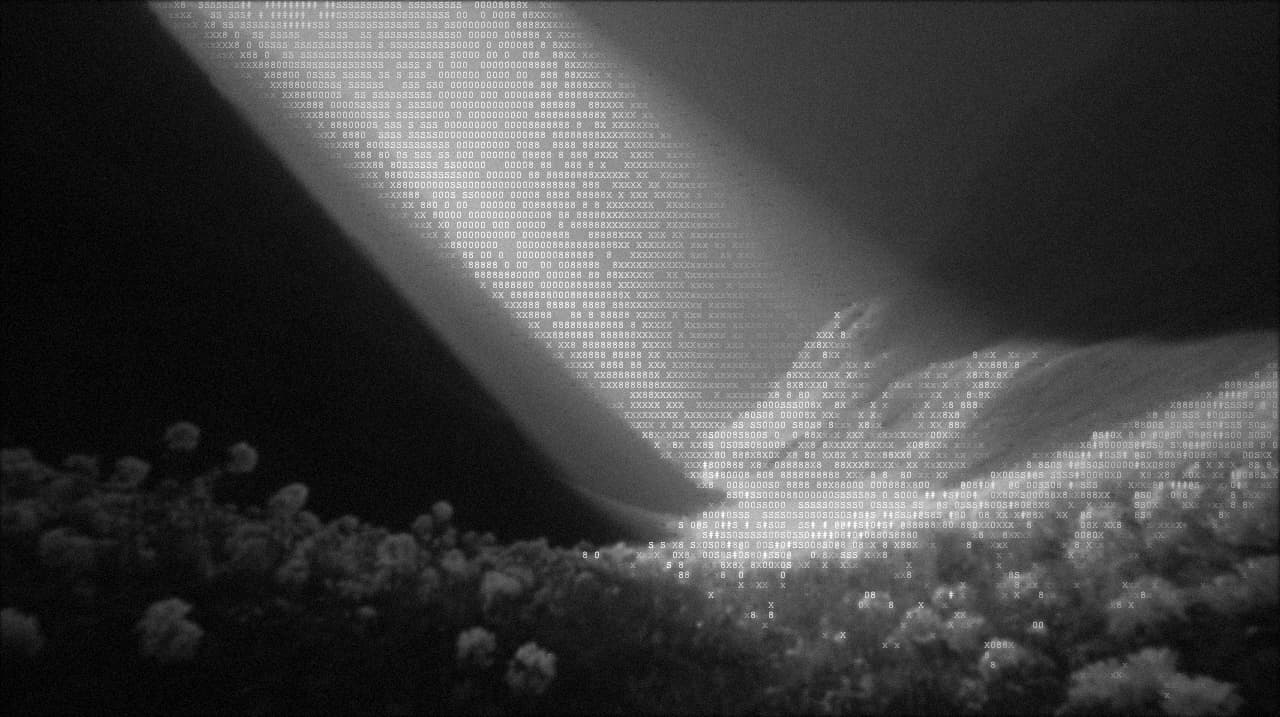
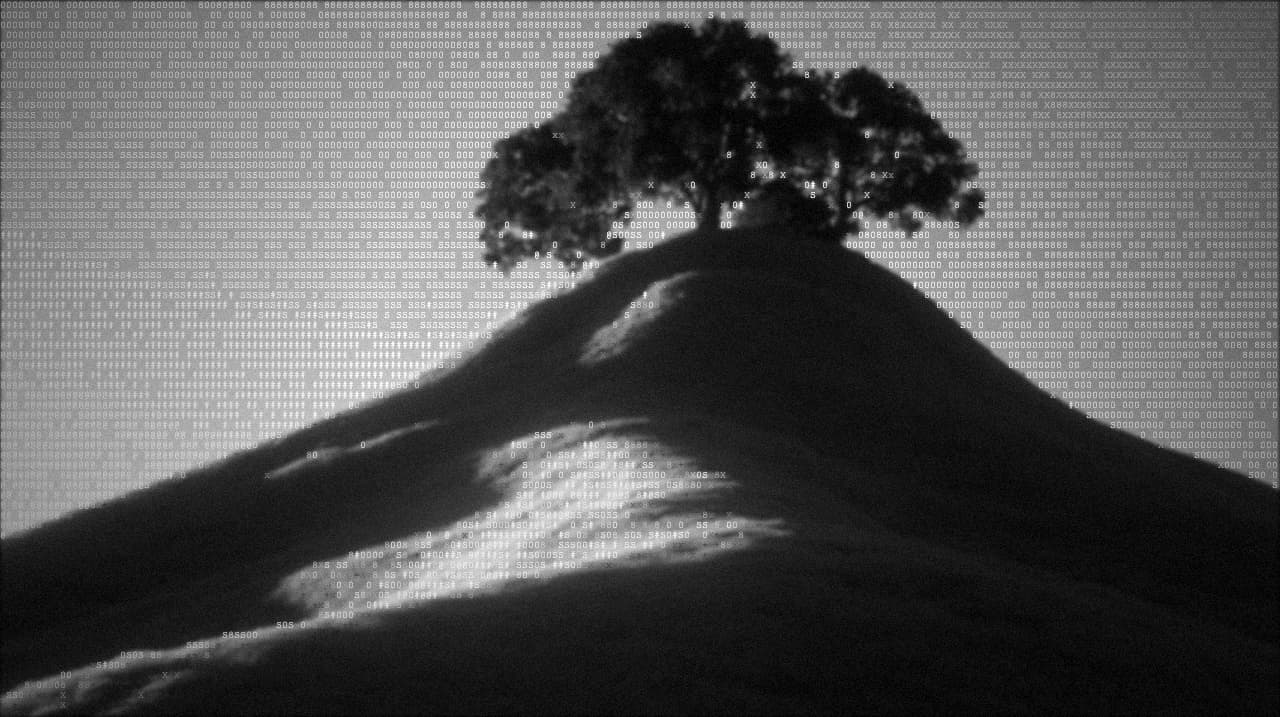
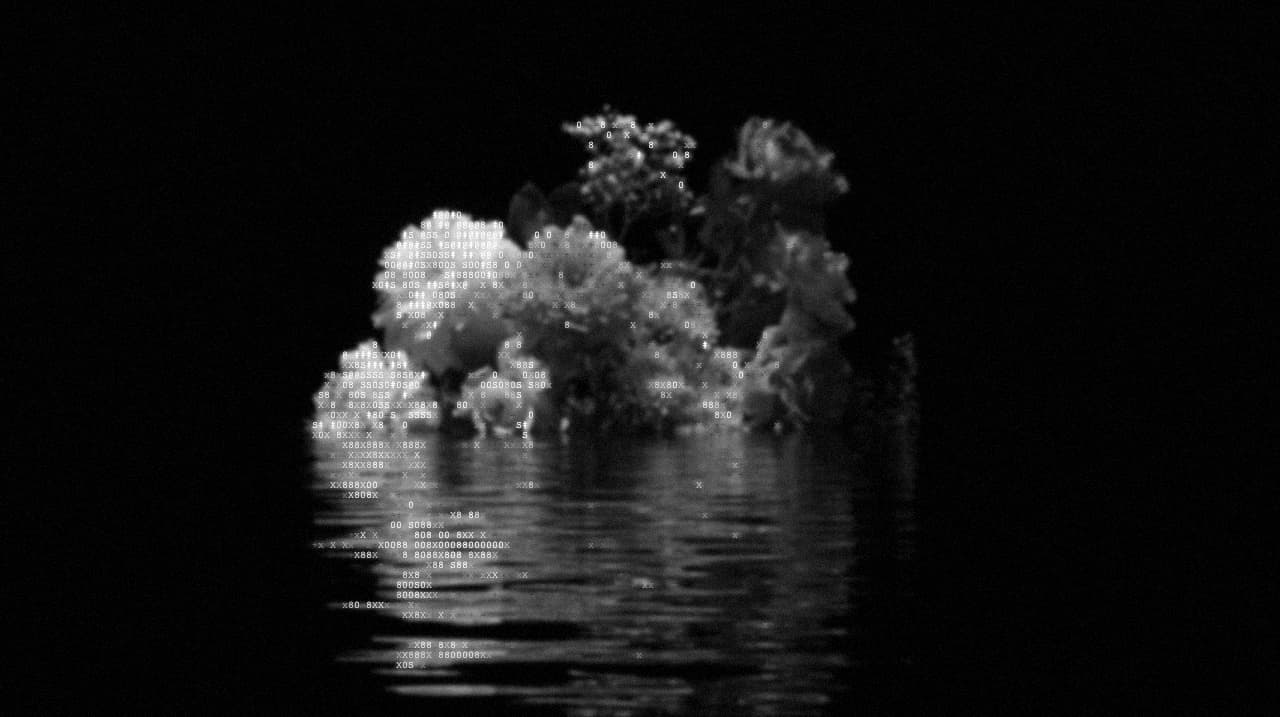
The film noir photo filter pushes any source photo into two colours (dead black and pale white), lays a fine ASCII character grid over the whole frame, then finishes with the four textures that make a still image read as an old print: bloom on the highlights, heavy film grain, dust flecks, and a deep vignette pulling the eye toward the centre. The image below is a portrait rendered through the recipe.
/RECIPE ON SIX PHOTOS
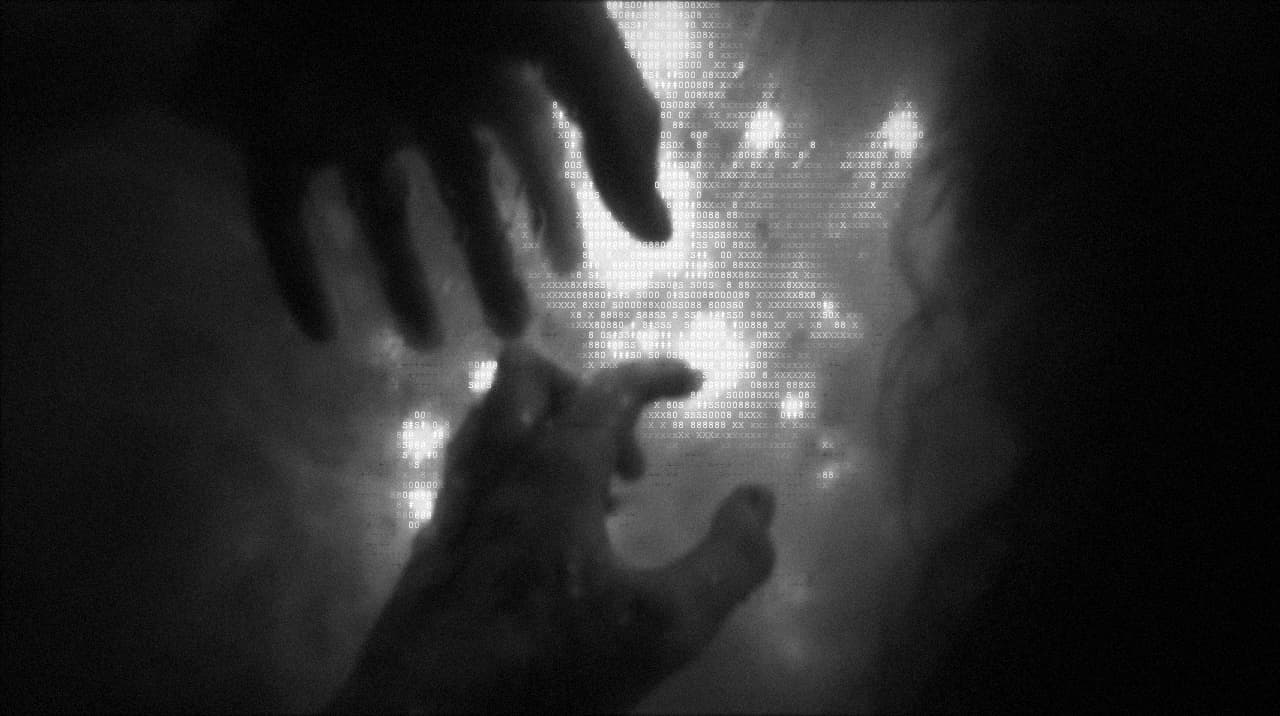
One recipe, six sources. Same film noir parameters (B&W ASCII characters, high contrast, film grain, dust, vignette, bloom) applied to a landscape, a portrait of hands, a low-light scene, a mountain valley, a moody scene, and a still life. Each keeps its subject recognisable while sitting inside the same monochrome noir aesthetic. Drop your own image into the tool and it takes about a second.
The same recipe deep-link on any photo you upload → try the film noir filter on your own image.
/WHAT IT IS
Film noir is a cinematic aesthetic that peaked in Hollywood between the early 1940s and late 1950s. Its language is unmistakable: black-and-white photography, single-source hard lighting, deep shadows that eat half the frame, cigarette smoke curling through a shaft of window light, rain on cobblestones, venetian-blind silhouettes across a face, and a mood that says the protagonist is one bad decision from ruin. Visually it means high contrast, heavy grain, a soft bloom on the brightest points, a strong vignette pulling the eye to a face, and a texture that reads as a well-worn 35mm print.
This filter applies all of that in a single pass to any modern photo. Colour comes out, contrast goes up, the whole frame is retextured as a fine ASCII character grid, and the four finishing layers (bloom, grain, dust, vignette) drop the image straight into a noir still. Portraits pick up the moody hard-light feel. Street shots turn into something out of early photojournalism. Even a bright product shot becomes an ominous still-life. Because the recipe is deterministic, running it across a batch of six photos produces a coherent noir series that reads like one shoot.
/RECIPE CODE
This is the exact code that reproduces every parameter of the film noir photo filter. Copy it, open the tool, click Recipes in the top bar, paste, hit Apply. Your image renders with the recipe.
recipe:v1:eyJ2IjoxLCJyZW5kZXJNb2RlIjoiY2hhcmFjdGVycyIsImZvbnRTaXplIjoxMCwiY29udHJhc3QiOjEzNSwiZ3JheXNjYWxlIjoxMDAsImJnQmx1ciI6MiwicGZ4Ijp7InZpZ25ldHRlIjp7ImVuYWJsZWQiOnRydWUsImludGVuc2l0eSI6NjB9LCJmaWxtR3JhaW4iOnsiZW5hYmxlZCI6dHJ1ZSwiaW50ZW5zaXR5IjozNn0sImZpbG1EdXN0Ijp7ImVuYWJsZWQiOnRydWUsImRlbnNpdHkiOjIyfSwiYmxvb20iOnsiZW5hYmxlZCI6dHJ1ZSwiaW50ZW5zaXR5IjoyNX19fQ
The tool's Recipes modal parses this code and sets every field: characters render mode, font size 10, contrast 135, grayscale 100, background blur 2, plus vignette 60, film grain 36, film dust 22, bloom 25. Same parameters, every time.
/APPLY IT IN A SECOND
Copy the code above, open the tool, paste, drop your photo. Four clicks total.
Hit the Try this look button below (or anywhere on this page). The tool opens with the film noir photo filter pre-loaded and every parameter set.
Click Upload or drag your image onto the canvas. Portraits, street scenes, product shots, and short videos all work.
The effect renders live on your photo in about a second. Hit Export for PNG at up to 4× resolution, or MP4 for a moving noir clip.
Or grab it from the recipes hub. Every recipe on the site is one tap away in the recipes collection. Open the hub, find Noir, hit Try this recipe, drop in your image. Same result, if you want to browse other looks while you are there.
/ANATOMY
/HOW IT'S MADE
Open ASCII Magic, drop in a portrait, street scene, rainy alleyway, cigarette-lit close-up or short clip. Film noir loves images with a single hard light source and deep shadows because those are exactly what the contrast pass amplifies.
Push saturation to zero and raise contrast to about 135%. This crushes the mid-tones out of the frame, leaving only bright highlights and deep blacks. Every noir still ever shot lives in that gap.
Switch to the Characters renderer at font-size 10, which puts a fine grid of glyphs across the whole frame. From a distance the image still reads as a photograph; up close you see the character texture holding the light-dark shape together.
Add heavy film grain (intensity 36), film dust at density 22, a bloom pass on the highlights, and a strong vignette at intensity 60 to pull the eye toward the centre. Export as PNG at up to 4× or MP4 for a moving noir clip.
/B&W · MONOCHROME · CHIAROSCURO
Every film noir photo is, by definition, a monochrome photo, a black and white photo, and a study in chiaroscuro (the interplay of light and shadow that Caravaggio painted with and every noir cinematographer inherited). If you have been searching for a black and white converter online, a monochrome filter, or a way to bring a chiaroscuro monochrome aesthetic to a modern digital snapshot, this recipe does all three in one pass. It is not a saturation-slider-dragged-to-zero shortcut, it is a real high-contrast black and white conversion with heavy grain, dust, and a deep vignette that mimic the surface of a well-projected 35mm print. Highlights blow out to pale white, shadows hit dead black, and there is no mid-tone band, which is exactly what your eye reads as “a serious monochrome photo” rather than a desaturated colour image. Works equally well as a vintage black and white filter, an old photo filter, or a cinematic monochrome converter, all in the browser with no signup.
/WHERE TO USE IT
Instantly makes a headshot feel serious, moody and considered. Ideal for a writer's bio, a director's site, a portrait editorial or a podcast cover.
Perfect for crime fiction, detective novels, moody memoirs, murder-mystery podcasts and short-film title cards. The aesthetic tells the reader the tone before a single word is read.
A film noir photo carries a serious feature the same way a colour photo would trivialise it. Great for investigative pieces, obituaries, and personal essays.
Running six photos through the same recipe produces a curated noir series that reads as one shoot. Powerful for portfolio grids, mood boards and event recaps.
/RELATED LOOKS
If Noir pulls you in for the black-and-white ASCII texture, look at Matrix Code Generator, same character-grid DNA but tinted acidic green with CRT curve and glitch highlights. If you want the same B&W palette without the vignette weight, try the Characters style page for the base renderer and every knob the noir recipe above builds on top of.
/FAQS
/READY?
Upload a photo, get a film noir look with B&W characters, heavy grain, dust and vignette. Runs in your browser, free, no watermark.
Try this recipe →/MORE RECIPES
Each opens the editor with that recipe ready. Browse the full recipes collection.