
/RECIPE · VAPORWAVE
Upload a photo. Get vaporwave art in one click, pixel mosaic with the vaporwave pink palette, chromatic drift and soft scanlines. Free, no signup, no watermark, runs entirely in your browser. Export at up to 4× resolution or as an MP4 loop for social.
Try this look →/SEE IT
The vaporwave art generator breaks your source photo into a pixel mosaic, floods the mid-tones with the signature pink overlay, splits the RGB channels for a chromatic drift, and lays in soft scanlines and bloom. What comes out reads immediately as a vaporwave aesthetic, no matter what the original source was, ready to drop into a Bandcamp cover, an Instagram grid or a zine layout. The image below is a portrait rendered through the recipe.
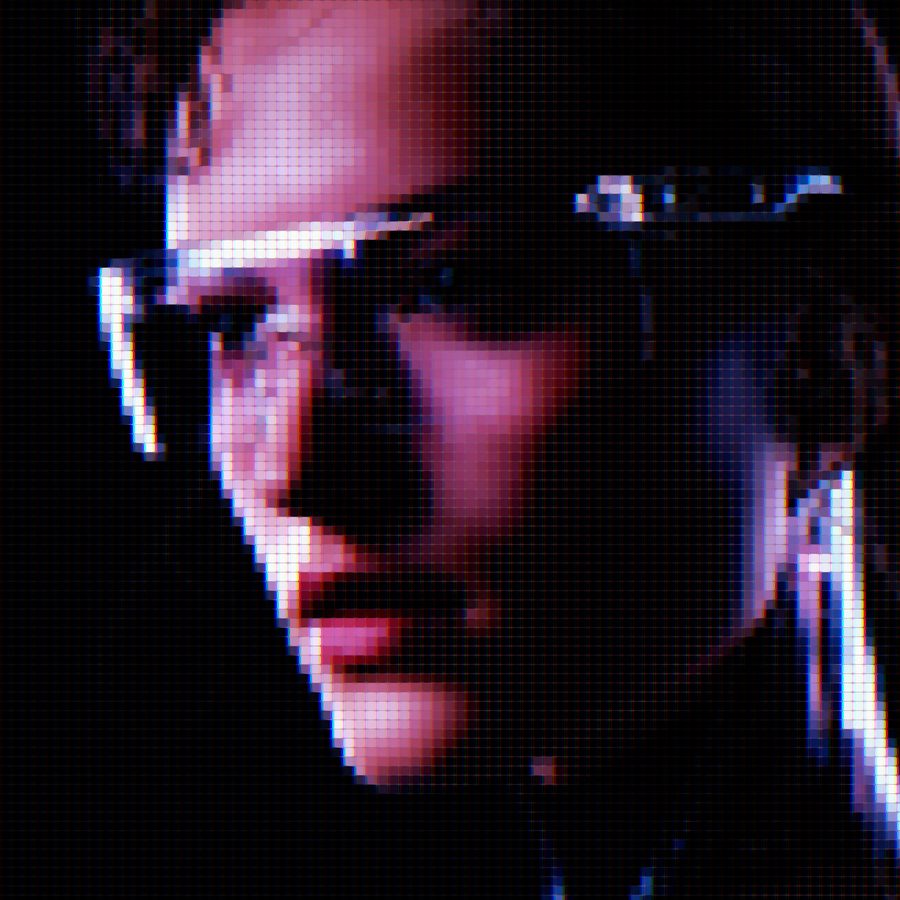
/RECIPE ON SIX PHOTOS
One recipe, six sources. Same vaporwave art parameters (pixel mosaic, pink overlay blend, RGB chromatic drift, scanlines, bloom) applied to two portraits, a product shot, a botanical still life, a silhouette and an editorial portrait. Each keeps its subject recognisable while sitting inside the same vaporwave palette. Drop your own image into the generator and the result comes out in about a second.
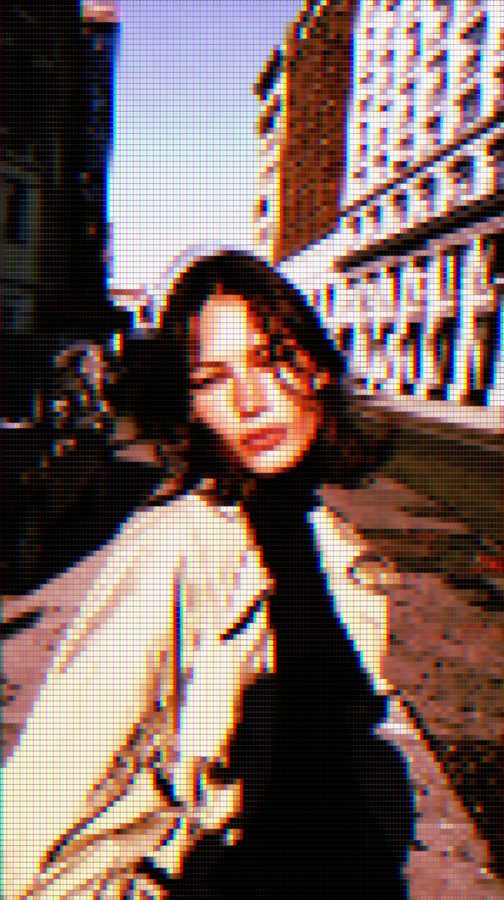
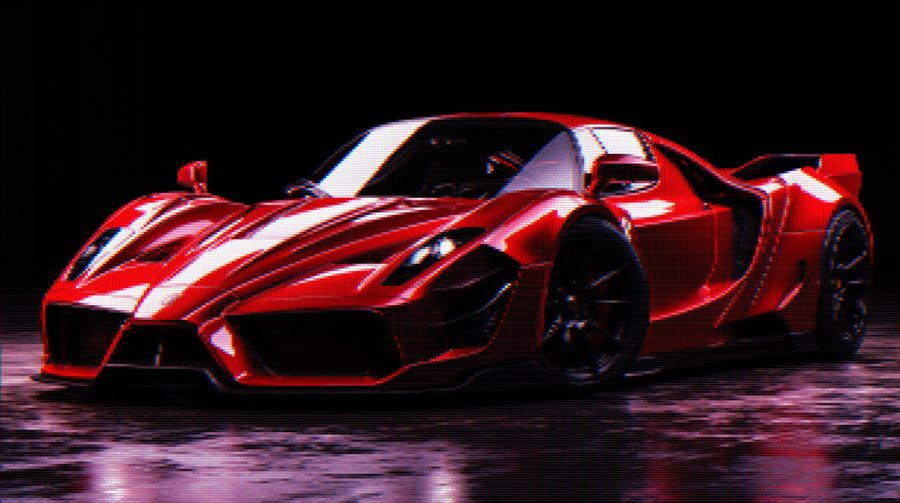
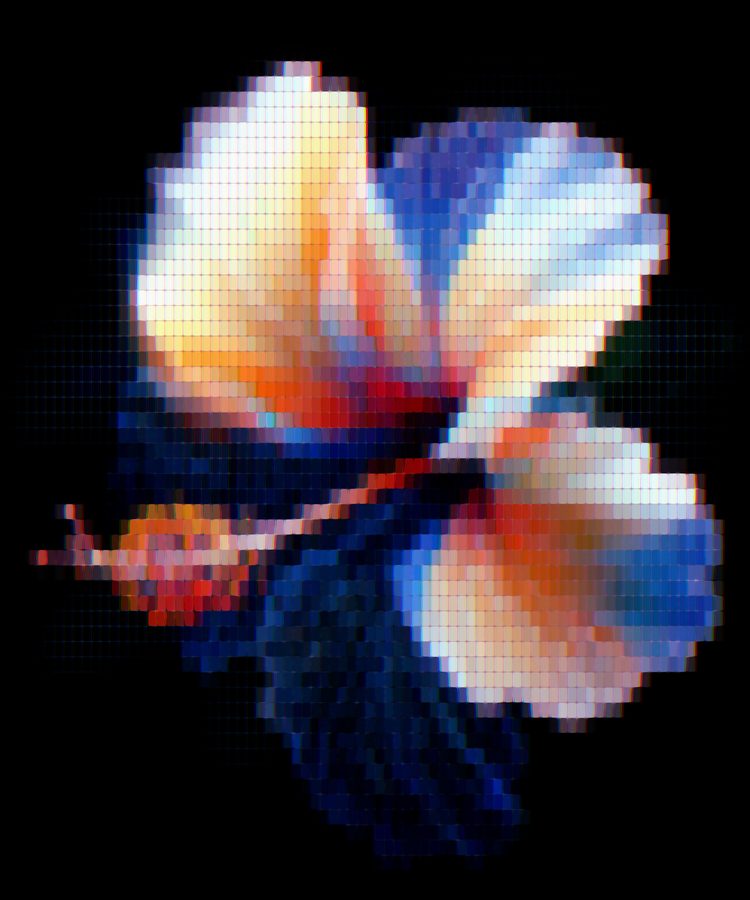
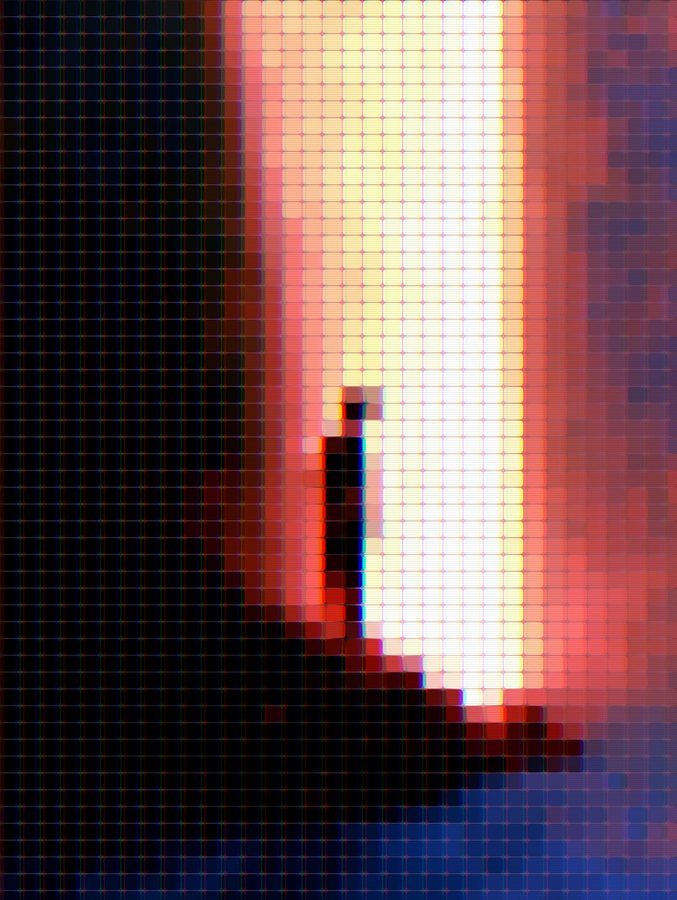
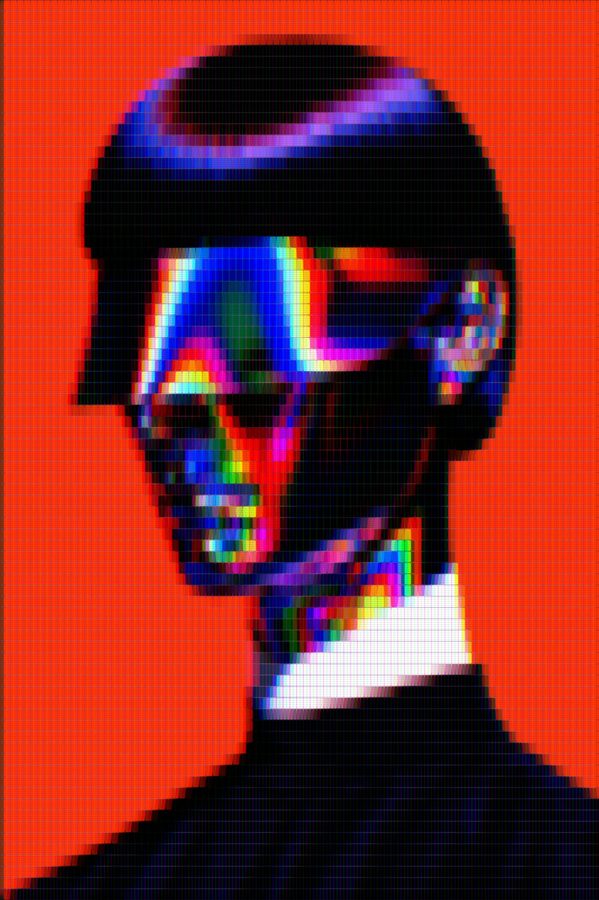
The same recipe deep-link on any photo you upload → try the vaporwave filter on your own image.
/WHAT IT IS
Vaporwave is a visual style that emerged around 2011 out of internet music culture, built on nostalgia for 80s and 90s consumer aesthetics. It is a pink sky over palm trees, chrome-serif fonts warped in Windows 95 wizardry, Greek statue busts on hot magenta gradients, glitched dolphins, and a persistent sense of a shopping mall at 2AM. The palette is anchored in hot pink (#ff3cac) and soft purples with peachy highlights, the textures come from cheap CRT monitors and stretched pixel art. This vaporwave art generator takes any photo and pushes it into that space: pixel mosaic tiles keep the shape of your subject while the pink overlay floods every midtone with vaporwave palette, chromatic drift ghosts the outlines like a lost VHS tape, and scanlines seal the retro feel.
The aesthetic works because it is instantly recognisable. A face becomes a lost 80s album cover. A skyline becomes a synthwave poster. A product shot becomes a mall-catalogue page. Whether you are making cover art for a Bandcamp release, a lockscreen, a zine spread or a set of Instagram covers with a coherent look, the recipe below applies the same palette-and-texture pass across every photo you drop in, so you get a consistent piece of vaporwave art out the other side.
/RECIPE CODE
This is the exact code that reproduces every parameter of the vaporwave art recipe. Copy it, open the tool, click Recipes in the top bar, paste, hit Apply. Your image renders with the recipe.
recipe:v1:eyJ2IjoxLCJyZW5kZXJNb2RlIjoibW9zYWljIiwiZm9udFNpemUiOjE0LCJjb3ZlcmFnZSI6MTAwLCJjb250cmFzdCI6MTE1LCJvdmVybGF5Q29sb3IiOiIjZmYzY2FjIiwib3ZlcmxheU9wYWNpdHkiOjM0LCJvdmVybGF5QmxlbmQiOiJvdmVybGF5IiwicGZ4Ijp7ImNocm9tYXRpYyI6eyJlbmFibGVkIjp0cnVlLCJvZmZzZXQiOjV9LCJzY2FuTGluZXMiOnsiZW5hYmxlZCI6dHJ1ZSwiaW50ZW5zaXR5IjoyNH0sImJsb29tIjp7ImVuYWJsZWQiOnRydWUsImludGVuc2l0eSI6MzB9LCJ2aWduZXR0ZSI6eyJlbmFibGVkIjp0cnVlLCJpbnRlbnNpdHkiOjM4fX19
The tool's Recipes modal parses this code and sets every field: mosaic render mode, font size 14, coverage 100, contrast 115, overlay #ff3cac at 34% overlay-blend, plus chromatic split 5px, scan lines 24, bloom 30, vignette 38. Same parameters, every time.
/APPLY IT IN A SECOND
Copy the code above, open the tool, paste, drop your photo. Four clicks total.
Hit the Try this look button below (or anywhere on this page). The tool opens with the Vaporwave recipe pre-loaded and every parameter set.
Click Upload or drag your image onto the canvas. Sunsets, portraits, palm trees, product shots and short videos all work.
The effect renders live on your photo in about a second. Hit Export for PNG at up to 4× resolution, or MP4 for a looped version.
Or grab it from the recipes hub. Every recipe on the site is one tap away in the recipes collection. Open the hub, find Vaporwave, hit Try this recipe, drop in your image. Same result, if you want to browse other looks while you are there.
/ANATOMY
#ff3cac) leading the frame, with cooler purples in the shadows and peachy highlights in the brights. The pink is a per-pixel Overlay blend, not a global tint, which preserves your source contrast while flooding the hue./HOW IT'S MADE
Open ASCII Magic, drop in a sunset, portrait, palm-tree shot, product still or short clip. The recipe holds up on almost anything, but sources with a strong silhouette or a clear horizon push furthest into the vaporwave feel because the mosaic pass keeps their shape intact.
Switch to the Mosaic renderer at roughly 50 tiles across the long edge. Bump contrast to 115% so the highlights and shadows separate cleanly. This is the base texture, before any colour touches the frame.
Set the overlay colour to #ff3cac with a Photoshop-style Overlay blend at 34% opacity. This pushes every midtone toward magenta while letting your shadows go deep purple and your highlights peach. Optionally add a subtle purple gradient behind the whole frame for extra sky effect.
Enable RGB chromatic split at a 5-pixel offset. Add horizontal scanlines at 24% darkness. Turn on bloom (intensity 30) so the brightest cells softly glow. Export as PNG at 2× or 4×, or as a looped MP4 for social.
/80S · SYNTHWAVE · CASSETTE FUTURISM
Vaporwave is one slice of a bigger 80s-aesthetic revival, which covers synthwave, retrowave, chillwave, cassette futurism and the general nostalgic pull of hot pink, chrome-serif type, palm-tree silhouettes, and CRT-lit sunsets. This same recipe doubles as an 80s aesthetic filter, a synthwave background generator, an 80s photo filter, and a cassette-futurism image treatment, because the pieces it applies (pixel mosaic, magenta overlay, chromatic drift, scanlines) are exactly the visual signatures that people mean when they search for any of those. Drop in a photo taken today and it comes out looking like a still from a lost 1986 music video, a Bandcamp cover for a chillwave EP, or a page from a paperback published in 1984 that predicted 2020. Same recipe, different search phrase, one aesthetic.
/WHERE TO USE IT
Instantly reads as synthwave, chillwave, future funk, plunderphonics, mallsoft. The single strongest visual shorthand for “this music sounds like an 80s cassette”.
A batch of six photos put through the same recipe reads as one coherent grid. Sunsets, portraits and product shots all sit inside the same palette.
For DIY zines, gig posters, and web-culture writing. Pairs well with chrome-serif titles and Greek-statue clip art.
Renders a product shot in a look that says “80s revival” without the effort of an actual photoshoot. Great for retro-wave hardware, cassette releases, or streetwear drops.
/RELATED LOOKS
If Vaporwave draws you in for the retro-CRT texture, look at Matrix Code Generator, same phosphor DNA but green-on-black instead of pink. If you want the palette without the mosaic pass, try Dream, a softer wash of pastel colour with less chunk. Both live inside the same renderer chain as Vaporwave, see the Mosaic style page for every tile-size and coverage knob the recipe above uses.
/FAQS
/READY?
Upload a photo, get vaporwave art with pixel mosaic, chromatic drift, scanlines and bloom. Runs in your browser, free, no watermark.
Try this recipe →/MORE RECIPES
Each opens the editor with that recipe ready. Browse the full recipes collection.