
/STYLE · CROSS
Turn any photo into a crosshatch (the drawing technique) or a cross-stitch / embroidery pattern, woven ✕ glyphs that read like thread on canvas. Adjust density, contrast and palette, export at up to 4×. The fastest free crosshatch and custom cross-stitch pattern generator from a photo, no signup, runs entirely in your browser.
Open the editor →/TRY IT HERE
Crosses and plus signs standing in for tone, ╋ ┼ + ×, densest where the image is brightest.
Controls
Appearance
These are the same controls as the studio, running the same maths. The full editor adds video, animation, post effects and export up to 4×.
Copyable text
/SEE IT
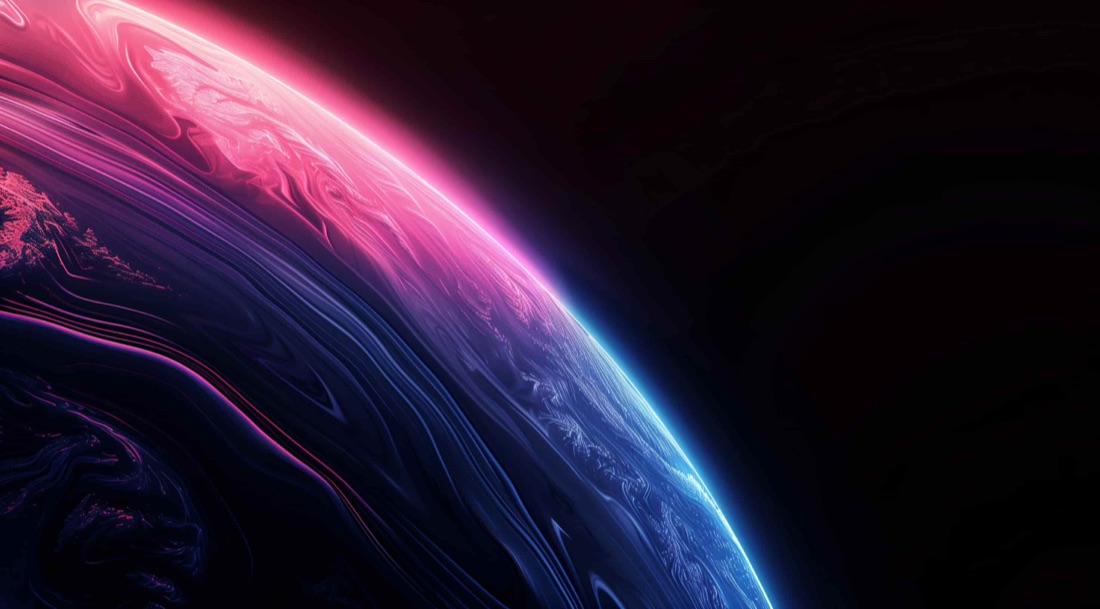
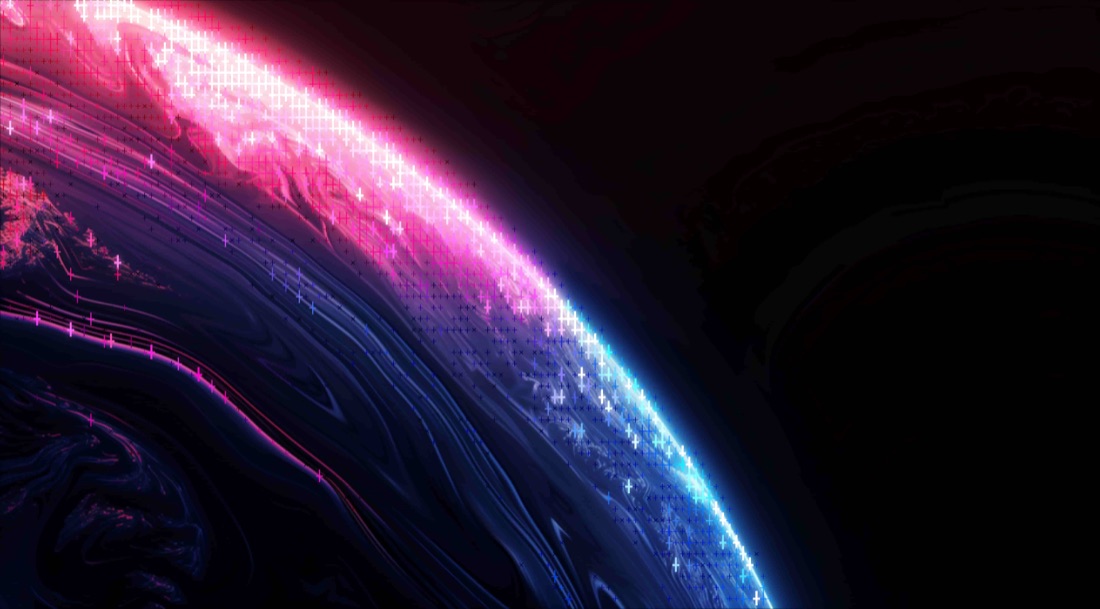
Drop any photo into the editor and pick the Cross style. Each cell becomes a woven cross (✕) glyph sized by brightness, a crosshatched, cross-stitch-like texture built from your image.
/MORE EXAMPLES
Six photos rebuilt as woven crosshatch glyphs, a cross-stitch / embroidery texture from the source.
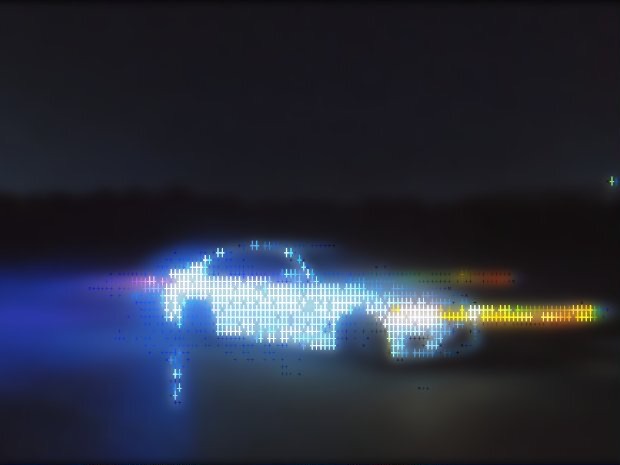
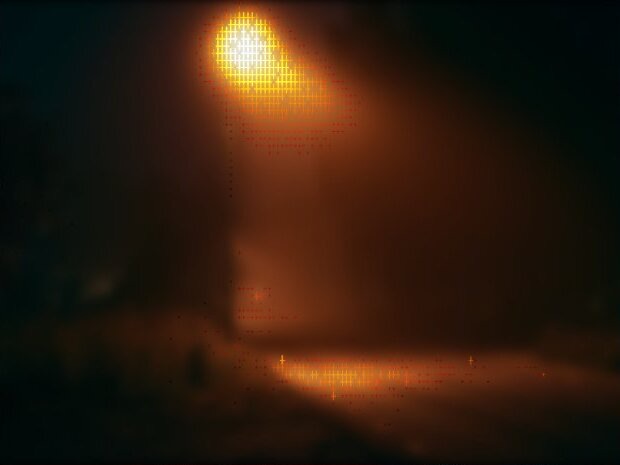
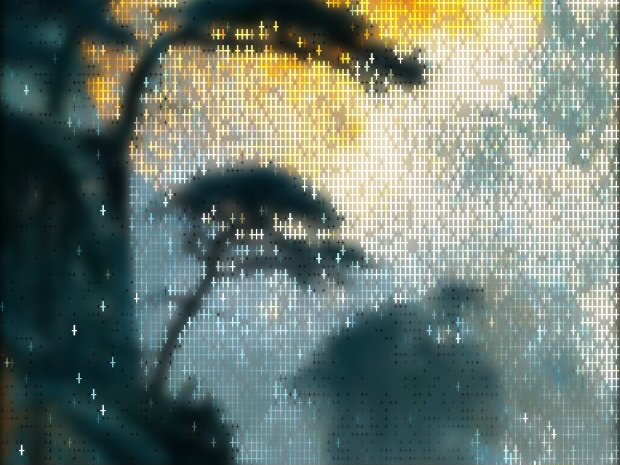
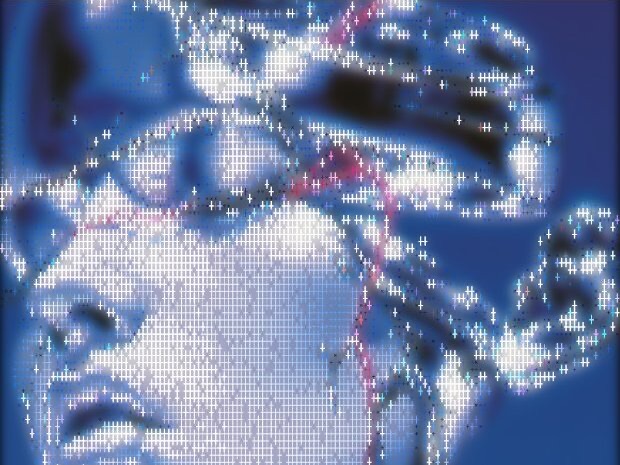
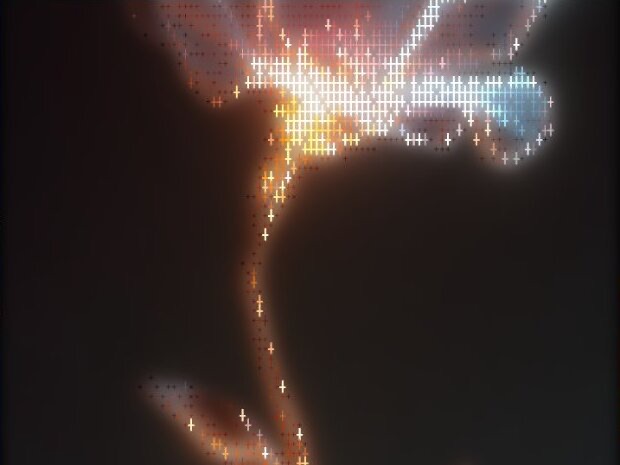
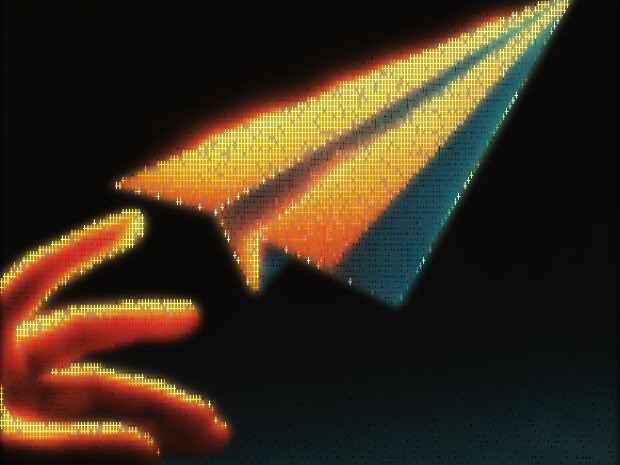
Every image is a real ASCII Magic export, drop your own photo to get the same look, then tune and export up to 4×.
/HOW IT WORKS
Drag any JPG, PNG, WebP, GIF or MP4 into the editor. No upload, your file stays in the browser.
Switch the render mode to Cross, your photo is instantly redrawn in the crosshatch look.
Adjust glyph density, contrast and colour in real time, from a light hatch to a dense cross-stitch weave.
Save as PNG, JPG, animated GIF or MP4, at up to 4× source resolution. No watermark.
/WHY ASCII MAGIC
Every cell is a brightness-scaled cross, a crosshatch / cross-stitch weave, not a flat filter.
Great as a starting point for cross-stitch or embroidery-style art from a photo.
Tune how tight the weave is and recolour it in real time.
Crosshatch every frame of a clip and export a looping MP4 or GIF; stills export up to 4× source resolution.
/HISTORY
Crosshatching is a centuries-old shading technique: two or more sets of parallel lines drawn at different angles, the density of overlap mimicking continuous tone. It was perfected by 15th and 16th-century engravers, Albrecht Dürer's woodcuts and copperplate engravings are textbook examples, then carried into etching (Rembrandt, Goya), pen-and-ink illustration (19th-century magazine plates), and comic-book art (Mike Mignola's Hellboy, Frank Miller's Sin City). The mathematics is simple: more crossing lines = darker area, fewer = lighter; the artistic skill is in the rhythm and direction of strokes. ASCII Magic's Cross mode automates the centuries-old craft: it computes brightness, sets stroke density per region, and draws two or more line-grids at the chosen angles, in seconds, from any photo or video.
/FAQS
/CREATE ART IN SECONDS
Woven cross-stitch glyphs, adjustable density, every change previews instantly, export at up to 4× resolution. Free forever.
Try it out now/RELATED STYLES
Each opens the editor with that style ready. Explore the full styles index.