
/STYLE · MOSAIC
Image to mosaic in your browser. Turn any photo or video into a mosaic of colour tiles sampled from your image, the tile-style photo mosaic look (not photo-of-photos collage). Pick square, wide or tall tiles, layer palettes and an optional retro dither overlay, export at up to 4×. The fastest free photo mosaic generator, no upload, no signup, runs entirely in your browser.
Open the editor →/TRY IT HERE
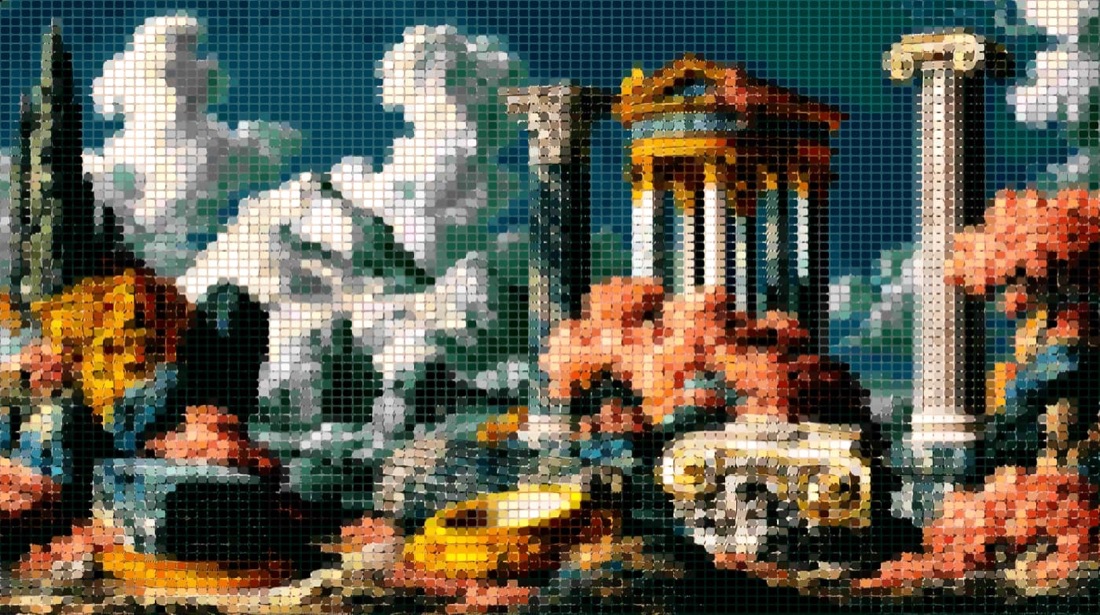
Each tile takes the average colour of the area it covers. Bigger cells read as mosaic, smaller as a soft pixelation.
Controls
Appearance
These are the same controls as the studio, running the same maths. The full editor adds video, animation, post effects and export up to 4×.
/SEE IT
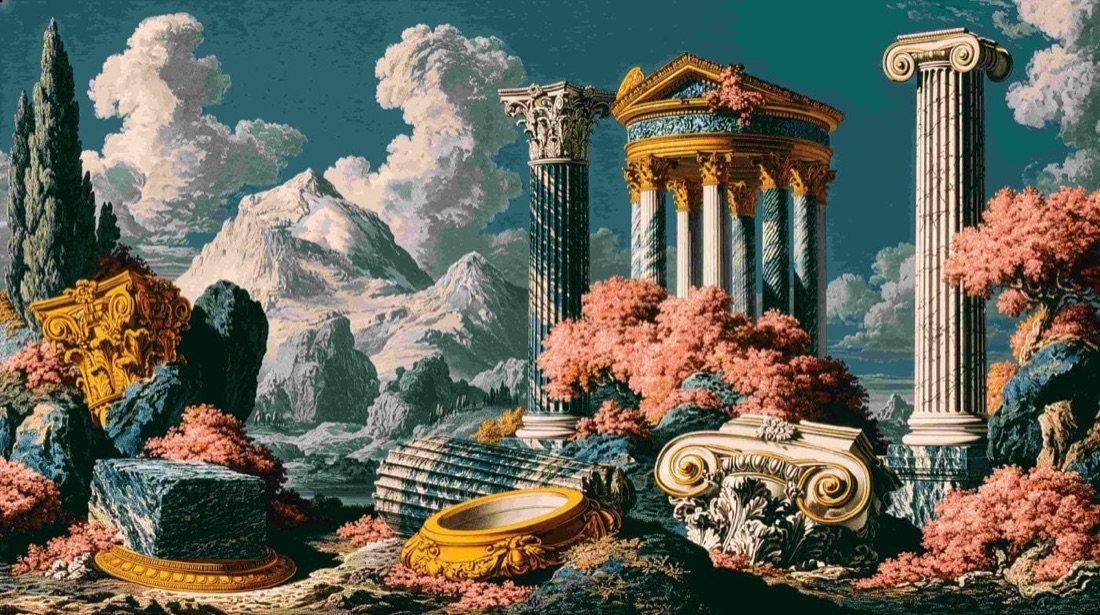
Drop any photo into the editor and pick the Mosaic style. The engine divides your image into a grid and fills each tile with the average colour beneath it, turning a photo into a clean tiled mosaic, with optional dither texture layered on top.
/MORE EXAMPLES
A handful of photos, six mosaic setups, tile shape, tile size, blend mode and an optional Commodore-64 dither overlay. Every image below is a real ASCII Magic export, no AI, no upscaling, just real mosaic tiles.
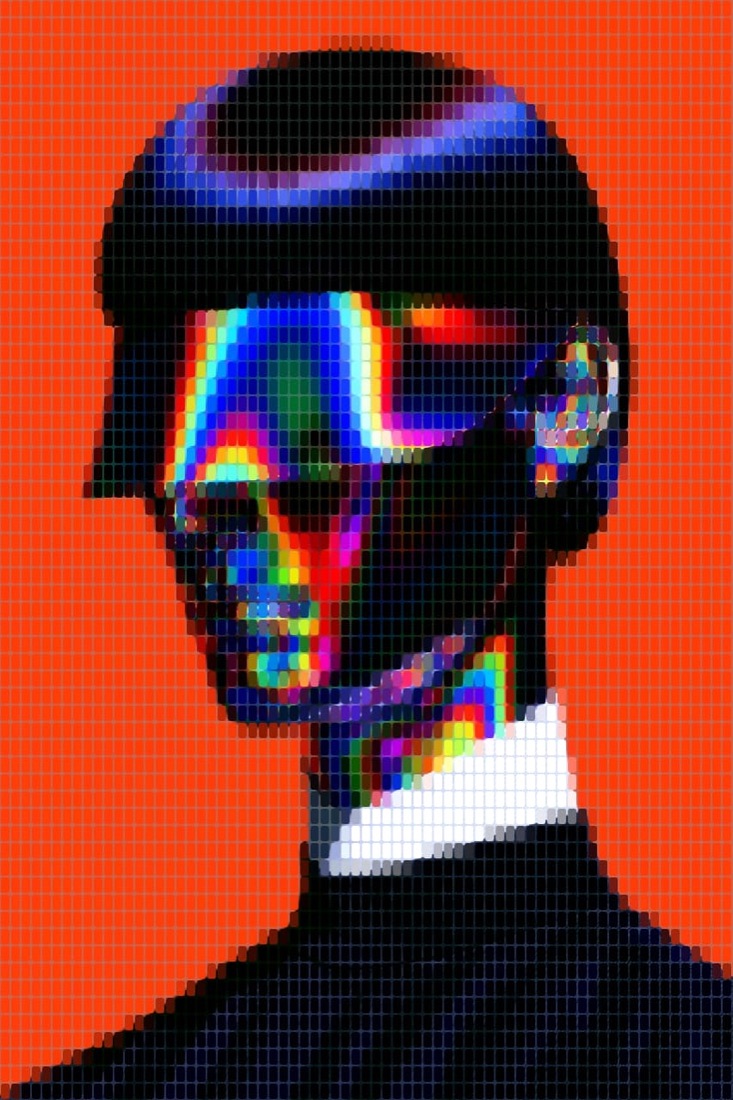
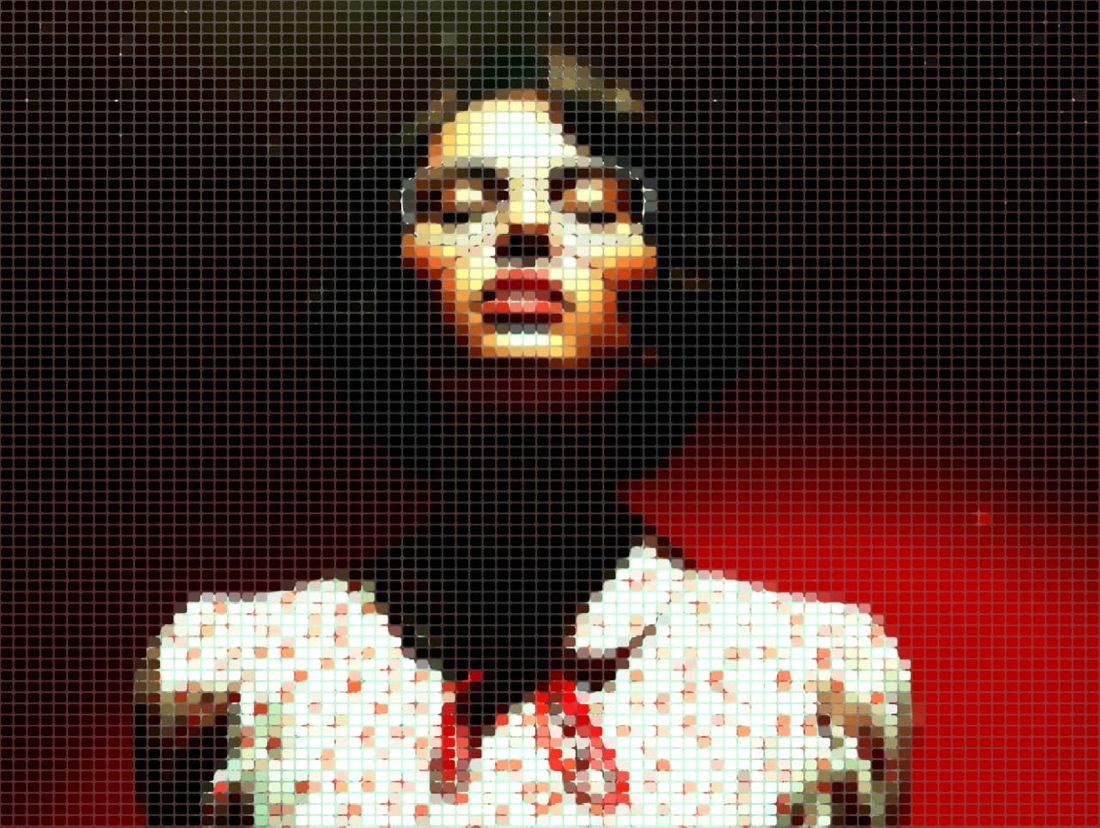

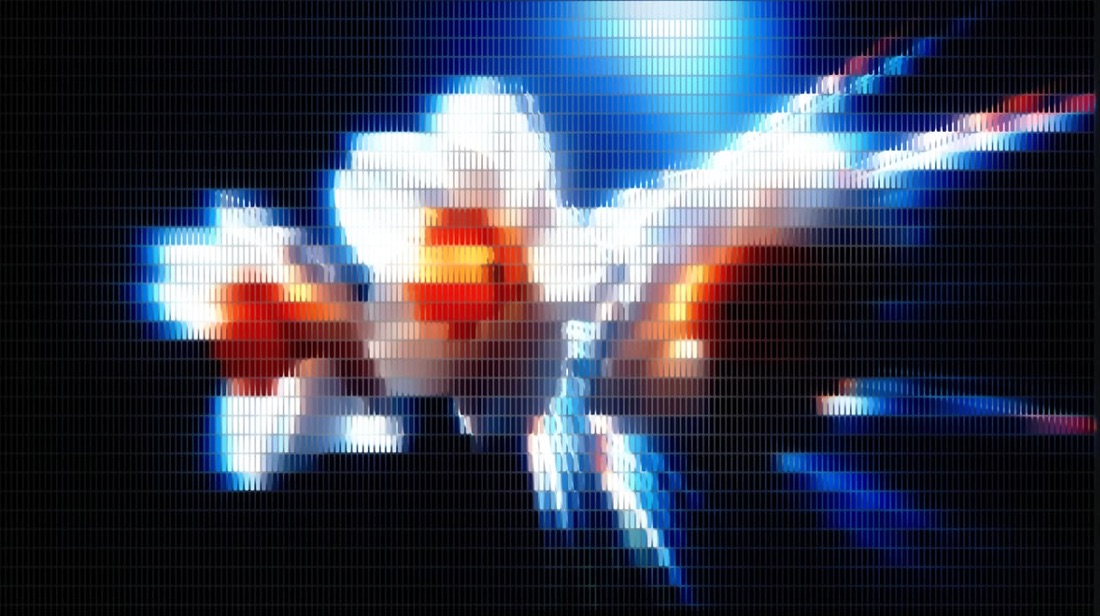
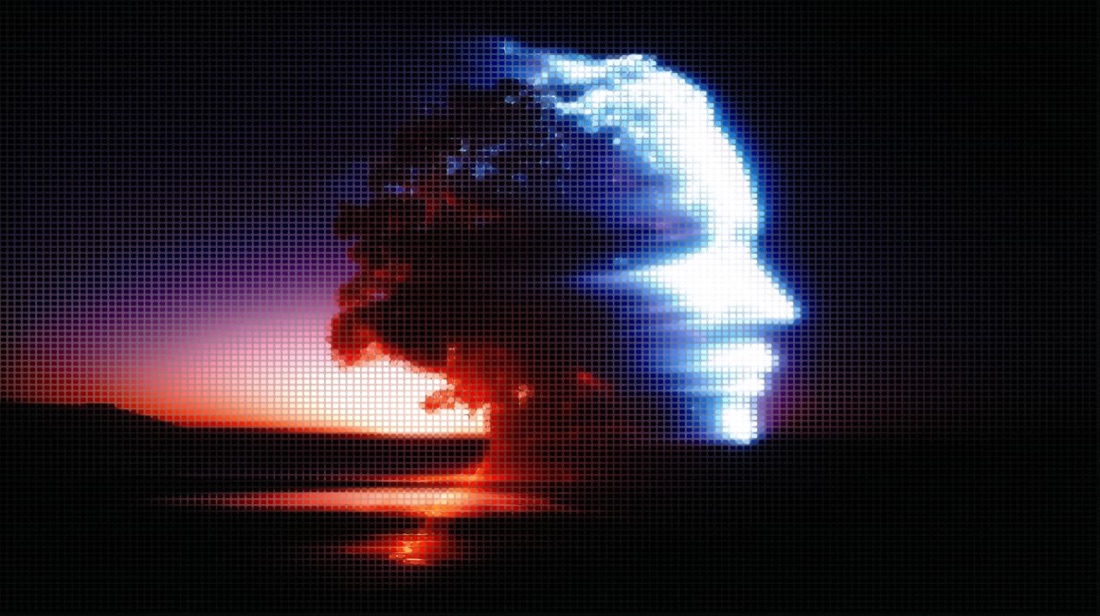
Tile shape (square, wide, tall), tile size, blend mode and an optional C64 Bayer-dither overlay, every control previews in real time, on stills or video.
/HOW IT WORKS
Drag any JPG, PNG, WebP, GIF or MP4 into the editor. No upload, your file stays in the browser.
Switch the render mode to Mosaic, your photo instantly becomes a grid of colour tiles.
Choose square, wide or tall tiles, set the size, and layer a palette, blend mode or dither overlay.
Save as PNG, JPG, animated GIF or MP4, at up to 4× source resolution. No watermark.
/WHY ASCII MAGIC
Three tile shapes plus full size control, from chunky stained-glass blocks to a fine, almost-pixel grain, one slider apart. For a fully pixel art generator look, switch styles and turn Font Size up.
Layer retro palettes (Commodore 64, Game Boy, PICO-8…) and an optional Bayer-dither overlay on top of the tiles for a true retro mosaic.
Color-dodge, screen, overlay and more let the mosaic glow, darken or fuse with the source for very different looks.
Tile every frame of a clip and export a looping MP4 or GIF; stills export up to 4× source resolution. No watermark.
/HISTORY
Mosaic is one of the oldest pictorial techniques on Earth, made from small tiles (Latin tessera) of stone, glass or ceramic arranged to form a larger image. Roman and Byzantine floor mosaics from the 2nd to 6th centuries CE survive today across the Mediterranean. The technique resurfaced in 16th-century Italy with Vatican workshops, and again in 20th-century Mexican and Spanish public art. Then in 1995 MIT Media Lab researcher Robert Silvers invented photomosaic: a digital portrait built from thousands of small tile-photos, each chosen to match the average colour of its position in the source. Silvers's portraits of Princess Diana, Lincoln and Elvis went on book covers and gallery walls. ASCII Magic's Mosaic mode does the modern in-browser version: drop a source, pick a tile shape (square, hex, triangle), set tile size, and your image is rebuilt at the tile grid as a stylised mosaic. With the right post-effects (Color Overlay, Film Grain) you can land anywhere from Byzantine sacred-art to Silvers-style photomosaic to TikTok lo-fi.
Pair with tile-size to control detail vs graphic feel: small tiles preserve more of the source, big tiles push the abstraction.
/CURATED RECIPES
The vaporwave art generator recipe is the mosaic renderer at font-size 14 tuned with a hot-pink overlay, chromatic drift and CRT scanlines, giving any photo the vaporwave aesthetic (also known as the 80s aesthetic) in one click. Drop your own image in and it becomes a Bandcamp cover, an Instagram grid tile, or a zine spread in about a second. Or browse the full recipes collection for 19 more one-click looks.
People search for photo mosaic generator, mosaic maker, mosaic photo maker, picture mosaic online, all describing the same intent: drop a photo in, get a tiled version out. ASCII Magic works as all of these. Free, browser-only, no signup, no upload. Adjust tile shape, tile size and palette, then export as PNG or MP4.
Rule of thumb: start with square tiles at font size 14, adjust from there.
Tile size is the dominant lever. Small tiles preserve detail, large tiles push toward a poster / pop-art look. Start at 14 and adjust.
| Tile size | Reads as | Best for |
|---|---|---|
| 6–8 | Fine mosaic, near-photo detail | Portraits, editorial covers |
| 10–12 | Balanced tesserae, subject still reads | Album covers, prints, wallpapers |
| 14–18 | Chunky mosaic, mid-abstract | Social posts, poster art (recommended start) |
| 20–30 | Coarse tesserae, subject barely resolves | Bold poster/pop-art look |
| 40+ | Abstract colour blocks | Backgrounds, texture fills |
Three phrases, two distinct things:
If you want the “single photo, tiled” look, this tool covers it. If you want the “many photos forming one image” look, you need a dedicated photomosaic generator.
/FAQS
/CREATE ART IN SECONDS
Square, wide or tall tiles, palettes and dither overlays, every change previews instantly, export at up to 4× resolution. Free forever.
Try it out now/RELATED STYLES
Each opens the editor with that style ready. Explore the full styles index.