
/STYLE · VOXEL
Turn any photo into voxel art, isometric 3D pixel-art cubes with per-face shading built from your image's own colours, the Minecraft and Crossy Road look without 3D modeling. Adjust cube size, outline and blend, export at up to 4×. The fastest free way to make voxel art or 3D pixel art from a photo, no upload, no signup, runs entirely in your browser.
Open the editor →/TRY IT HERE
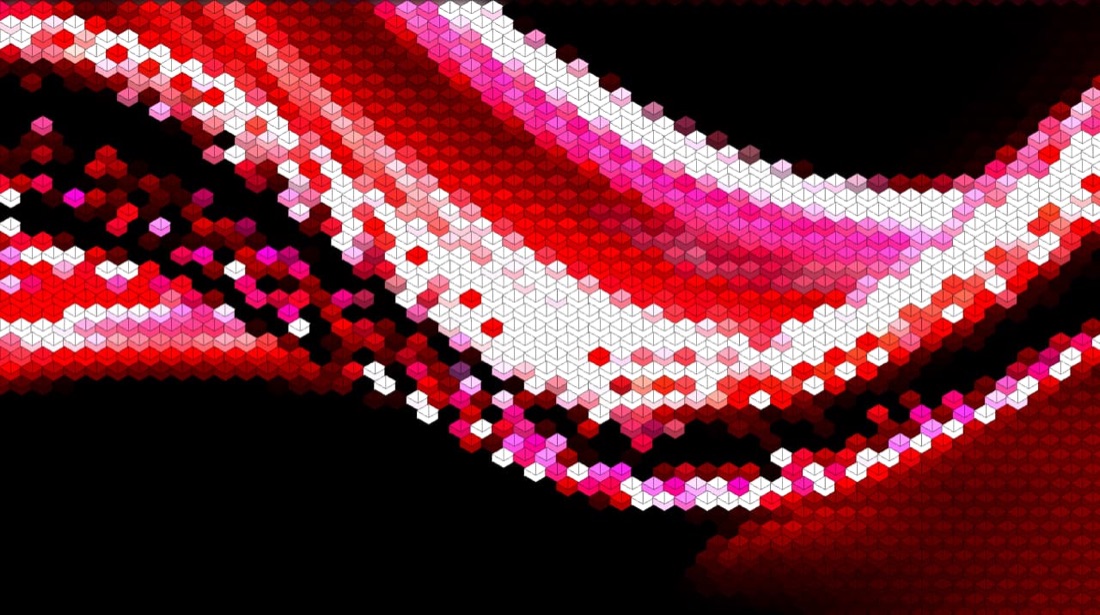
Each cell becomes a cube lifted by its brightness, with a lighter top face and a darker side, so the picture reads as 3D relief.
Controls
Appearance
These are the same controls as the studio, running the same maths. The full editor adds video, animation, post effects and export up to 4×.
/SEE IT
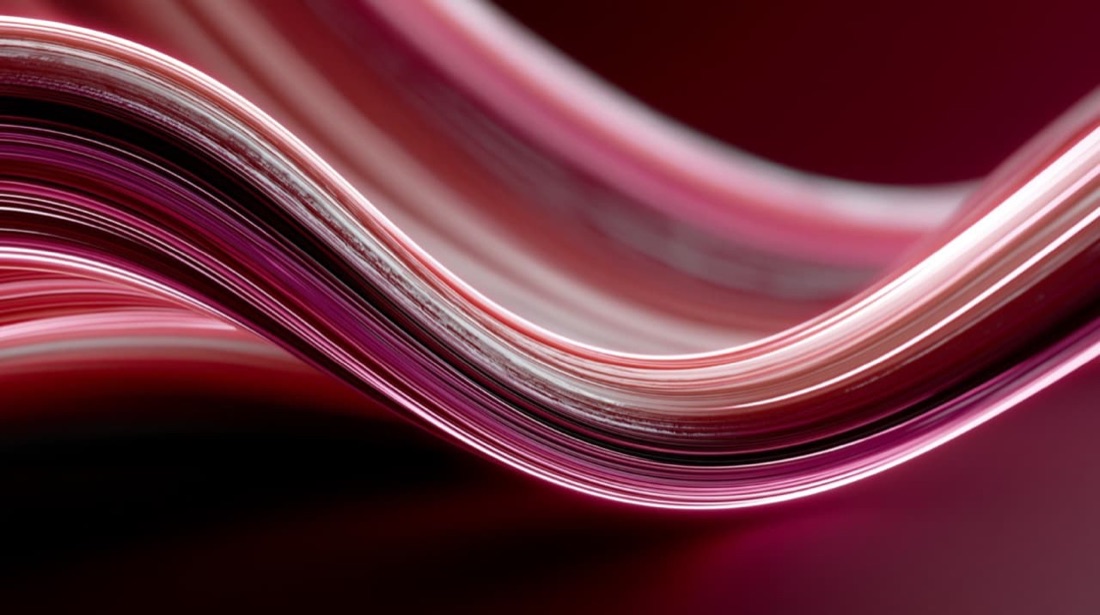
Drop any photo into the editor and pick the Voxel (Cube) style. The engine samples your image on a hex grid and stacks a shaded isometric cube at each point, turning a flat photo into 3D pixel art, from your image's own colours.
/MORE EXAMPLES
A handful of photos, six voxel setups, cube size, outline weight and blend mode. Every image below is a real ASCII Magic export, no AI, no upscaling, just real voxel cubes.
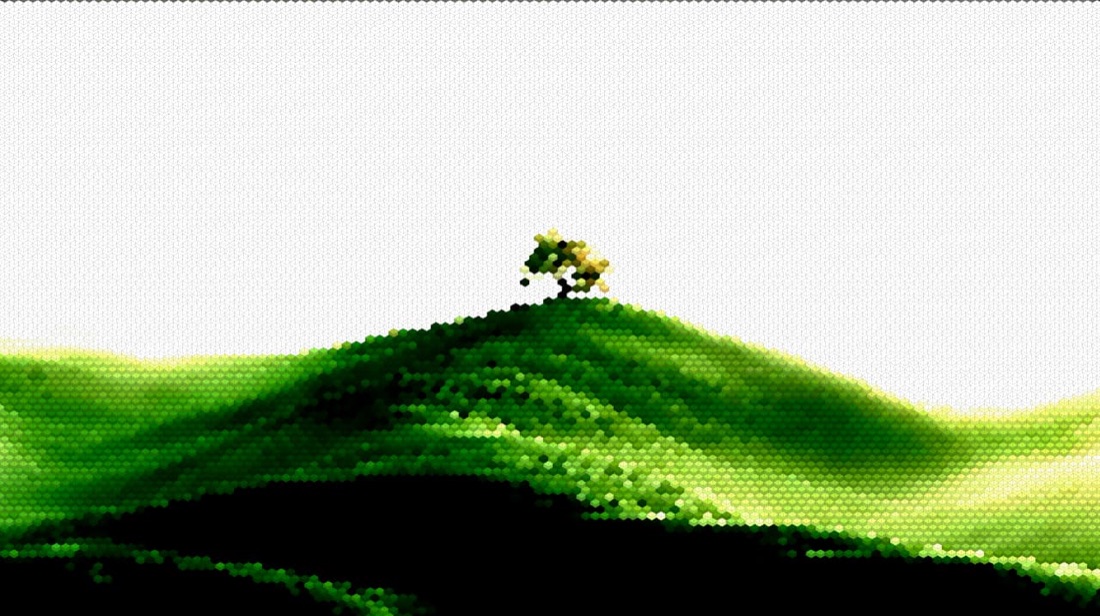
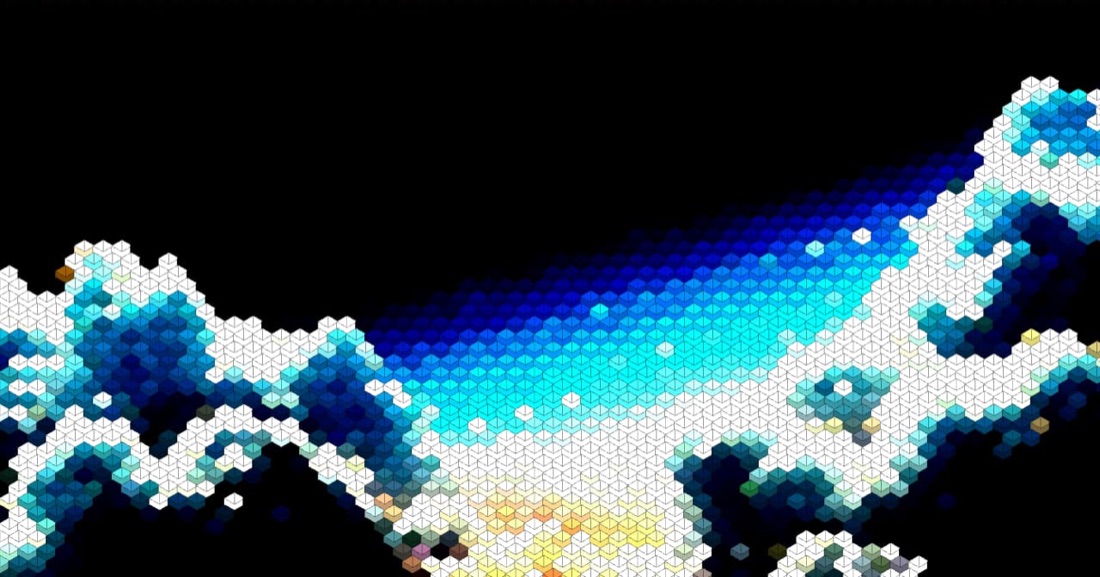
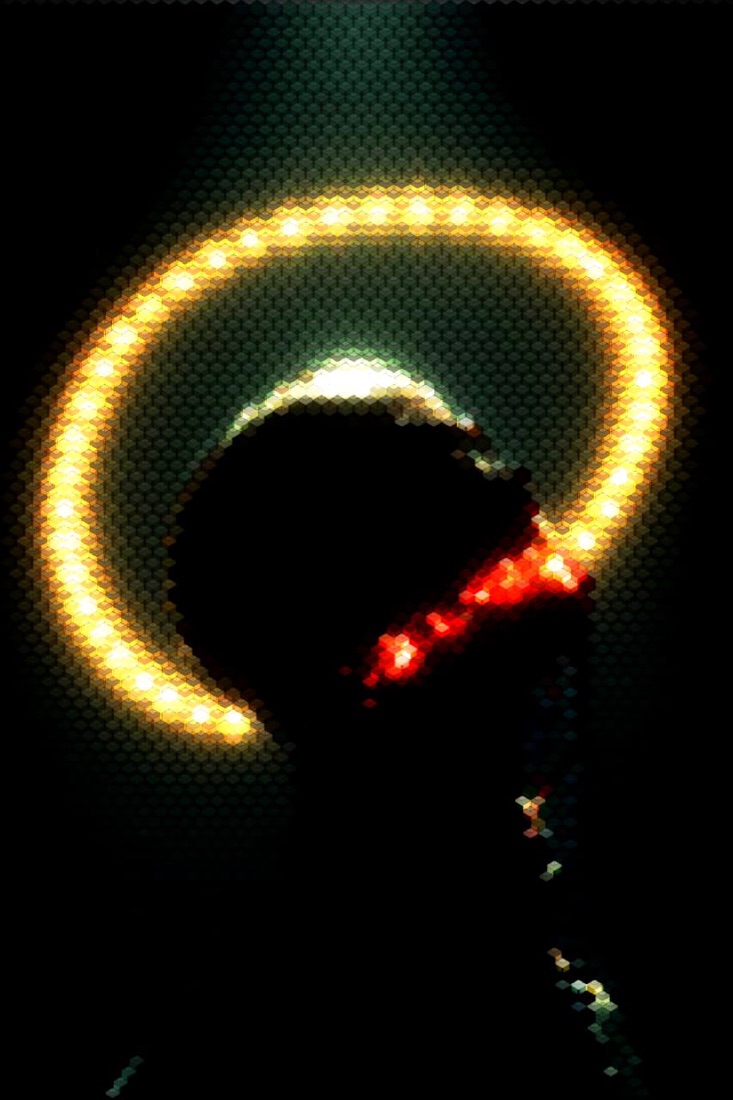
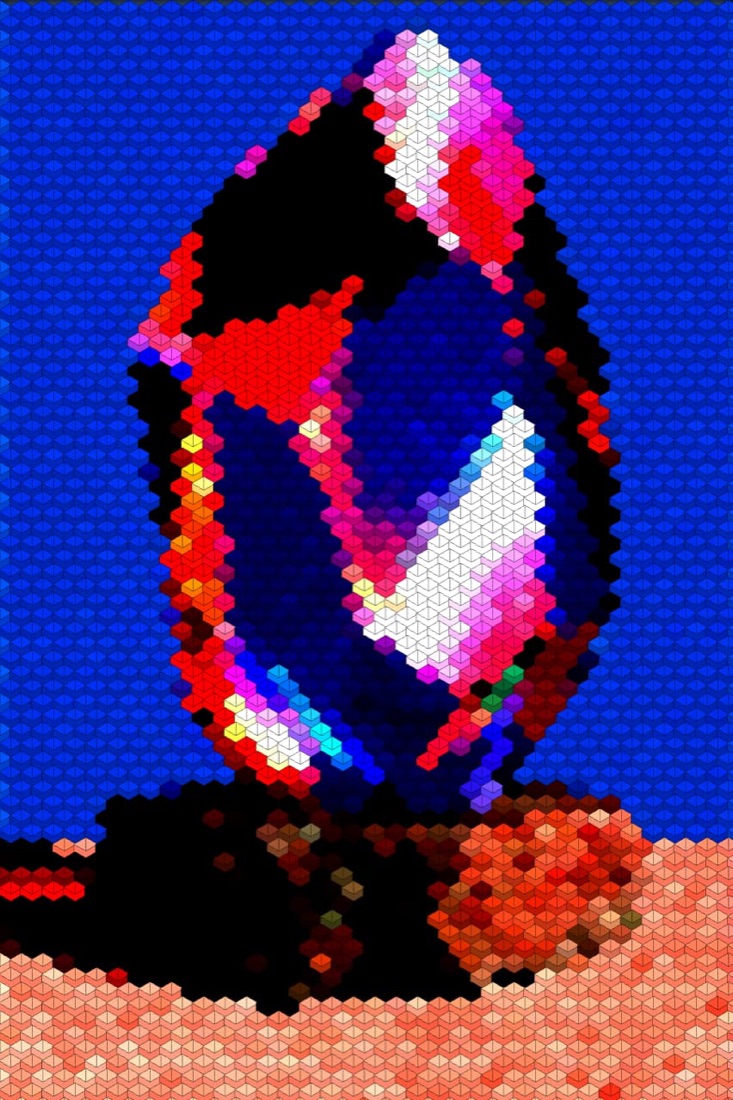
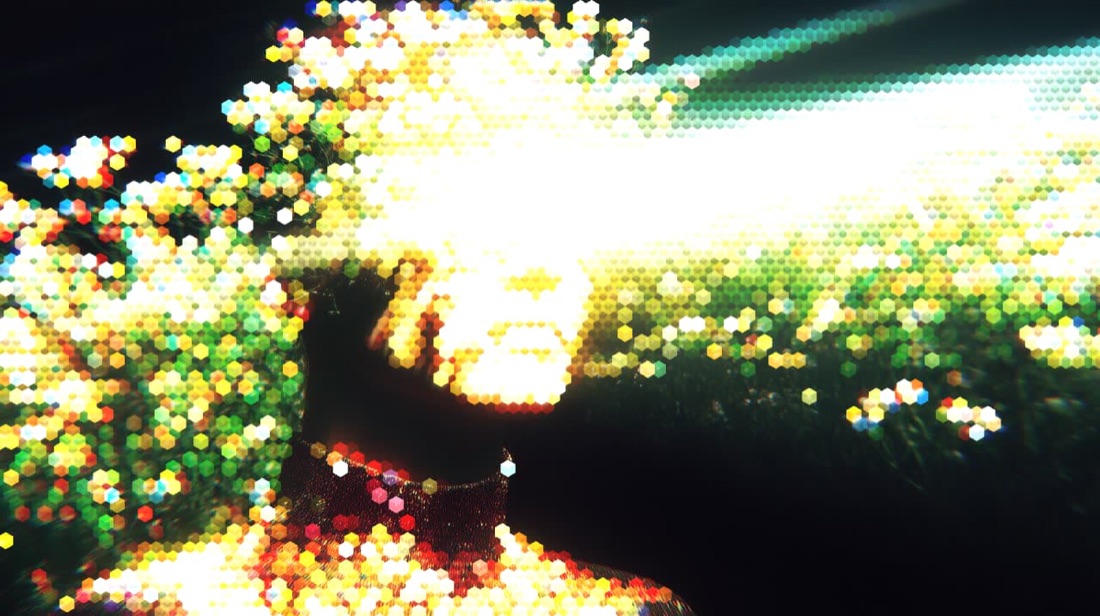
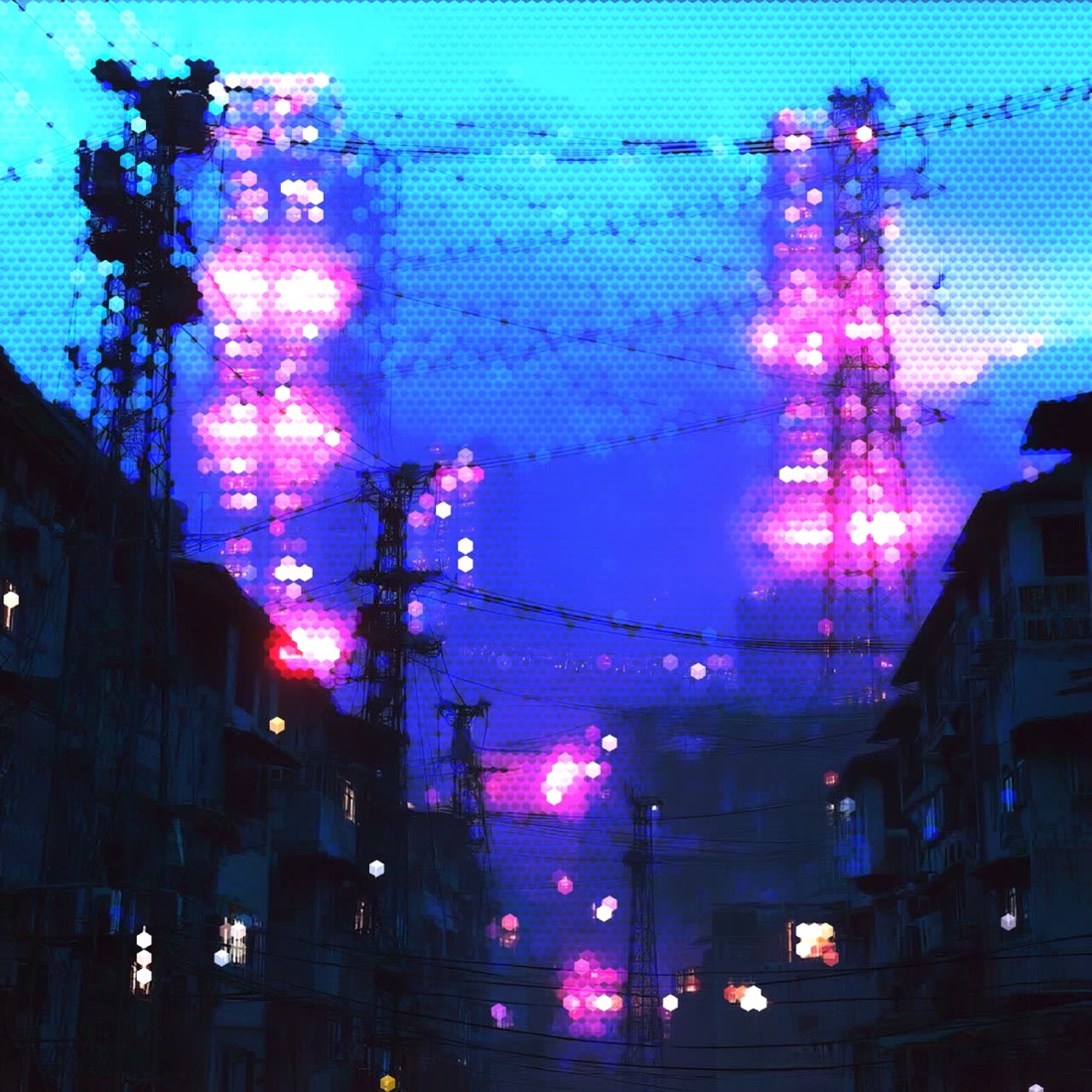
Cube size, outline weight, per-face shading and blend mode, every control previews in real time, on stills or video.
/HOW IT WORKS
Drag any JPG, PNG, WebP, GIF or MP4 into the editor. No upload, your file stays in the browser.
Switch the render mode to Voxel (Cube), your photo becomes a field of isometric 3D cubes.
Adjust cube size, spacing, outline and per-face shading, and pick a blend mode.
Save as PNG, JPG, animated GIF or MP4, at up to 4× source resolution. No watermark.
/WHY ASCII MAGIC
Every cell becomes a shaded isometric cube on a hex grid, instant 3D pixel art from a flat photo, no modelling.
From fine grain to chunky Minecraft-style blocks, set cube size and spacing with a slider.
Independent top, light and dark face shades, an adjustable outline and a light-flip give the cubes real depth.
Voxelise every frame of a clip and export a looping MP4 or GIF; stills export up to 4× source resolution. No watermark.
/3D PIXEL ART
A voxel is the 3D version of a pixel, a small cube with volume. Voxel art (the term game devs use) and 3D pixel art (what searchers call it) refer to the same look: cubes stacked in 3D space and rendered from a fixed isometric angle, usually 30 degrees. Each cube shows three visible faces, a bright top, a slightly darker left, a slightly darker right; the per-face shading is what makes the look read as "3D" even though no perspective projection happens. The aesthetic became huge with MagicaVoxel, Crossy Road, Monument Valley, Riot's Worlds anthem video, and an entire generation of indie games. ASCII Magic turns any flat photo into 3D pixel art automatically by computing the cube shading from the source pixel brightness.
Voxel count is the single biggest lever, exactly like pixel size in flat pixel art. Start at 32 cubes across, adjust from there.
| Cubes across | Reads as | Best for |
|---|---|---|
| 8×8 | Ultra-chunky isometric icon | Favicons, extreme 3D pixel art |
| 16×16 | Crossy Road / early Minecraft mob | Chunky avatars, block-style logos |
| 32×32 | Classic Minecraft build, MagicaVoxel sprite | Character portraits, indie game key art |
| 64×64 | Modern voxel-art indie game | Detailed portraits, landscapes with structure |
| 128×128 | Voxel wallpaper resolution | Print, high-res backdrops, editorial |
| 256×256+ | Subtle voxel stylization | Photo-like with structure, poster prints |
Rule of thumb: start at 32×32. If the subject reads but you want more punch, drop to 16. If detail is missing, jump to 64.
All three describe the same thing from slightly different angles. Voxel art is the technical name: the pixel of a 3D grid, a "volume element". 3D pixel art is the common-language name for the same thing, the answer when someone asks "what if pixel art was 3D". Isometric art describes the camera angle you view voxel art through, a projection where the three axes are 30 degrees apart, no perspective foreshortening. Every voxel render is isometric. ASCII Magic generates all three from a flat photo, no MagicaVoxel install, no 3D modelling.
/FAQS
/CREATE ART IN SECONDS
Isometric cubes, per-face shading and blend modes, every change previews instantly, export at up to 4× resolution. Free forever.
Try it out now/RELATED STYLES
Each opens the editor with that style ready. Explore the full styles index.