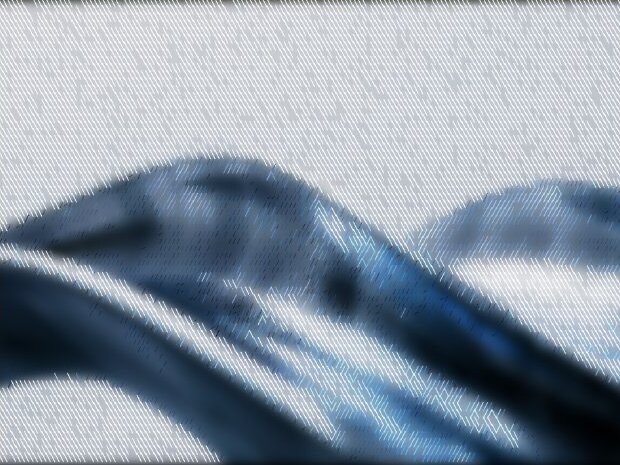
/STYLE · DIAGONAL

Diagonal, Hatched Stroke Effect

Turn any photo into diagonal stroke glyphs, a hatched, woven, engraved texture that slants across your image. Real-time, export at up to 4×. No signup, runs entirely in your browser.

Open the editor →

/SEE IT

From photo to diagonal strokes in one click

Drop any photo into the editor and pick the Diagonal style. Each cell becomes a slanted stroke weighted by brightness, a diagonal-hatch, engraving-like texture from your image.

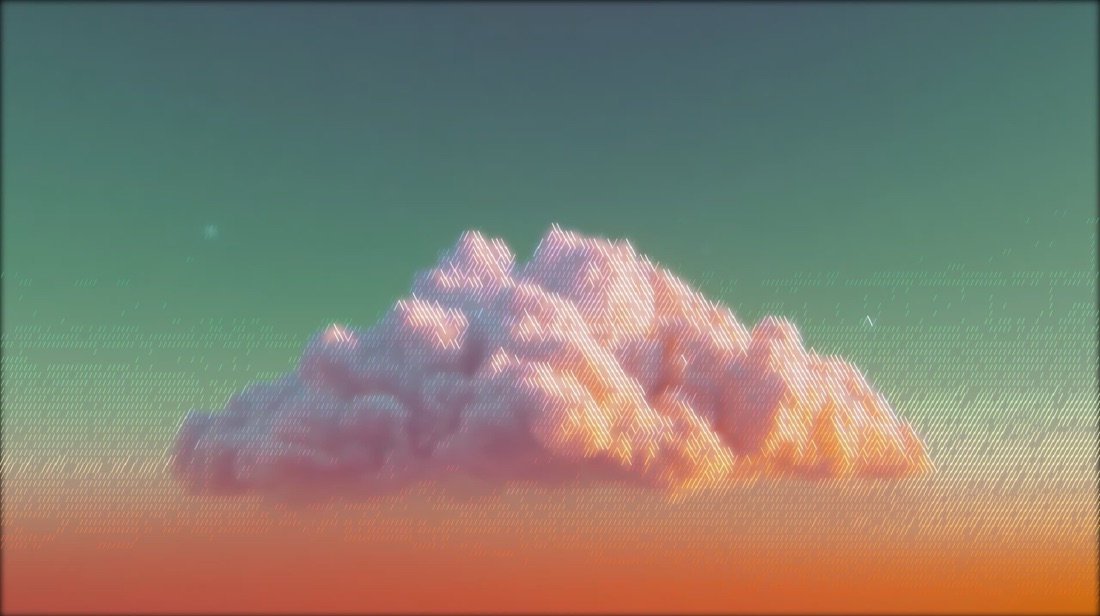
Original colour photograph, before the diagonal strokes effect is applied
Original
The same photograph rendered in the Diagonal style
Diagonal output

/MORE EXAMPLES

Diagonal hatching from any photo

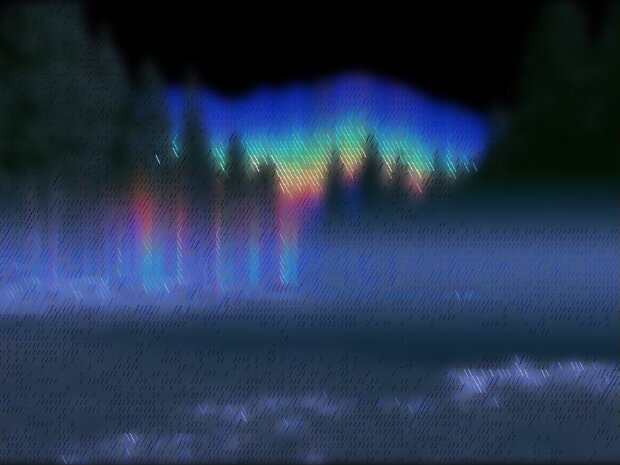
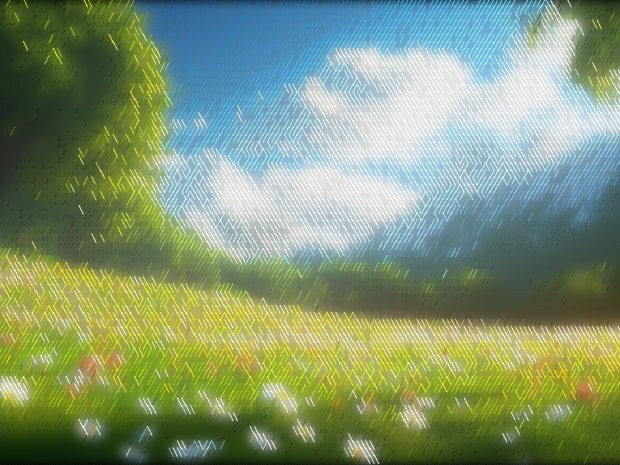
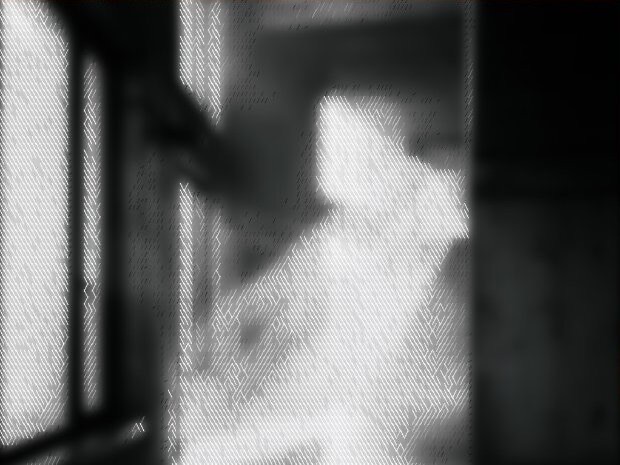
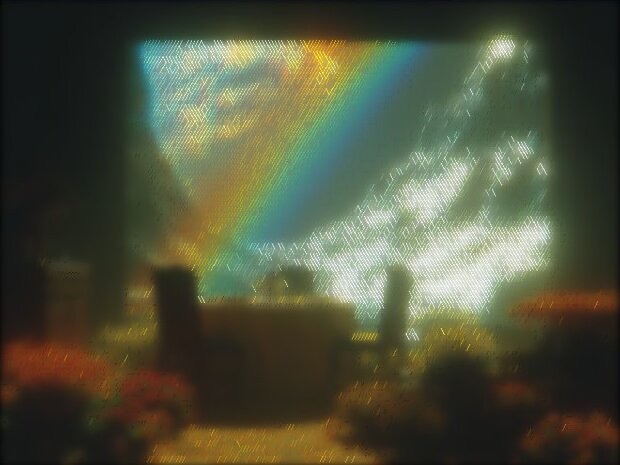
Six photos rebuilt as diagonal stroke glyphs, a hatched, engraved texture from the source.
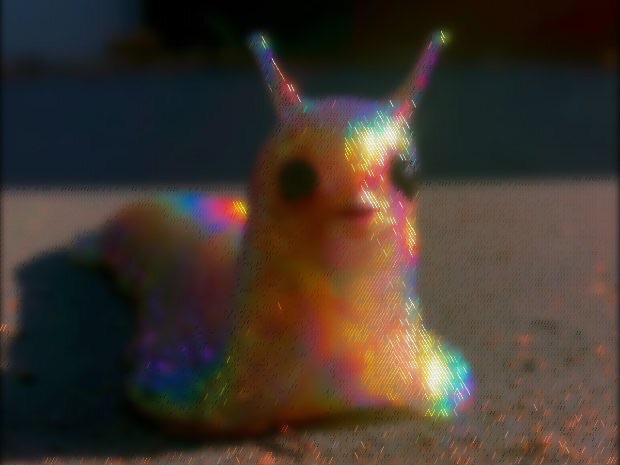
Photo rendered in the Diagonal style, Diagonal strokes
Diagonal strokes
Photo rendered in the Diagonal style, Fine hatching
Fine hatching
Photo rendered in the Diagonal style, Engraved look
Engraved look
Photo rendered in the Diagonal style, Bold slants
Bold slants
Photo rendered in the Diagonal style, Woven hatch
Woven hatch
Photo rendered in the Diagonal style, Slant texture
Slant texture

Every image is a real ASCII Magic export, drop your own photo to get the same look, then tune and export up to 4×.

/HOW IT WORKS

Make diagonal strokes in four steps

  1. Drop your image

    Drag any JPG, PNG, WebP, GIF or MP4 into the editor. No upload, your file stays in the browser.

  2. Pick the Diagonal style

    Switch the render mode to Diagonal, your photo is instantly redrawn in the diagonal strokes look.

  3. Tune the look

    Adjust stroke density, contrast and colour in real time, from fine hatching to bold diagonal slants.

  4. Export

    Save as PNG, JPG, animated GIF or MP4, at up to 4× source resolution. No watermark.

/WHY ASCII MAGIC

Built for diagonal hatching

Slanted stroke glyphs

Brightness-weighted diagonal strokes give a hatched, engraving-like texture.

Graphic & woven

A clean diagonal weave that suits posters and editorial art.

Density & palette

Tune how tight the hatch is and recolour it in real time.

Video + 4× exports

Render every frame of a clip and export a looping MP4 or GIF; stills export up to 4× source resolution.

/PATTERN

Diagonal strokes, kinetic energy from any photo

The Diagonal mode renders your image as a grid of diagonal stroke marks, like a single set of crosshatch lines tilted to 45° (or 30°, 60°, your choice). The visual effect is kinetic, the eye reads diagonal lines as motion (left-to-right or right-to-left), which makes diagonal-stroke renders feel more dynamic than vertical (Lines style) or horizontal stripes. It's a favourite for sport posters, music gig flyers, and any composition that wants to move. Stack with the Color Overlay for a wash of brand colour, or with Bloom + Glitch for a chaotic concert-poster feel.

Best uses for the Diagonal mode

/FAQS

Common questions about diagonal strokes

How do I make a diagonal hatching / engraving effect?
Open ASCII Magic, drop your photo in, and pick the Diagonal style. Each cell becomes a slanted stroke sized by brightness, a diagonal-hatch texture. Adjust density and colour, then export as PNG, GIF or MP4.
What is the Diagonal style best for?
It's ideal for an engraved, hatched, editorial look, posters, covers and graphic backgrounds.
Can I use it on a video?
Yes. Drop an MP4, MOV or WebM into ASCII Magic, pick the style, and every frame renders with the same settings. Export as an MP4 (H.264) or animated GIF.
Does ASCII Magic upload my photos to a server?
No. Every conversion runs locally in your browser using HTML5 Canvas. Your image or video never leaves your device, no upload, no cloud processing.
Is it really free?
Yes, completely free. No signup, no watermark, no export limit, no ads. Export stills up to 4x source resolution.
Can I use the output commercially?
Yes. The output is yours, use it in client work, social posts, prints, music videos, commercial sites, anything. You only need rights to the source image you uploaded.
What does the Diagonal style do?
It renders the image as a grid of diagonal stroke marks at the chosen angle (typically 45 degrees). The effect reads as kinetic motion, more dynamic than vertical or horizontal stripes. Great for sport posters, gig flyers, and any composition that wants energy.
Diagonal vs Cross vs Lines, what's the difference?
Lines = vertical strokes (CRT/VHS feel). Diagonal = a single set of angled strokes (kinetic motion). Cross = two or more sets of strokes at different angles overlapping (traditional crosshatch shading). Same engine, different stroke composition.

/CREATE ART IN SECONDS

Photos into diagonal-hatch art, in your browser.

Slanted stroke glyphs, adjustable density, every change previews instantly, export at up to 4× resolution. Free forever.

Try it out now

/RELATED STYLES

Or try a different art style

Each opens the editor with that style ready. Explore the full styles index.