
/STYLE · DOTS
Add a halftone effect to any photo or video in your browser, filled dots that scale with brightness for the classic comic-book, pop-art, Ben-Day and newsprint look. Free halftone generator, no Photoshop, no Illustrator, no After Effects, no signup. Build Ben-Day dot patterns in real time and export at up to 4×.
Open the editor →/TRY IT HERE
Every cell becomes a dot whose radius follows the brightness underneath it, the same curve the studio uses. Halftone without a printing press.
Controls
Appearance
These are the same controls as the studio, running the same maths. The full editor adds video, animation, post effects and export up to 4×.
/SEE IT
Drop any photo into the editor and pick the Dots style. Each cell is drawn as a filled circle whose size tracks the brightness underneath, recreating the halftone dots of comics, pop-art prints and newspapers.
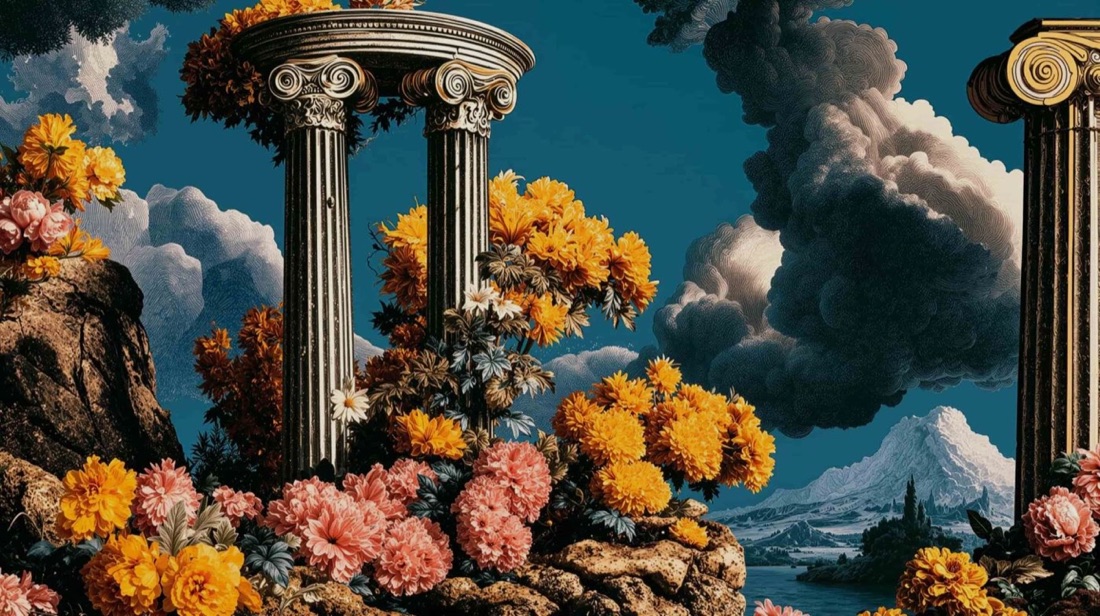
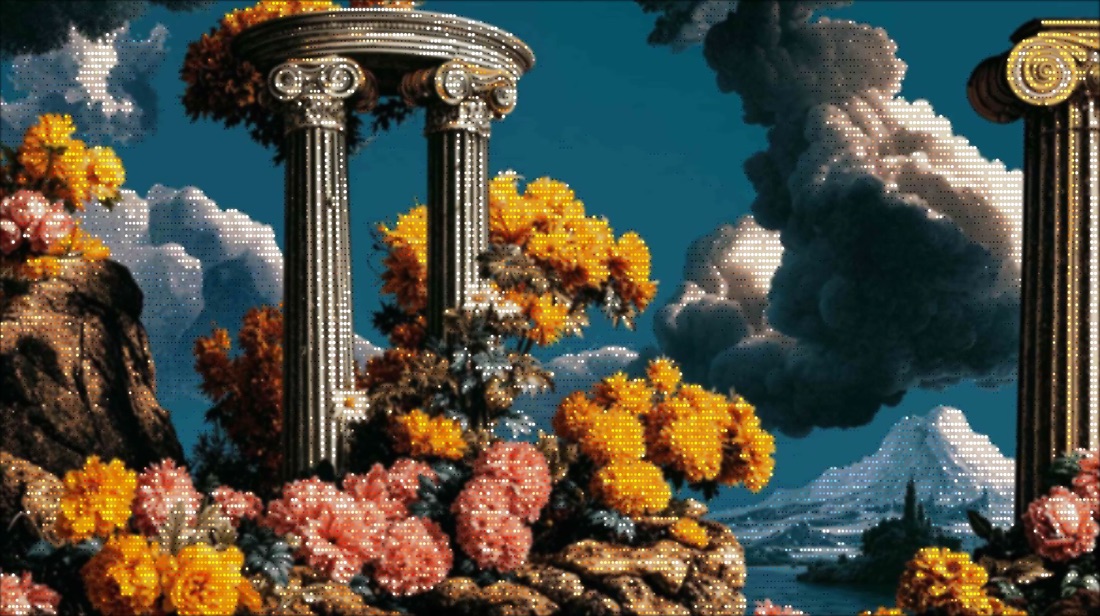
/MORE EXAMPLES
Six photos redrawn as halftone dots, circle size tracks brightness for that comic-book, pop-art look.
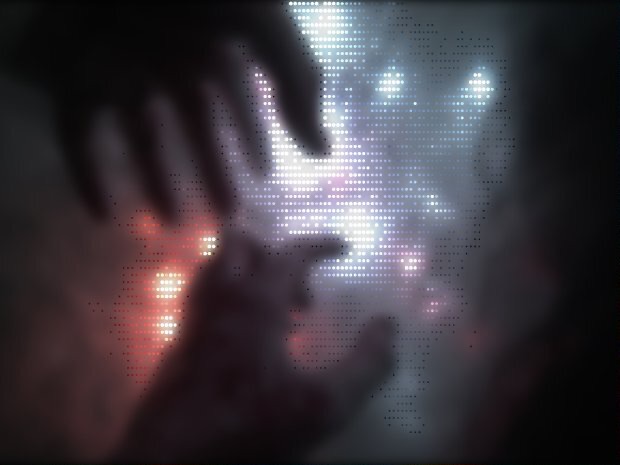
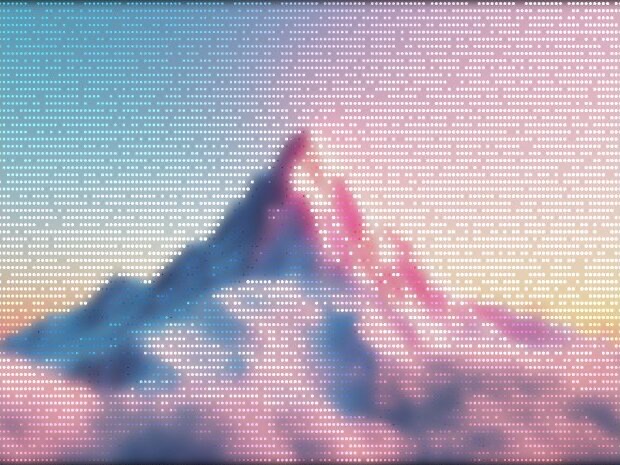
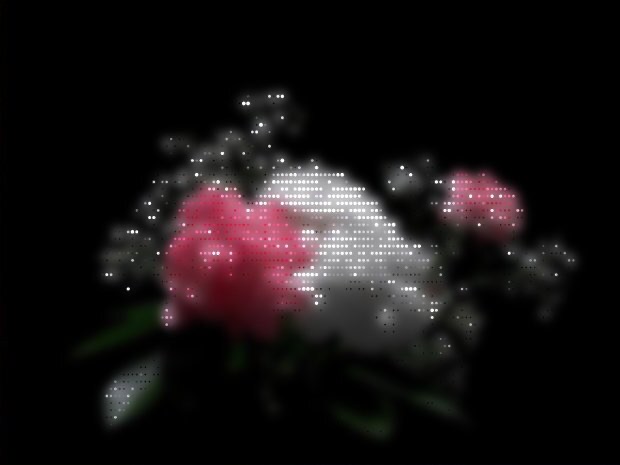
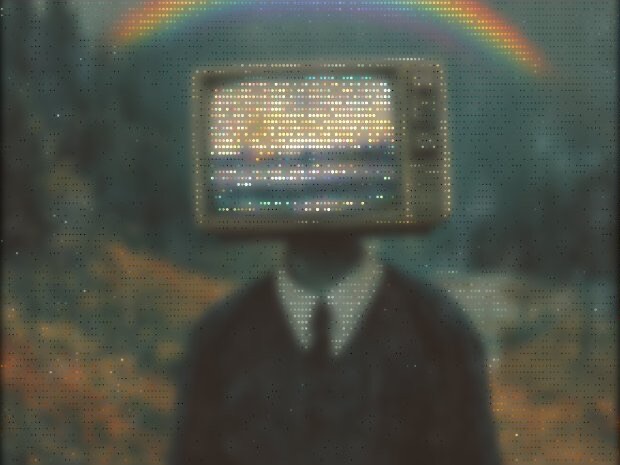
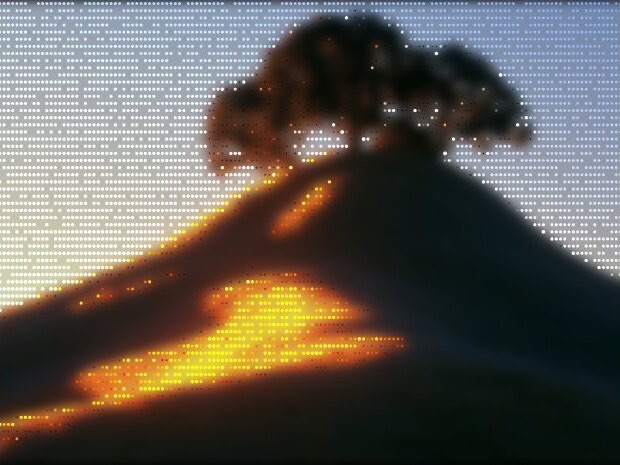
Every image is a real ASCII Magic export, drop your own photo to get the same look, then tune and export up to 4×.
/HOW IT WORKS
Drag any JPG, PNG, WebP, GIF or MP4 into the editor. No upload, your file stays in the browser.
Switch the render mode to Dots, your photo is instantly redrawn in the halftone look.
Adjust dot size, density, colour and contrast in real time, from fine newsprint grain to bold pop-art dots.
Save as PNG, JPG, animated GIF or MP4, at up to 4× source resolution. No watermark.
/WHY ASCII MAGIC
Each dot grows and shrinks with the tone underneath, the real halftone / Ben-Day look, not a flat overlay.
Tune dot size and colour for newsprint, comic-book or pop-art prints.
Every change previews instantly; layer colours for retro print effects.
Halftone every frame of a clip and export a looping MP4 or GIF; stills export up to 4× source resolution.
/HISTORY
Ben Day dots were invented by Benjamin Henry Day Jr in 1879 as a cheap way to print shaded areas at a time when full-colour photography was impossible: uniform-size coloured dots on a regular grid, overlaid on flat-printed line art. They became a hallmark of mass-printed comics from the 1940s through the 1970s. Roy Lichtenstein enlarged them in his 1960s pop-art paintings and they became the visual shorthand for "comic-book" across design and advertising. Modern halftone varies dot size with brightness to approximate continuous tone for photographic printing. ASCII Magic's Dots style supports both: uniform-size Ben Day for pop-art portraits, variable-size halftone for newspaper-style photo prints. The control is in the Dots panel.
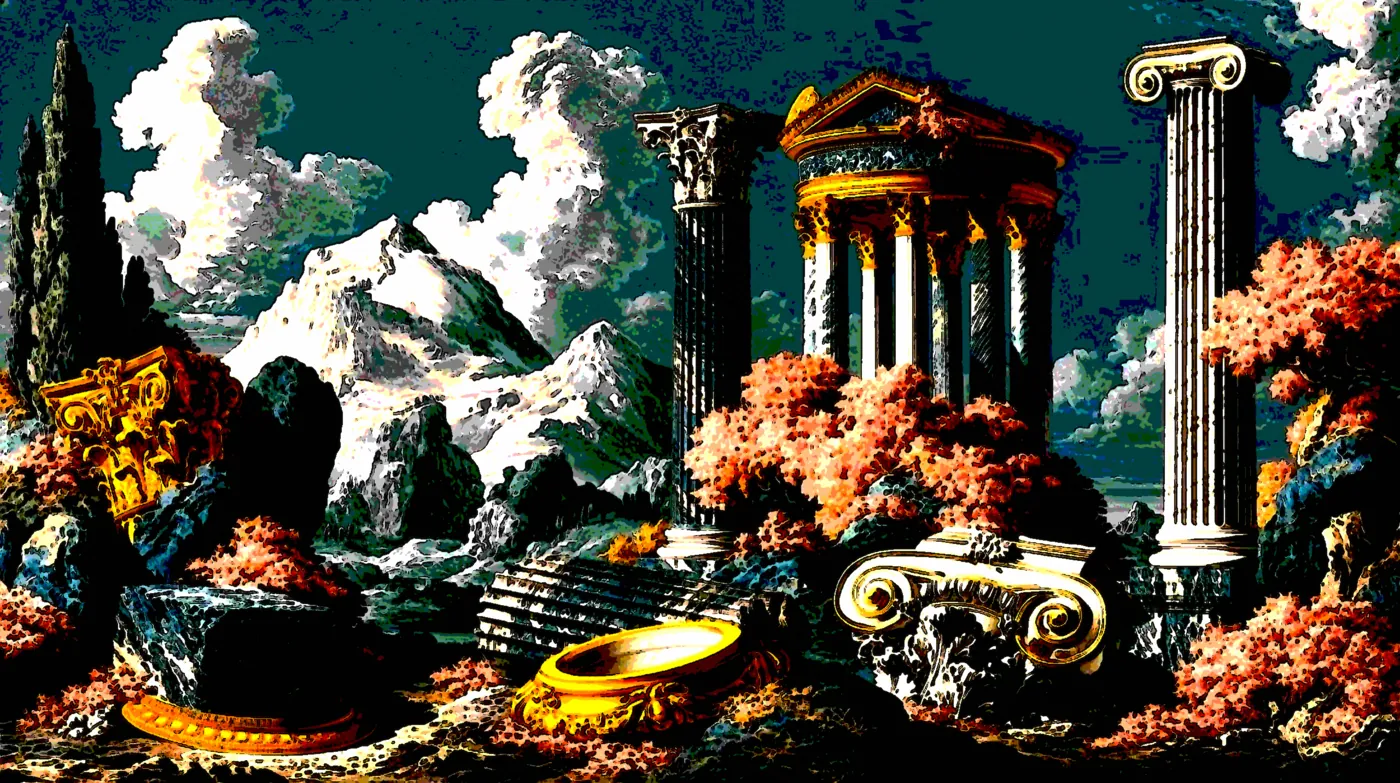
The Lichtenstein recipe: start with a high-contrast portrait or single subject, simplify the colour palette to two or three flat tones (often red, yellow, black), and overlay Ben Day dots over the flesh tones. ASCII Magic's Dots style does the dot overlay; combine with the Color Overlay post-effect for the flat palette. The result reads as instant pop-art, perfect for portraits, gig posters, T-shirt prints (which print cheaply at two colours) and album covers.
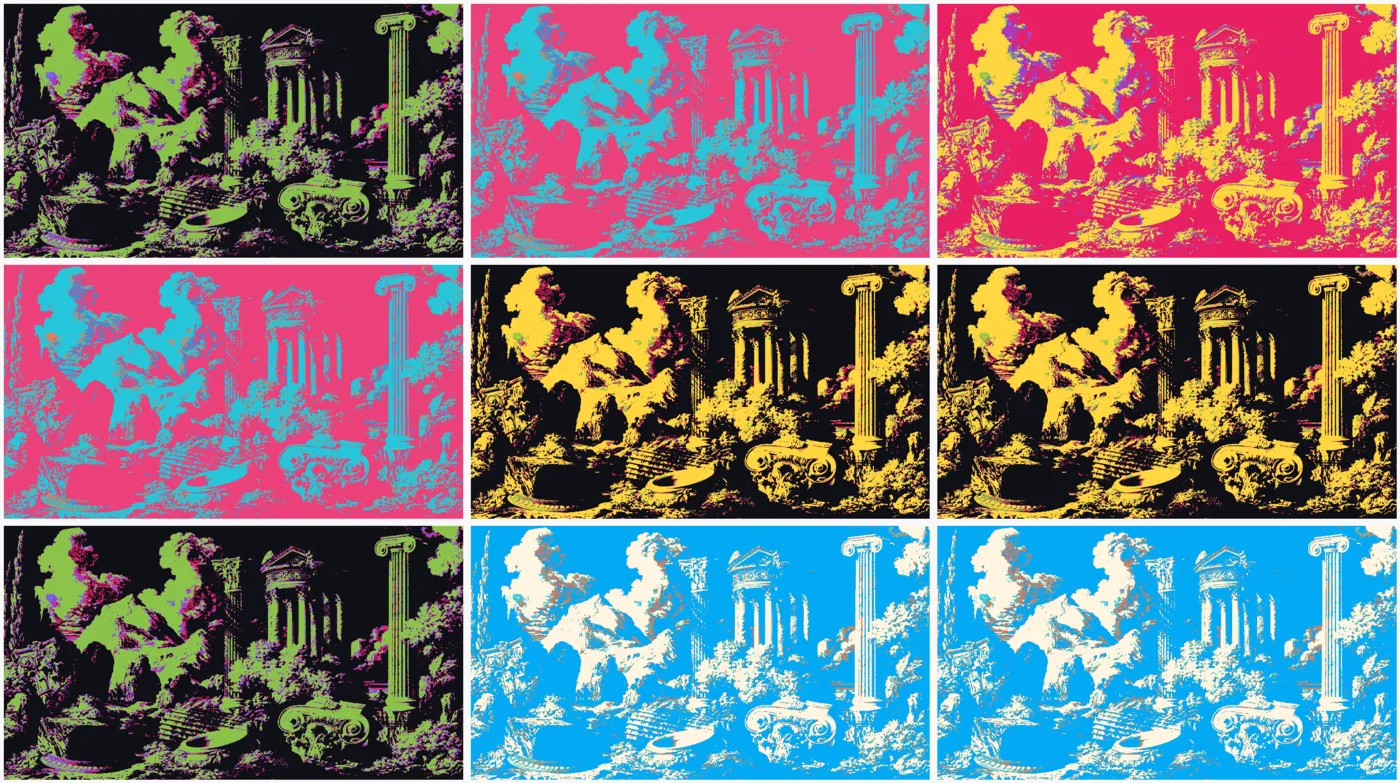
Because the Dots style bakes in the Ben Day pattern, ASCII Magic doubles as a pop art generator and a Warhol filter for photos. Push the palette to bright complementaries (magenta plus cyan, or red plus yellow) for the Warhol quadriptych look; pull it back to two flat tones for a Lichtenstein comic panel.
Stipple art is the fine-dot cousin of halftone. Where halftone dots grow and shrink to signal brightness, stipple keeps dots the same tiny size and varies their density: sparse in the highlights, dense in the shadows. It is the look of old scientific illustration, WSJ hedcuts, and pen-and-ink portrait work.
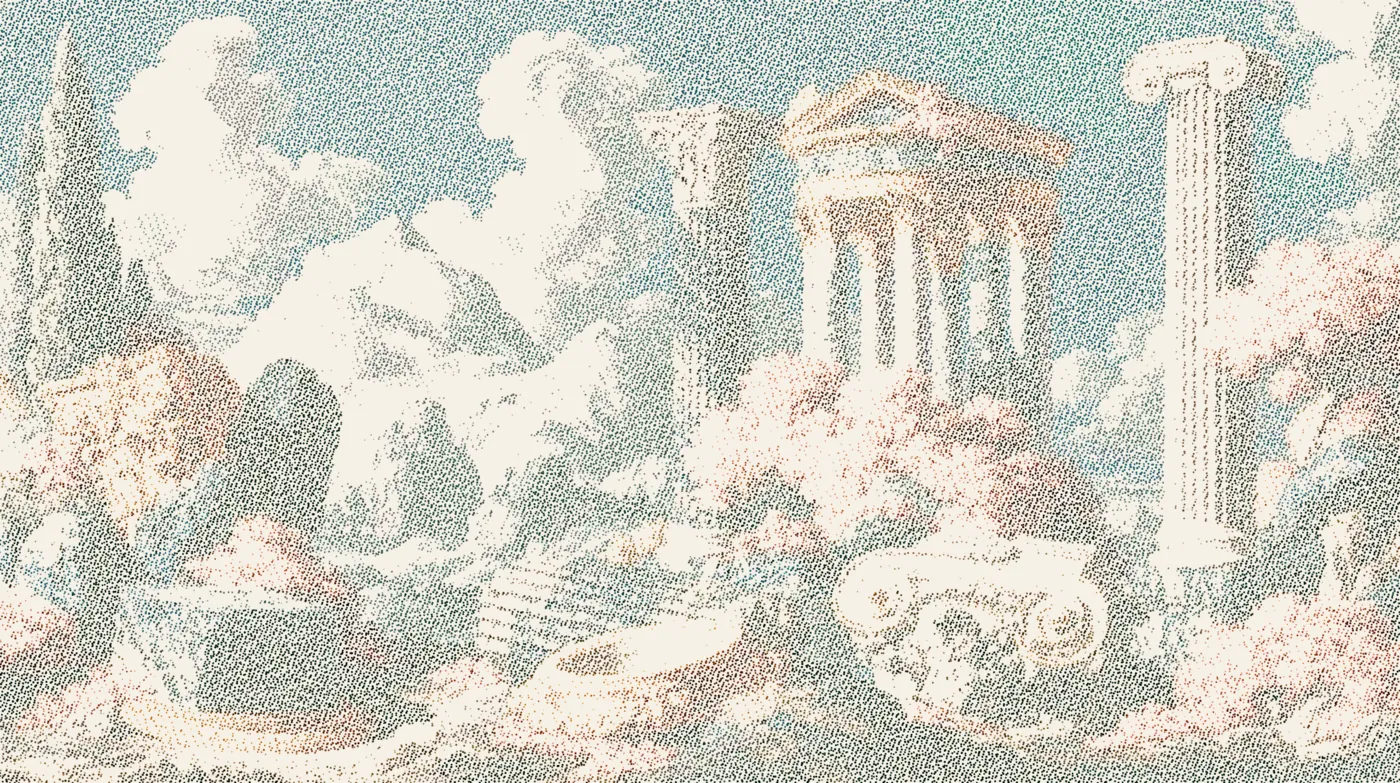
ASCII Magic renders stipple art from a photo with the Dots style. Pick a small dot size, crank the contrast, drop saturation to zero for a classic pen-and-ink read (or keep it up for a colour stipple), and preview the result live. Everything runs in your browser, so it works as a free stipple generator and a dot art generator, with no signup and no watermark. Export as PNG for print or GIF for the web.
Common uses: portrait illustration, editorial spot art, book covers and title pages, wine-label engravings, and any application where a photograph needs to read as hand-drawn without losing its likeness. Open the studio and drop a portrait in to try it.
/FAQS
/CREATE ART IN SECONDS
Brightness-scaled dots, comic and pop-art looks, every change previews instantly, export at up to 4× resolution. Free forever.
Try it out now/RELATED STYLES
Each opens the editor with that style ready. Explore the full styles index.