
/ALGORITHM · BAYER
Bayer Dithering and the Bayer Matrix
By Kailash · Updated October 9, 2026 · 6 min read
The short answer
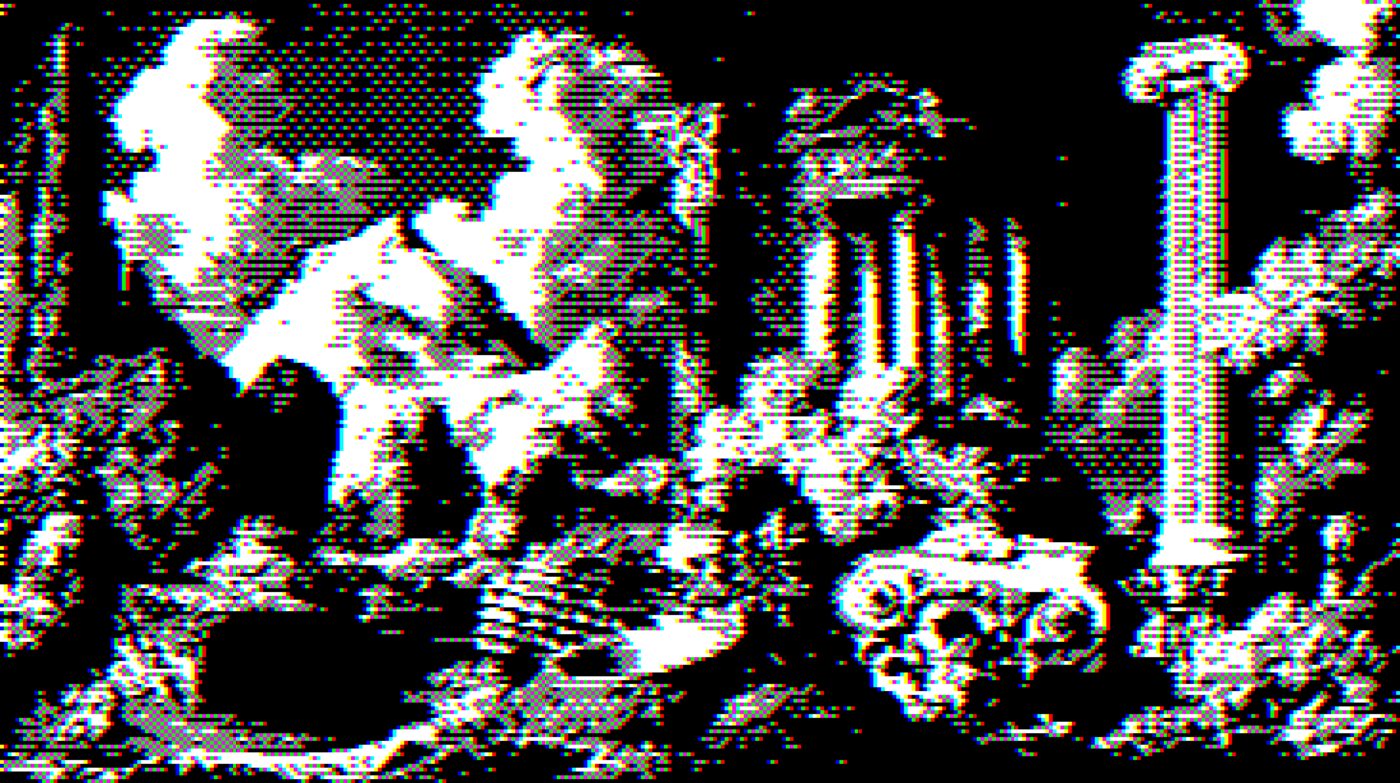
Bayer dithering is the best known form of ordered dithering. Instead of passing rounding error between pixels the way Floyd-Steinberg does, it compares every pixel against a fixed threshold matrix tiled across the whole image. That matrix is the Bayer matrix, and because it repeats, the output carries a visible regular crosshatch rather than an irregular speckle. That pattern is the reason people choose it: it is the look of 16-colour Windows, DOS games, newsprint screens and a lot of current retro-web design.
How the matrix works
The 2×2 Bayer matrix is the seed for every larger one:
0  2
3  1
The numbers are an order, not a brightness. They say which position in the tile turns white first as the image gets lighter. Position 0 flips first, then 1, then 2, then 3. Spreading that order out so that neighbouring positions are never consecutive is what stops white pixels clumping together.
Bigger matrices are generated recursively, and the step is easy to get wrong. You do not expand each cell into a block. You replicate the whole matrix into four quadrants, multiply every value by four, and add a different offset to each quadrant: +0 top-left, +2 top-right, +3 bottom-left, +1 bottom-right. Do that to the 2×2 and you get the 4×4:
 0  8  2 10
12  4 14  6
 3 11  1  9
15  7 13  5
Do it again for the 8×8. A pixel lights when its brightness passes (matrix value + 0.5) / n². Expanding cell by cell instead of quadrant by quadrant gives you a different matrix that clusters its thresholds, which is the opposite of what an ordered dither is for.
Which size to use
- 2×2. Four levels. Extremely coarse, an obvious checker. Good for a deliberately crude, early-computer look, poor for photographs.
- 4×4. Sixteen levels. The classic. This is the texture most people mean when they say "ordered dithering".
- 8×8. Sixty-four levels. Smooth enough for gradients while still clearly patterned. The usual choice when you want the grid to read as intentional rather than as a limitation.
- 16×16. Very smooth, and at normal viewing size the pattern starts to disappear, at which point you may as well use error diffusion.
Ordered against error diffusion
The practical differences, rather than the theoretical ones:
- Pattern. Bayer gives you a regular crosshatch. Floyd-Steinberg gives you irregular speckle. This is the whole decision most of the time.
- Stability under animation. Because the threshold map is fixed to the pixel grid rather than derived from neighbours, Bayer is stable frame to frame. Error diffusion crawls and boils on video. If you are dithering an animation, use ordered.
- Speed and parallelism. Every pixel is independent, so Bayer runs in parallel on a GPU trivially. Error diffusion is inherently sequential.
- Detail. Error diffusion wins, and it is not close. Ordered dithering discards information the moment a pixel falls on the wrong side of its threshold.
Bayer against blue noise
Bayer is not the only ordered dither. Its weakness is that the matrix is regular, so the eye picks the grid out as texture even when it is doing a good job of the tone. Blue-noise threshold maps solve exactly that: the values are still fixed and still tiled, so you keep the frame stability and the GPU friendliness, but the arrangement has no periodic structure for the eye to lock onto.
| Bayer | Blue noise | |
|---|---|---|
| Pattern | Regular crosshatch, obvious | Irregular, reads as fine grain |
| Stable on video | Yes | Yes |
| Parallel on GPU | Yes | Yes |
| Map size | Tiny, generated in a few lines | Large, usually precomputed and shipped |
| Pick it when | You want the retro grid to show | You want ordered behaviour without the grid |
In other words, choose Bayer when the pattern is the point. If you are reaching for ordered dithering only because you need frame stability and the crosshatch is an unwanted side effect, blue noise is the better tool.
The case that settles it: dithering video
This is where ordered dithering stops being a stylistic preference and becomes the correct engineering answer. An error-diffusion kernel derives each pixel from its neighbours, so changing one pixel in the source reshuffles every pixel downstream of it. Across frames of a video that reads as the whole image boiling, even where nothing in the scene moved.
A Bayer threshold map is fixed to the pixel grid. A pixel that did not change gets the same threshold next frame and therefore the same result, so static areas stay perfectly still and only the moving parts change. If you have ever seen a dithered clip that looks like it is crawling, it was almost certainly error-diffused. Switch to Floyd-Steinberg on a still and ordered on a sequence, and you have the whole decision.
Getting a good result
Two things fix most bad Bayer renders. Raise contrast first: ordered dithering has fixed thresholds, so a flat low-contrast image only ever touches the middle of the matrix and comes out as a uniform screen with no image in it. And match the tile scale to the output size, because a 4×4 matrix on a 4000px image is invisible, while the same matrix on a 400px image is the dominant texture.
Try it on your own image
Bayer 4×4 is selected below. Switch between 2×2, 4×4 and 8×8 to see the tile size change, and flip to Floyd-Steinberg to see ordered against error diffusion on the same source. Nothing is uploaded.
Controls
This runs the same kernels and palette values as the full editor. Switch the algorithm above to compare Bayer 4x4 against the others on your own image.
Frequently asked questions
What is Bayer dithering?
What is the Bayer matrix?
Bayer 2x2, 4x4 or 8x8, which should I use?
Bayer or Floyd-Steinberg dithering?
Why does my Bayer dither look like a flat screen with no image?
Can I apply Bayer dithering online for free?
Bayer is the ordered half of a fifteen-algorithm set. The error-diffusion half behaves completely differently, and Floyd-Steinberg is the one to compare it against. The complete guide to dithering covers both families.