
/STYLE · GLITCH
Turn any photo or video into glitch art. Pick a base style in the ASCII art generator, then layer the Glitch, RGB Split, Chromatic Aberration and Scanline post-effects for a broken-signal, VHS and datamosh look. Real-time, export at up to 4x. No signup, runs entirely in your browser.
Open the editor →/PRO EFFECT
Digital Distortion is one of the Pro effects, so there is no in-page editor for it here. Everything below describes exactly what it does and what it is good for, and you can see it running on your own images inside the studio with Pro.
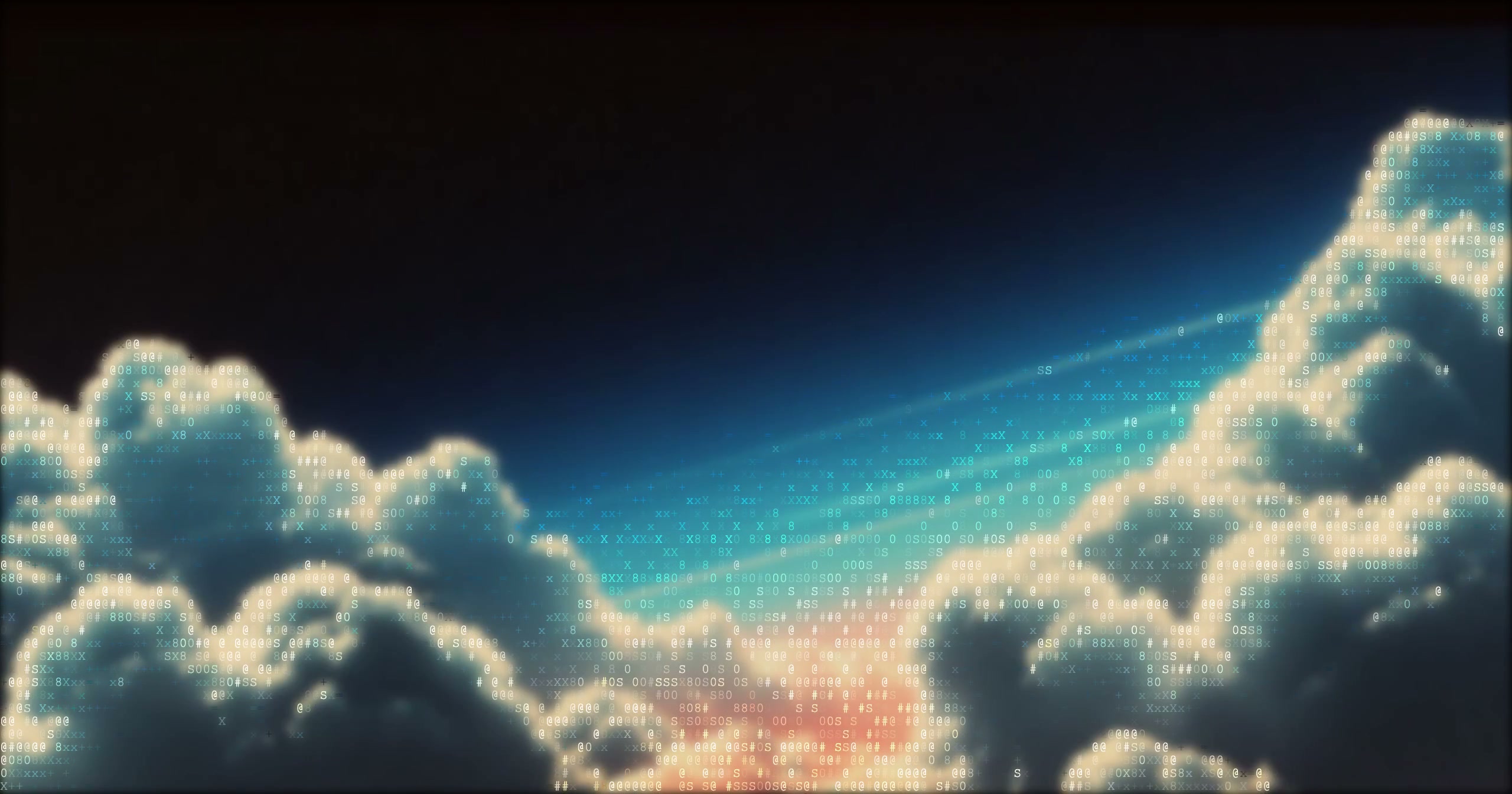
What it does
The free styles on this site all have a working editor on their own page. This one is part of Pro, along with 4K export, video and the AI generative presets.
/SEE IT
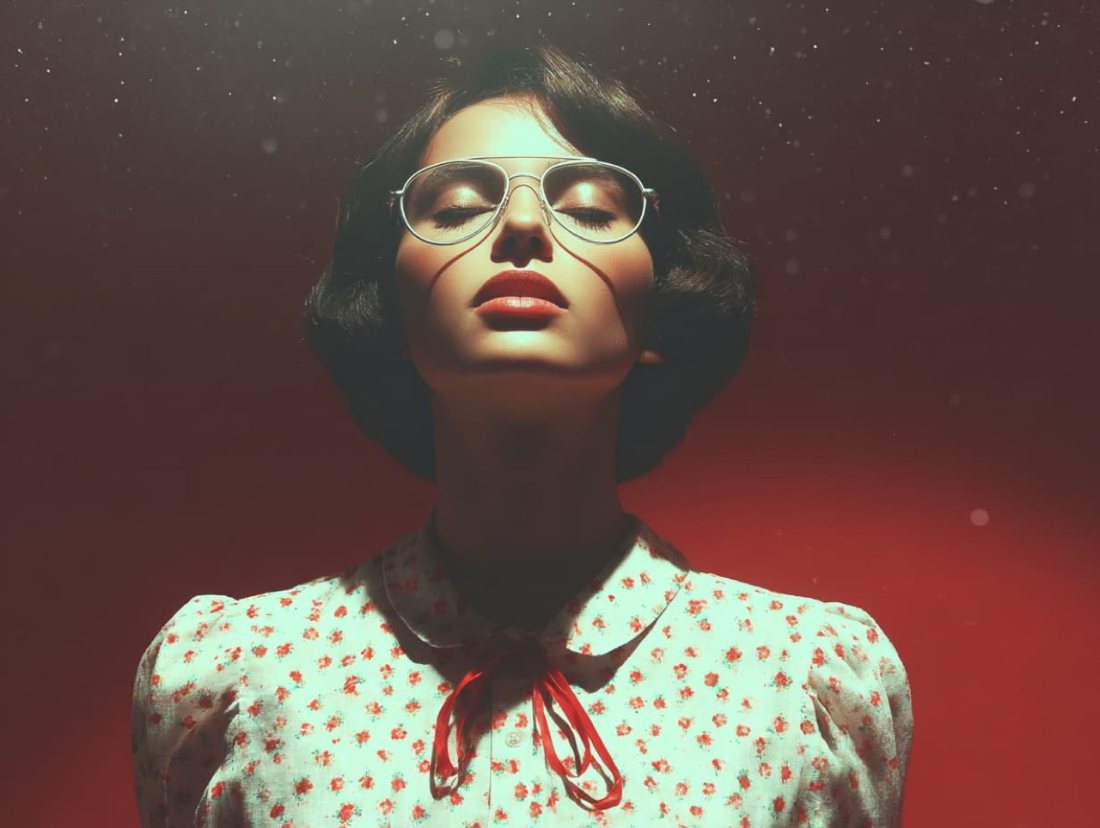
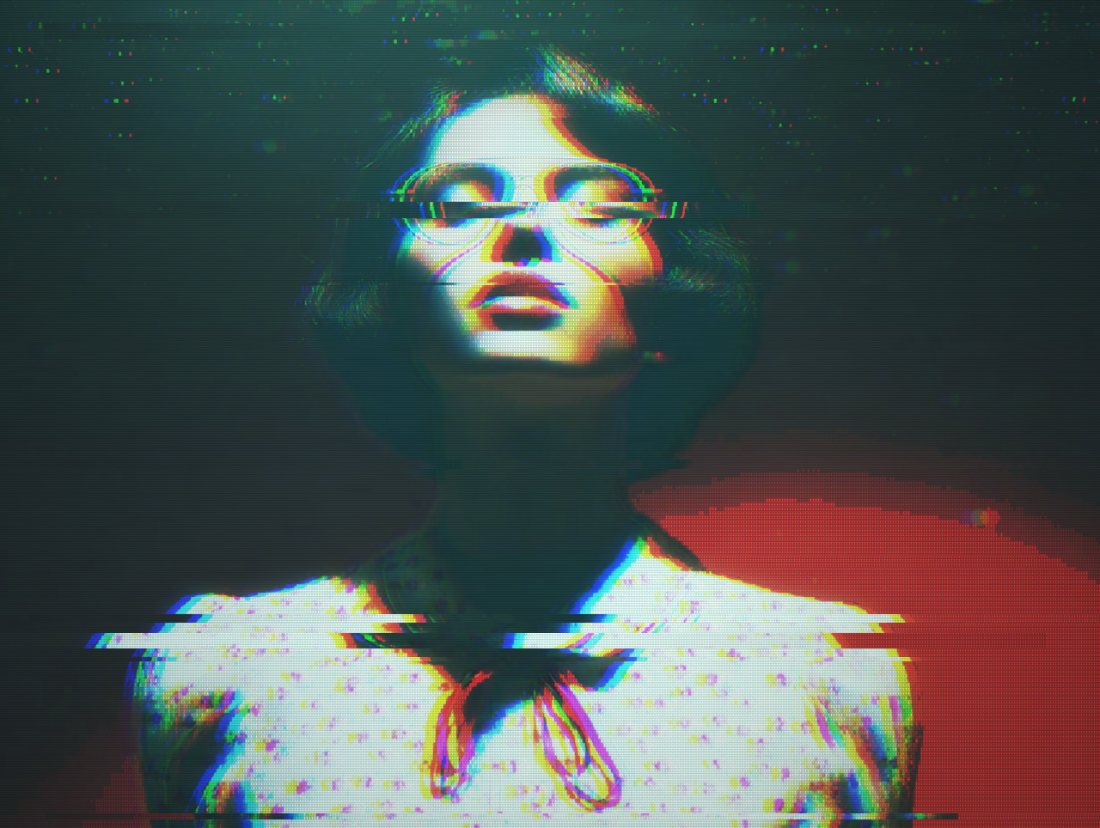
Drop any photo into the editor, pick a base style, then switch on the Glitch, RGB Split and Chromatic Aberration post-effects. Slices shift, the colour channels tear apart and scanlines crawl across the frame for a corrupted-signal glitch photo. Pair it with the complete guide to dithering and a 1-bit palette to push the look toward Obra Dinn territory.
/MORE EXAMPLES
Four photos rebuilt with the glitch stack, RGB split, chromatic aberration and VHS scanline looks pulled straight from the source.
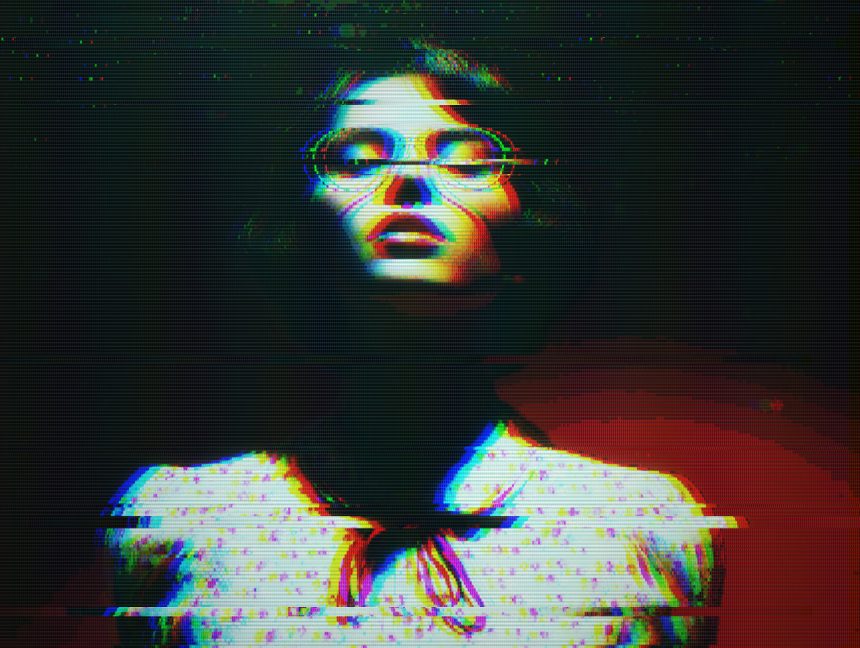
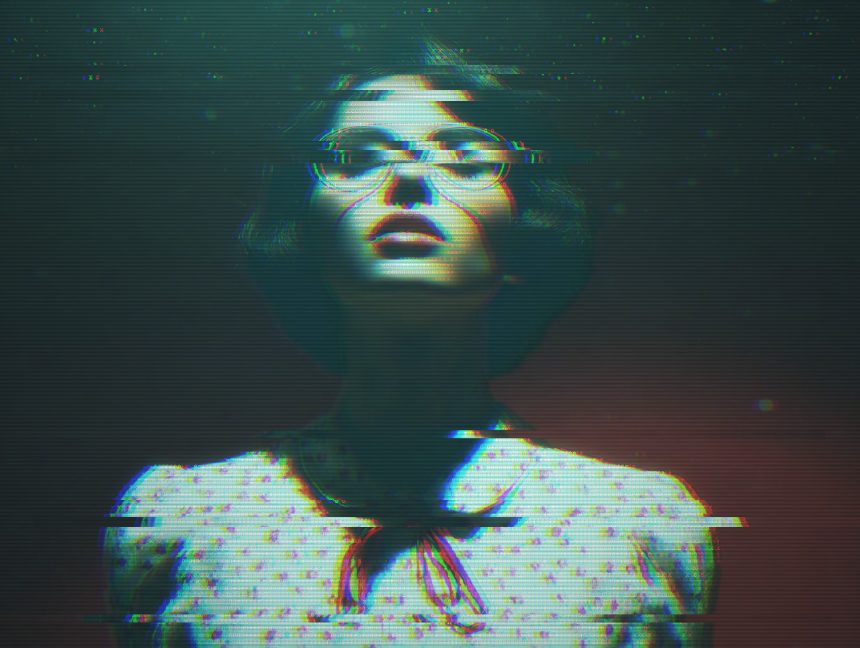
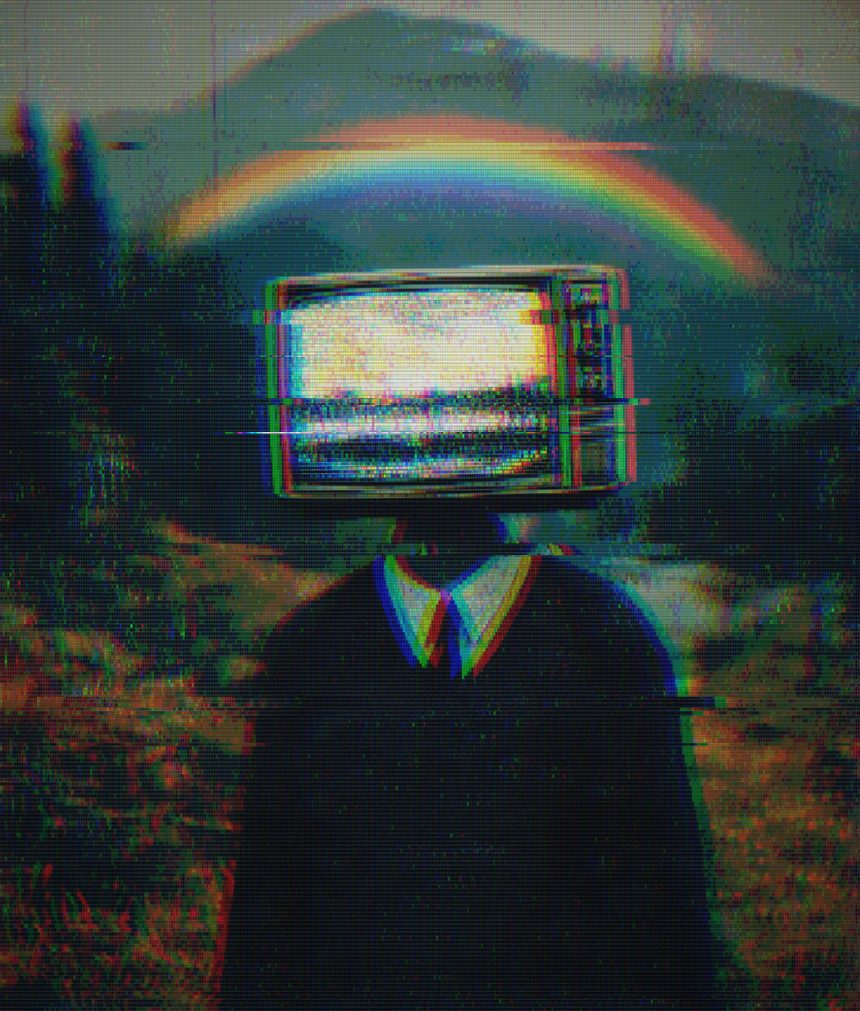
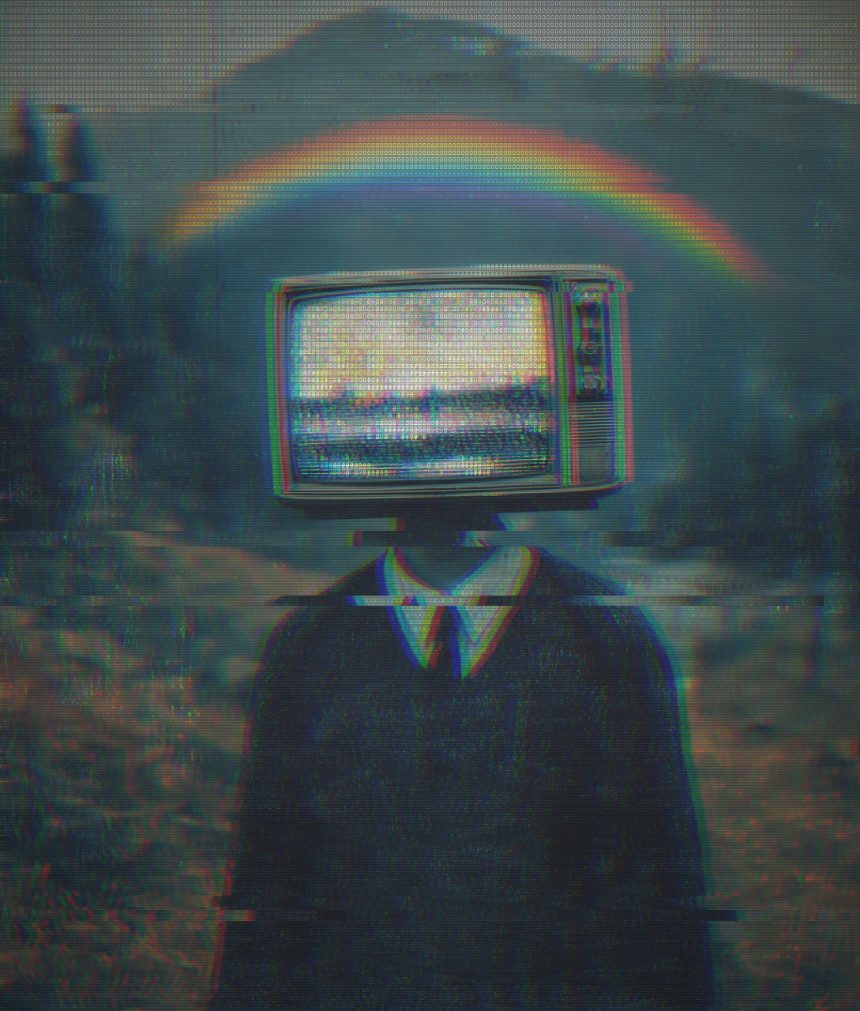
Every image is a real ASCII Magic export, drop your own photo to get the same look, then tune and export up to 4×.
/HOW IT WORKS
Drag any JPG, PNG, WebP, GIF or MP4 into the editor. No upload, your file stays in the browser.
Choose a base style like Pixel Art or Characters, the foundation your glitch effect sits on top of.
Enable Glitch, RGB Split, Chromatic Aberration and Scanlines, then dial each intensity in real time.
Save as PNG, JPG, animated GIF or MP4, at up to 4× source resolution. No watermark.
/WHY ASCII MAGIC
Glitch, RGB Split, Chromatic Aberration and Scanlines layer over any base style, each with its own intensity slider.
Tear the colour channels apart for that classic glitch fringe, or bend them at the edges like a cheap lens.
Combine scanlines and slice displacement for a worn analogue-tape VHS effect or a heavy datamosh render.
Glitch every frame of a clip and export a looping MP4 or GIF; stills export up to 4× source resolution.
/GLITCH PHOTO · GLITCH FILTER · GLITCH ART
People search for the same thing three different ways: glitch photo when they have a specific image they want distorted, glitch filter when they want a repeatable effect they can slap on any source, and glitch art generator when they want a piece of art in the datamosh aesthetic. This tool is all three at once, and the settings that give each look overlap heavily.
Upload a photo, enable Glitch in the Post-FX panel, dial its intensity up. That is a glitch photo in five seconds. Add RGB Split and Scan Lines for the classic CRT-glitch look, or Chromatic Aberration for a lighter camera-lens fault feel.
Use the tool as a reusable glitch filter across a set of photos. Every parameter is remembered when you swap the source image, so you can process a batch of covers, portraits or product shots with the exact same glitch look, then export a consistent series.
Combine Glitch + Chromatic Aberration + a green or magenta overlay + Film Grain and you get a piece of glitch art indistinguishable from a hand-crafted datamosh. Export at 4× and you have print-worthy glitch art in seconds.
The glitch effect also stacks with every other renderer here. Combine Glitch with the Characters mode for text-glitch fields; with the Mosaic mode for pink-and-blue datamosh tiles; with the Dither mode for corrupted-monitor grids. Each combination is a distinct glitch art aesthetic sitting inside the same free tool.
/FAQS
/CREATE ART IN SECONDS
RGB split, chromatic aberration, VHS scanlines and datamosh, every change previews instantly, export at up to 4× resolution. Free forever.
Try it out now/RELATED STYLES
Each opens the editor with that style ready. Explore the full styles index.