
/STYLE · DIAMOND
Turn any photo into sharp jewel-like diamond glyphs ◆ sized by brightness, a faceted, sparkling mosaic of your image. Real-time, export at up to 4×. No signup, runs entirely in your browser.
Open the editor →/TRY IT HERE
Four diamond weights, ⬥ ◆ ◇ ⋄, picked by the tone of each cell.
Controls
Appearance
These are the same controls as the studio, running the same maths. The full editor adds video, animation, post effects and export up to 4×.
Copyable text
/SEE IT
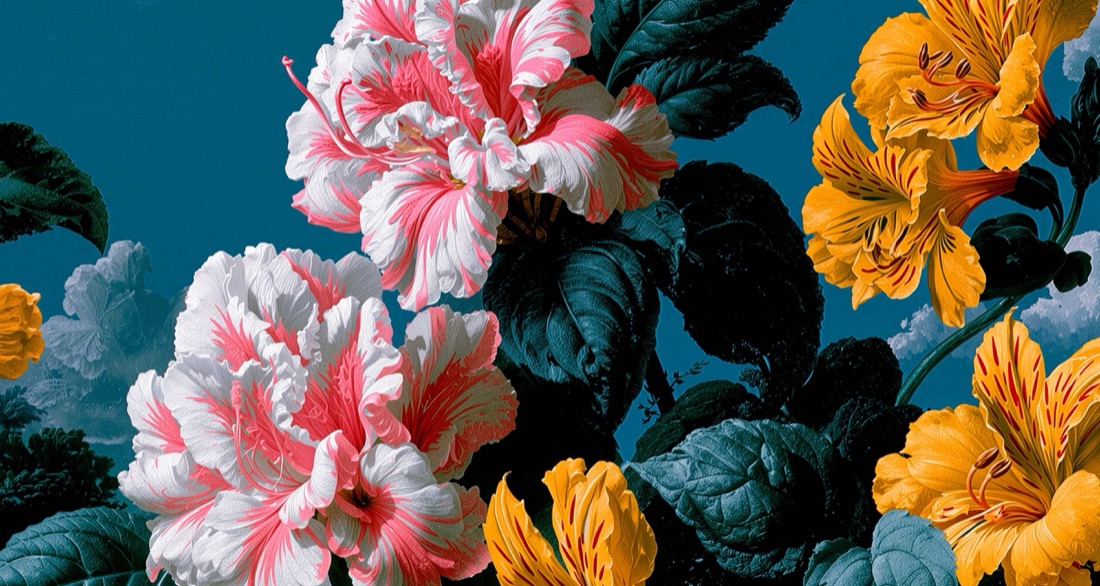
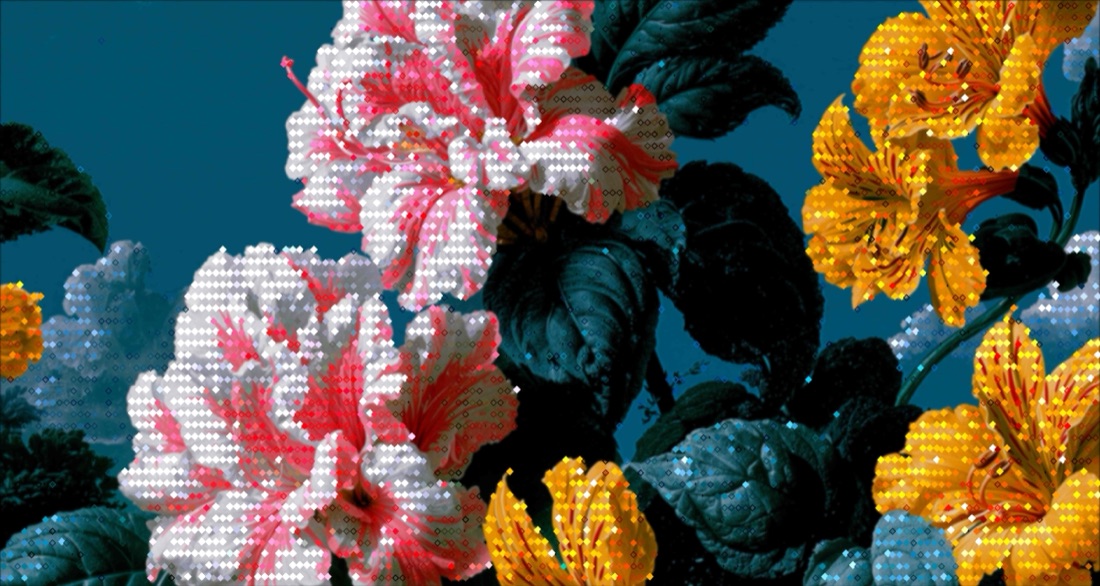
Drop any photo into the editor and pick the Diamond style. Each cell becomes a jewel-like diamond glyph sized by brightness, a faceted, gem-cut mosaic of your image.
/MORE EXAMPLES
Six photos rebuilt as faceted diamond glyphs, a sparkling, gem-cut mosaic from the source.
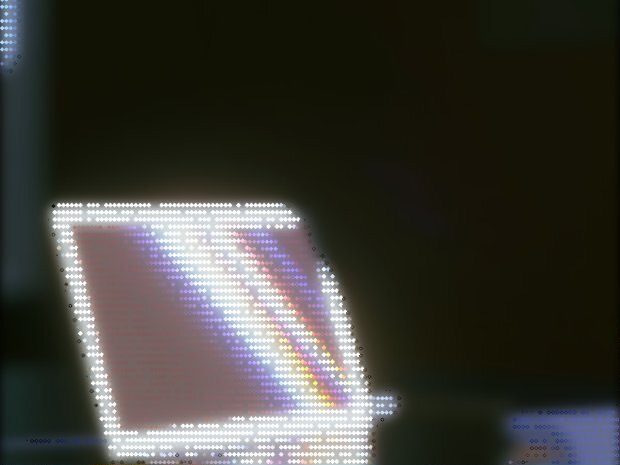
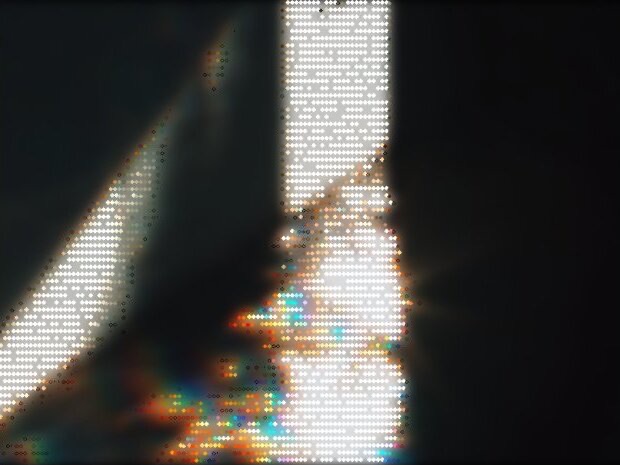
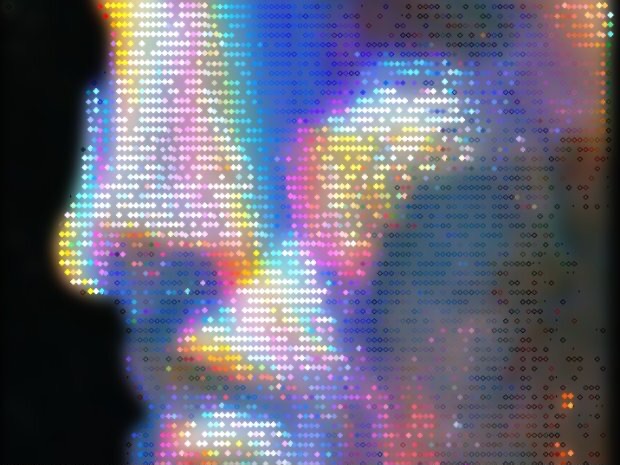
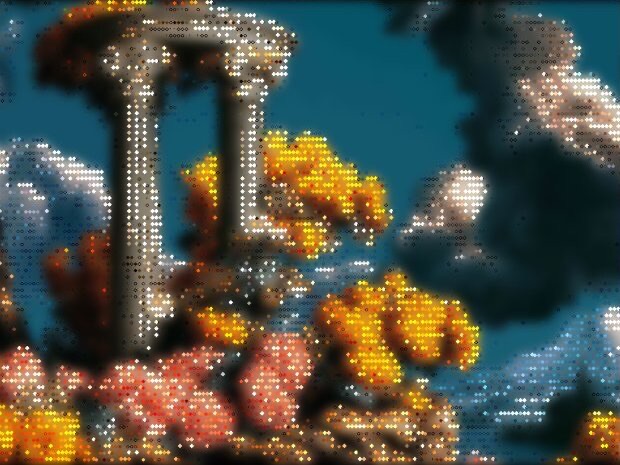
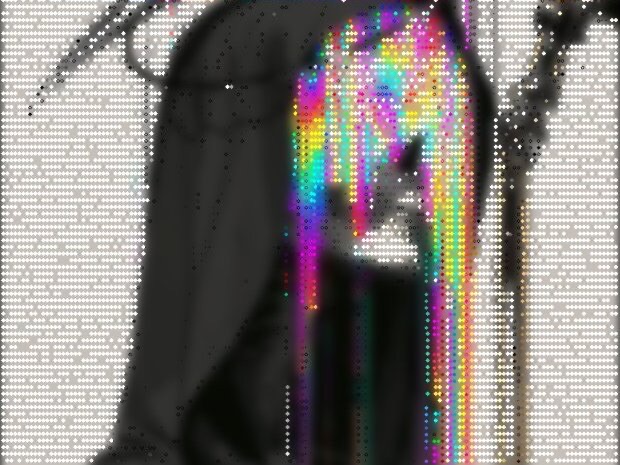
Every image is a real ASCII Magic export, drop your own photo to get the same look, then tune and export up to 4×.
/HOW IT WORKS
Drag any JPG, PNG, WebP, GIF or MP4 into the editor. No upload, your file stays in the browser.
Switch the render mode to Diamond, your photo is instantly redrawn in the diamond glyphs look.
Adjust glyph size, contrast and colour in real time, from fine facets to bold gem tiles.
Save as PNG, JPG, animated GIF or MP4, at up to 4× source resolution. No watermark.
/WHY ASCII MAGIC
Every cell is a brightness-scaled diamond ◆, a faceted, gem-like mosaic.
A crisp, sparkling render that pops on dark backgrounds.
Tune facet size and recolour in real time.
Render every frame of a clip and export a looping MP4 or GIF; stills export up to 4× source resolution.
/PATTERN
The Diamond mode renders your image as a grid of diamond shapes (squares rotated 45°), brightness mapped per cell. The pattern reads as instantly stylised, somewhere between Op Art (Bridget Riley's geometric paintings), Art Deco ornament (1920s decorative patterns), and modern textile design. Because diamonds tessellate cleanly with neighbours, the result feels woven, a texture rather than a sampling artefact. Pair with the Color Overlay post-effect at low opacity for a soft tinted-pattern feel; or with the Vignette + Bloom stack for a glowing centre-radiating composition.
/FAQS
/CREATE ART IN SECONDS
Faceted diamond glyphs, adjustable size, every change previews instantly, export at up to 4× resolution. Free forever.
Try it out now/RELATED STYLES
Each opens the editor with that style ready. Explore the full styles index.