
/STYLE · BLOCK
Turn any photo into Unicode block characters, half, quarter and full blocks render dense, pixel-art-like detail, perfect for terminal aesthetics. Real-time, export at up to 4×. No signup, runs entirely in your browser.
Open the editor →/TRY IT HERE
Four block glyphs, █ ▓ ╸ ╷, mapped to the brightness underneath. Denser blocks in the light, empty cells in the shadows.
Controls
Appearance
These are the same controls as the studio, running the same maths. The full editor adds video, animation, post effects and export up to 4×.
Copyable text
/SEE IT
Drop any photo into the editor and pick the Block Characters style. Each cell is filled with a Unicode block glyph (half, quarter or full block) chosen to match the tone, dense, blocky, terminal-style art from your image.
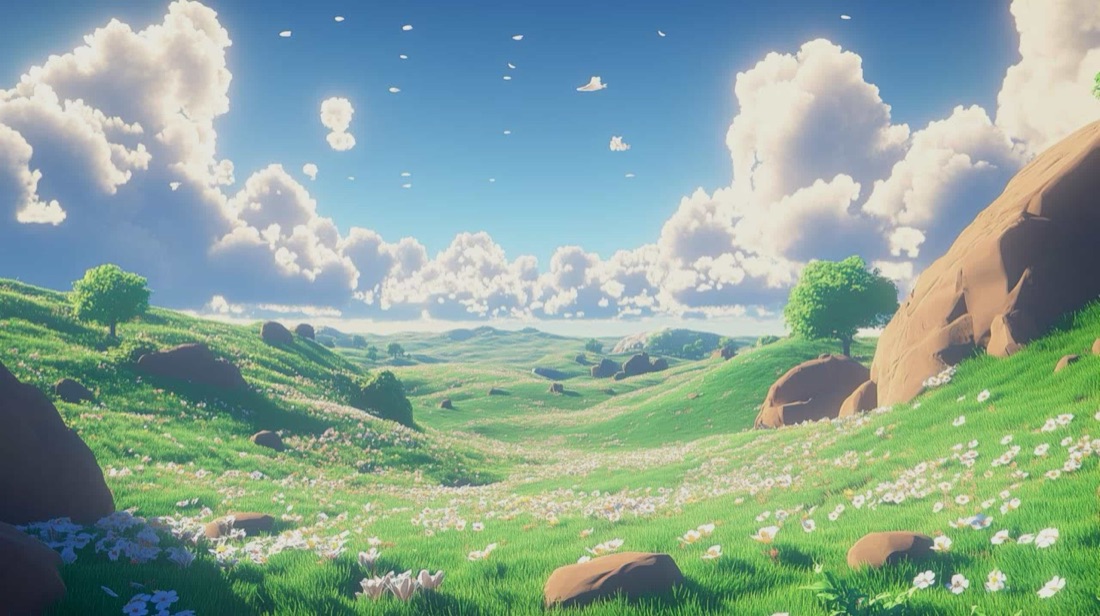
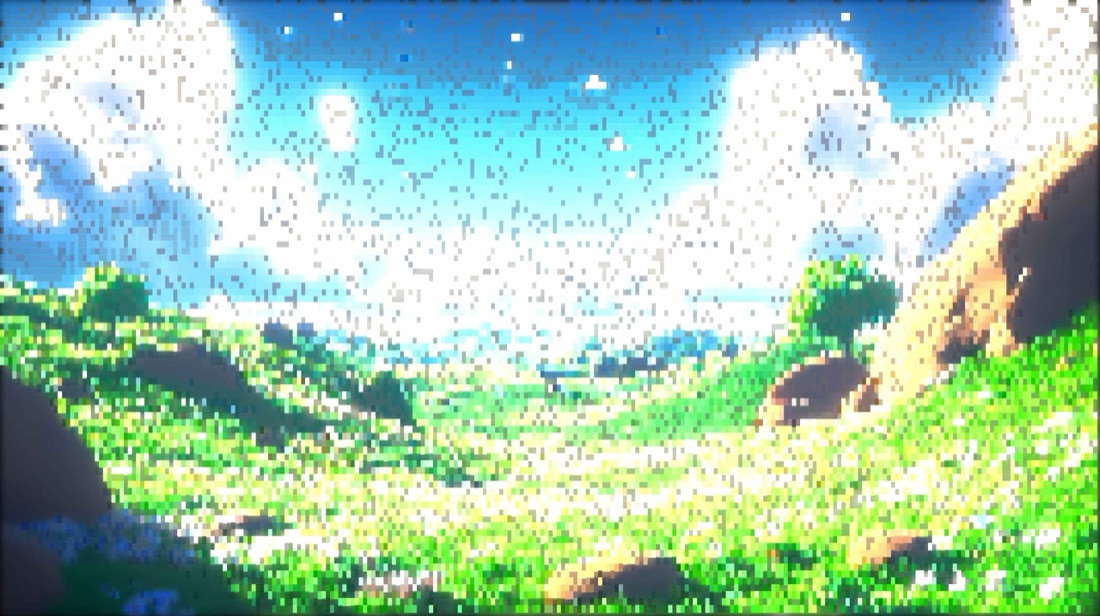
/MORE EXAMPLES
Six photos rebuilt as Unicode block characters, dense, pixel-art-like terminal art from the source.
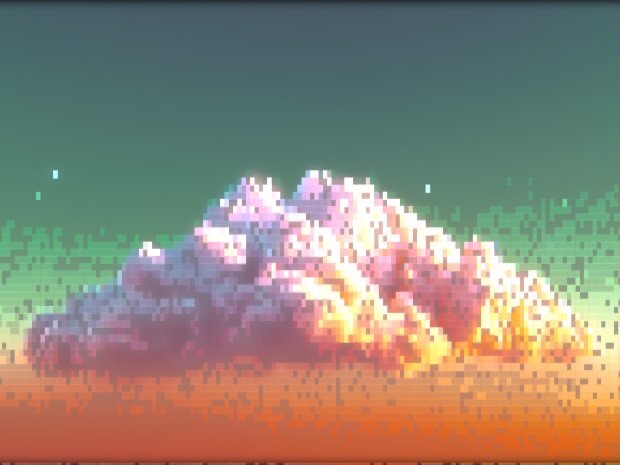
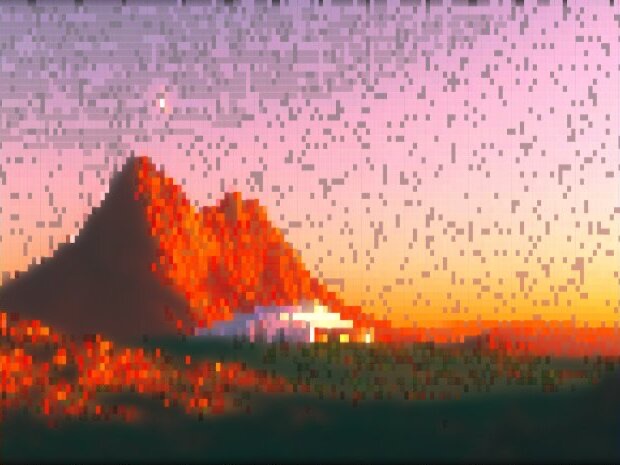
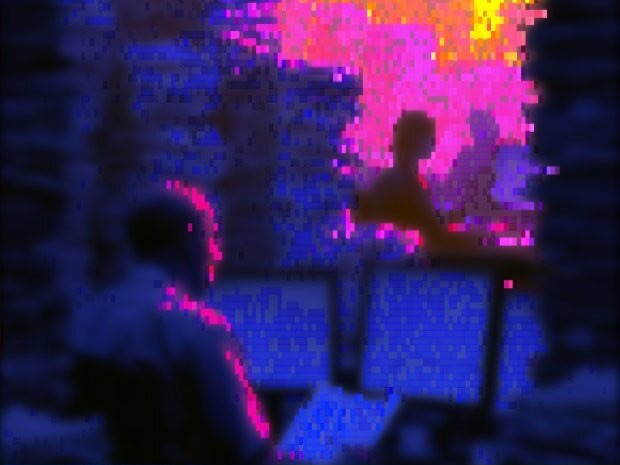
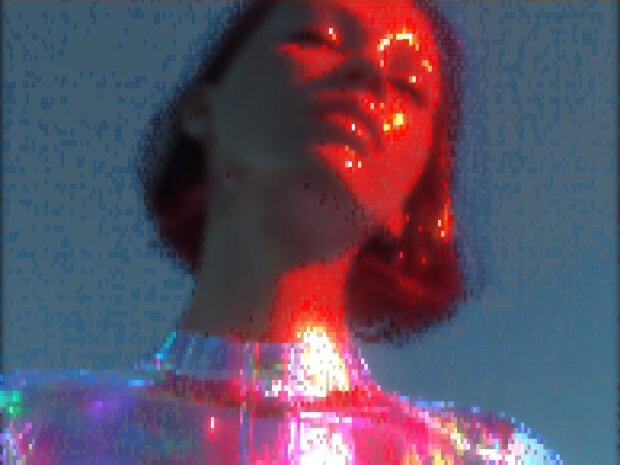
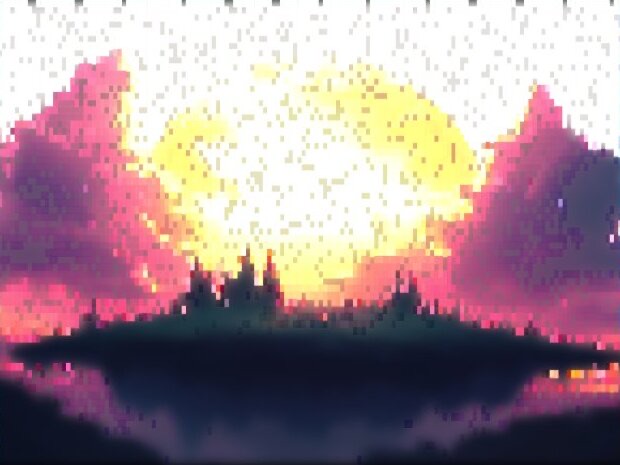
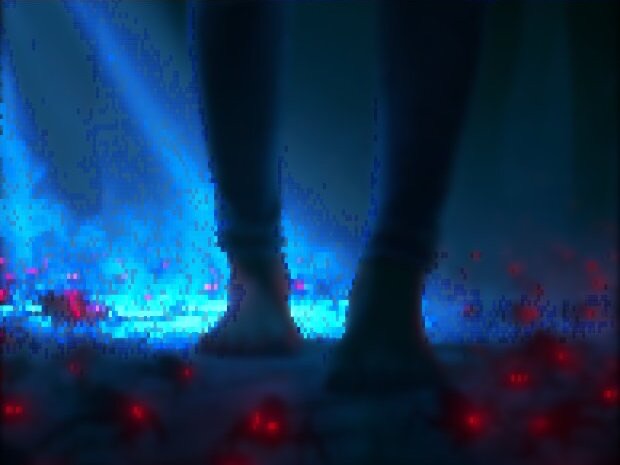
Every image is a real ASCII Magic export, drop your own photo to get the same look, then tune and export up to 4×.
/HOW IT WORKS
Drag any JPG, PNG, WebP, GIF or MP4 into the editor. No upload, your file stays in the browser.
Switch the render mode to Block, your photo is instantly redrawn in the block characters look.
Adjust cell size, contrast and colour in real time, from chunky blocks to fine, dense block detail.
Save as PNG, JPG, animated GIF or MP4, at up to 4× source resolution. No watermark.
/WHY ASCII MAGIC
Half, quarter and full blocks pack more detail per cell than printable ASCII.
Dense blocks read almost like pixel art, ideal for terminal and retro looks. For the real thing, use the pixel art generator to pixelate a photo directly.
Tune block size and recolour in real time.
Render every frame of a clip and export a looping MP4 or GIF; stills export up to 4× source resolution.
/UNICODE BLOCKS
Block Characters extends classic ASCII art with the Unicode Block Elements set (U+2580 to U+259F): full block ▉, upper half ▀, lower half ▄, quadrants ▘▝▖▗, shaded blocks ░ ▒ ▓. Because each cell carries roughly twice the vertical resolution of a single ASCII glyph (two pixels per character), block-character art reads as much more detailed than equivalent-size ASCII, while still being pasteable as plain text wherever monospaced fonts render. It's the format of choice for serious terminal art, retro BBS banners, Discord server pixel art, and ANSI-style demoscene work.
Stick with Characters when you want the classic typewriter-art look or when readability of individual glyphs matters.
/BLOCK LETTERS & BLOCK LETTER FONTS
People search for “block letters,” “block letter font” and “block letter generator” when they want thick, chunky, filled-in letterforms, the kind you'd draw with a marker for a poster, print on a shirt, or drop into a Discord bio. The classic terminal & text-art answer to that is the Unicode Block Elements set (U+2580 to U+259F): you build each letter shape out of full and half blocks so the letters read as solid, dense, blocky glyphs, no fonts or images required. ASCII Magic gives you two ways to hit the block-letter look.
Head to the Text to ASCII generator, type your word or phrase, and pick one of the block-style FIGlet fonts (Block, Big, Banner, Colossal, Univers). You get a plain-text block letter font you can copy-paste into Discord, terminal MOTDs, GitHub READMEs, or anywhere monospaced text renders. No image, no upload, just literal block letter text.
Drop the photo into this page's block-character generator and the whole image, including any lettering, gets redrawn in Unicode blocks. Useful when you already have a hand-lettered sign, a graffiti tag, or an existing block-letter design and want to convert it to text art. Adjust cell size to control how chunky the letters read.
| Glyph | Unicode | Name | When to use |
|---|---|---|---|
| █ | U+2588 | Full block | Solid fills, letter cores, background bars |
| ▀ | U+2580 | Upper half block | Sub-pixel vertical detail, top edges |
| ▄ | U+2584 | Lower half block | Bottom edges, ground shadows |
| ▌ | U+258C | Left half block | Vertical letter strokes |
| ▐ | U+2590 | Right half block | Vertical letter strokes, mirror side |
| ▘▝▖▗ | U+2598-259B | Quadrant blocks | Fine corner detail at 2× pixel density |
| ░ ▒ ▓ | U+2591-2593 | Shaded blocks | Mid-tones, gradients, halftone fills |
| ▉ | U+2589 | 7/8 block | One notch off full block, for finer edges |
Combine these glyphs and any text renders as block letters. ASCII Magic's block-character generator picks the right combination automatically based on the source image's brightness, so you don't have to lay them out by hand.
/FAQS
/CREATE ART IN SECONDS
Unicode half, quarter and full blocks, every change previews instantly, export at up to 4× resolution. Free forever.
Try it out now/RELATED STYLES
Each opens the editor with that style ready. Explore the full styles index.