/STYLE · BRAILLE
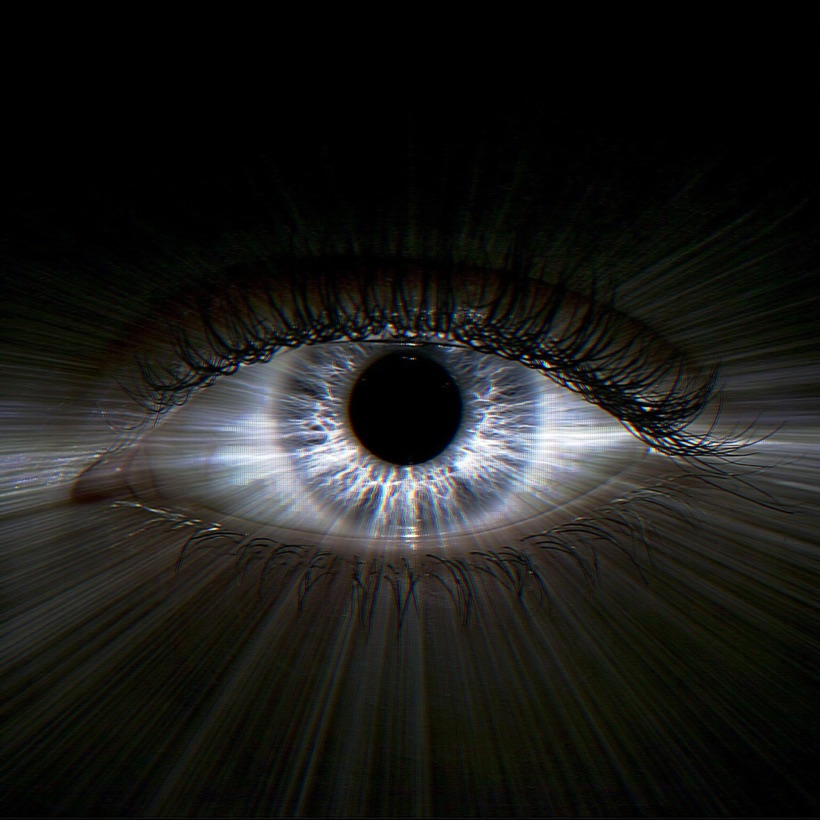
Photo to braille in your browser. The Braille style redraws any image with 8-dot Unicode braille patterns, so the whole picture is built from tiny dots. Because each braille cell packs eight dots, it resolves roughly twice the detail of a normal character grid, giving a dense, fine, print-like halftone that stays fully monochrome. Tune cell size, coverage, contrast, brightness and invert in real time. No upload, no signup, runs entirely in your browser.
Try this style →/TRY IT HERE
Drop a photo in and it comes back as 8-dot braille cells. Each cell carries nought to eight dots in proportion to the tone underneath, the same ordered-dither ramp the studio uses, and the result is real text you can copy anywhere Unicode goes.
Controls
Appearance
These are the same controls as the studio, running the same maths. The full editor adds video, animation, post effects and export up to 4×.
Copyable text
/WHAT IT IS
Pick the Braille style and ASCII Magic maps your photo onto a grid of 8-dot Unicode braille cells. Each cell turns its eight dots on or off to match the brightness underneath it, so the finished image is a dense field of dots rather than letters, minimal, monochrome, and surprisingly detailed for its size.
Because a single braille cell carries eight dots where a normal character carries one tone, the Braille style resolves roughly twice the apparent detail of a standard character grid. The result reads like a fine, print-like halftone built purely from dots, the sort of high-detail monochrome look that suits terminals, code, README files and small mono prints. It is one of the free styles, so you can render as many braille images as you like.
/HOW IT WORKS
Drag any JPG, PNG, WebP or GIF into the editor. No upload, your file stays in the browser.
Choose Braille and your photo is redrawn with 8-dot Unicode braille patterns in real time.
Set a small Font Size for more dots, then adjust Coverage, Contrast, Brightness and Invert until the dots read cleanly.
Save the render as an image, or copy the raw braille text to paste into a terminal, README or Discord.
/CONTROLS
Sets how big each braille cell is. Smaller cells pack more dots into the frame, so smaller means more detail; larger cells give a chunkier, more graphic look.
Controls how much of the frame fills with dots versus empty space, from a light, airy stipple to a solid, ink-heavy field.
Widens or narrows the tonal range. Punchy contrast makes the dot clusters read crisply; low contrast keeps soft mid-tones.
Shifts the whole image lighter or darker, moving where dots start to appear across the tonal range.
Flips dark and light dots, so you can swap between dots-on-dark and dots-on-light to suit a terminal, a page or a print.
Sets a solid or transparent backdrop behind the dots, so the render sits on any colour or exports with no background.
/TIPS
A few settings do most of the work when you want a clean, high-detail braille render.
/USE CASES
/EXPORT
Braille output is both a picture and text. Export the render as a PNG image, with a solid or transparent background set by the background mode, to use it as art, an avatar or a print. Or copy the raw Unicode braille characters straight out and paste them into a terminal, a README, a code comment or a Discord message, since the whole render is made of standard braille patterns, it travels anywhere plain text does. No watermark, no signup.
/FAQS
/CREATE ART IN SECONDS
8-dot Unicode braille patterns, dense and high-detail, every control previews instantly. Free forever.
Try it out now/RELATED STYLES
Each opens the editor with that style ready. Explore the full styles index.