
/STYLE · MIXED
Turn any photo into mixed-glyph art, multiple character pools blended per cell for a rich, textured ASCII look that no single ramp can match. Real-time, export at up to 4×. No signup, runs entirely in your browser.
Open the editor →/TRY IT HERE
Each cell picks one of five ink-matched families by position hash, so the texture varies across the frame instead of repeating one character set.
Controls
Appearance
These are the same controls as the studio, running the same maths. The full editor adds video, animation, post effects and export up to 4×.
Copyable text
/SEE IT
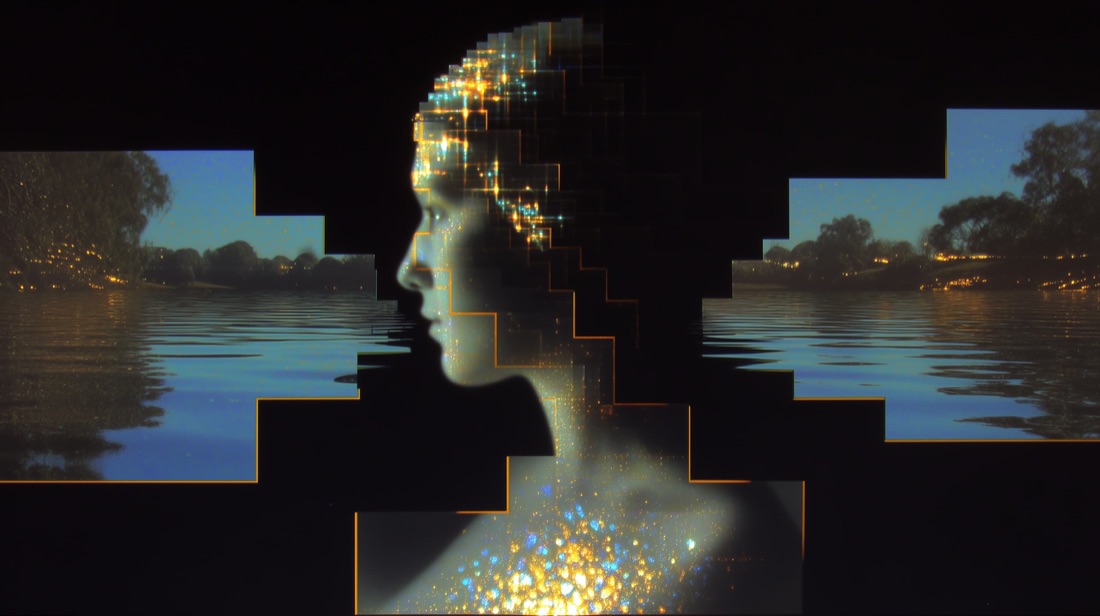
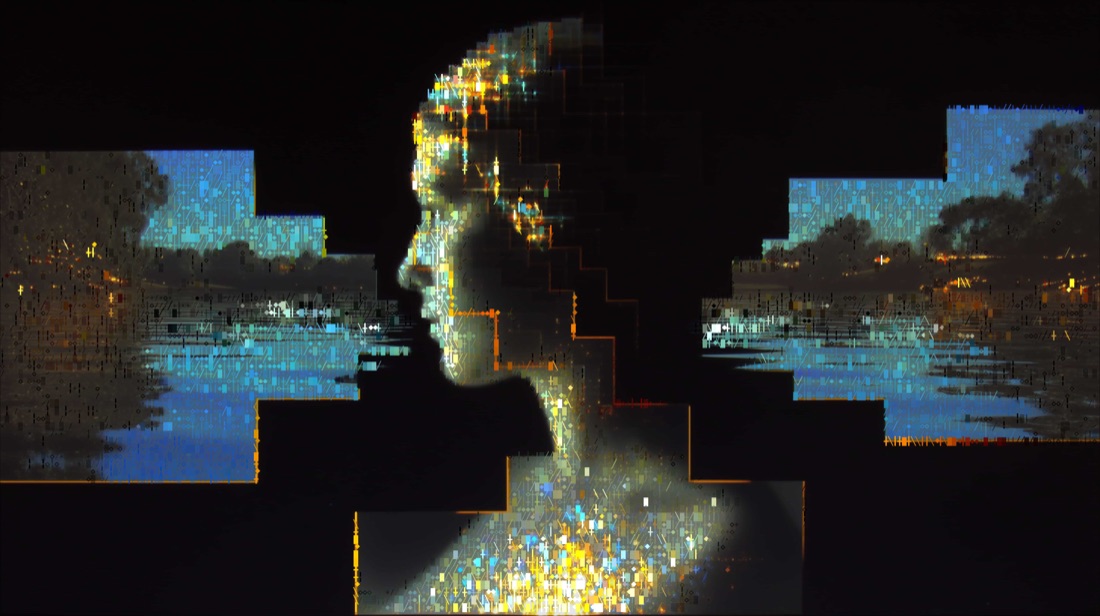
Drop any photo into the editor and pick the Mixed style. Each cell draws from several glyph pools at once, a layered, textured ASCII render that blends characters, dots and strokes from your image.
/MORE EXAMPLES
Six photos rebuilt as mixed-glyph art, multiple character pools blended for a rich ASCII texture.
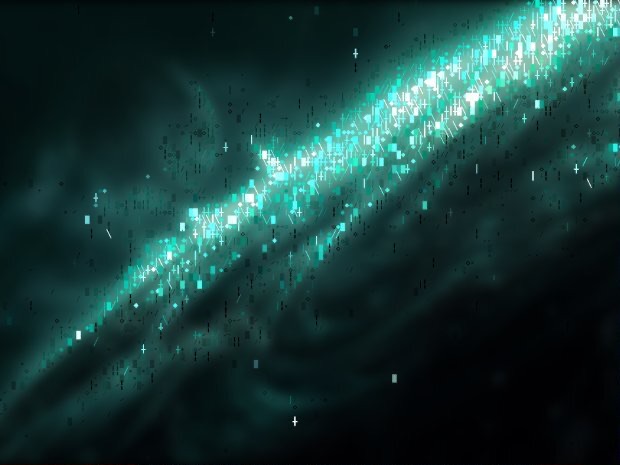
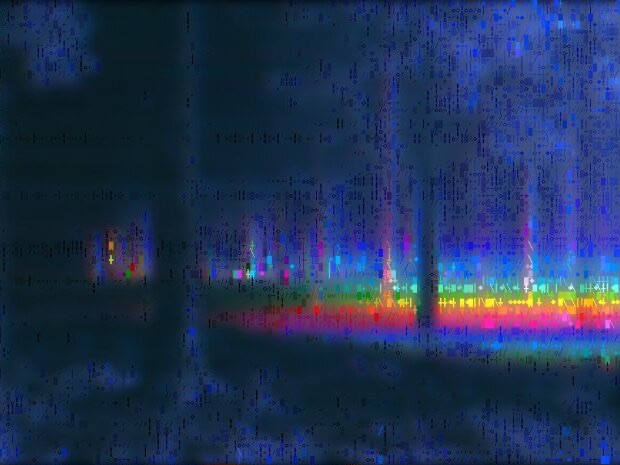
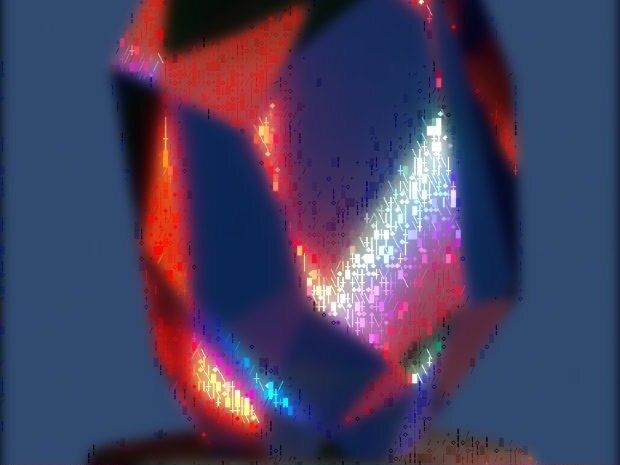
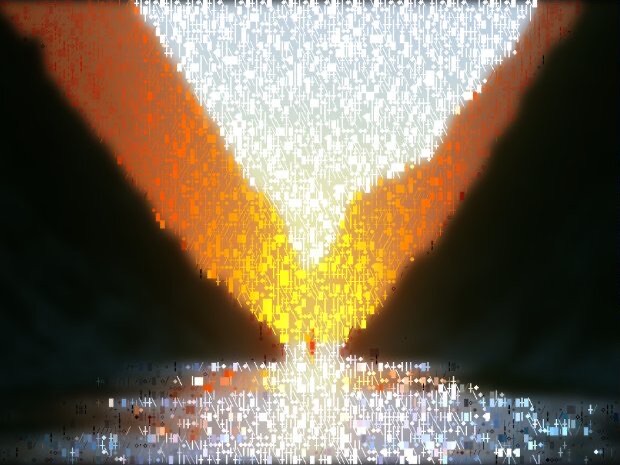
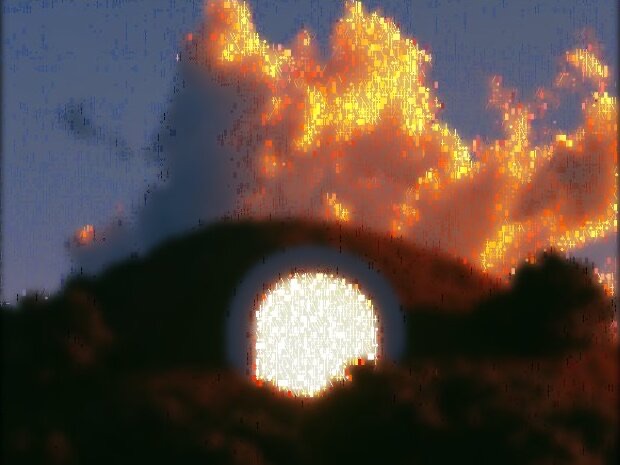
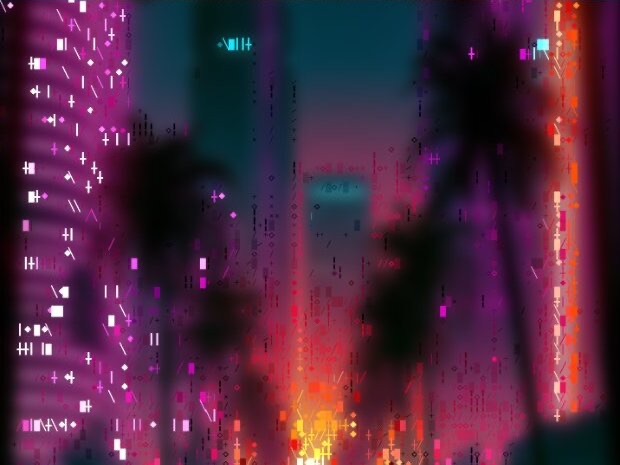
Every image is a real ASCII Magic export, drop your own photo to get the same look, then tune and export up to 4×.
/HOW IT WORKS
Drag any JPG, PNG, WebP, GIF or MP4 into the editor. No upload, your file stays in the browser.
Switch the render mode to Mixed, your photo is instantly redrawn in the mixed-glyph art look.
Adjust glyph density, contrast and colour in real time, from sparse to a dense, layered character blend.
Save as PNG, JPG, animated GIF or MP4, at up to 4× source resolution. No watermark.
/WHY ASCII MAGIC
Cells pull from several character sets at once, a richer texture than a single ASCII ramp.
Blends characters, dots and strokes for a distinctive, detailed render.
Tune detail and recolour in real time.
Render every frame of a clip and export a looping MP4 or GIF; stills export up to 4× source resolution.
/HYBRID
The Mixed mode lets ASCII Magic apply different render styles to different parts of the same image. Bright regions might render as ASCII characters while shadows render as Dots; or a portrait's subject in Pixel Art while the background dithers; or a video where the head is Voxel cubes and everything else is dither. The technique is rare and visually arresting, the eye keeps trying to figure out which rendering rule applies where, and that confusion is the appeal. It works best for graphic design that needs an attention-grabbing twist, music video B-roll, and animated portraits where you want one part of the frame to read differently from the rest. Pair with the Color Overlay post-effect at different opacity per style for even sharper contrast between zones.
/FAQS
/CREATE ART IN SECONDS
Multiple glyph pools, rich texture, every change previews instantly, export at up to 4× resolution. Free forever.
Try it out now/RELATED STYLES
Each opens the editor with that style ready. Explore the full styles index.