
/STYLE · LEGO
Turn any photo into a LEGO mosaic, posterised studded bricks with raised-dot highlights, the LEGO-art look in your browser. Not the official LEGO Group Mosaic Maker, this is a free online generator for previewing personal builds and stylizing photos. Adjust brick size and palette, export at up to 4×. No signup, runs entirely in your browser.
Open the editor →/TRY IT HERE
Each cell becomes a brick with its own stud and edge, coloured from the photo underneath.
Controls
Appearance
These are the same controls as the studio, running the same maths. The full editor adds video, animation, post effects and export up to 4×.
/SEE IT
Drop any photo into the editor and pick the LEGO style. The engine posterises your image onto a grid of studded LEGO-style bricks, each shaded with a raised-dot highlight, a brick mosaic built from your photo's own colours.

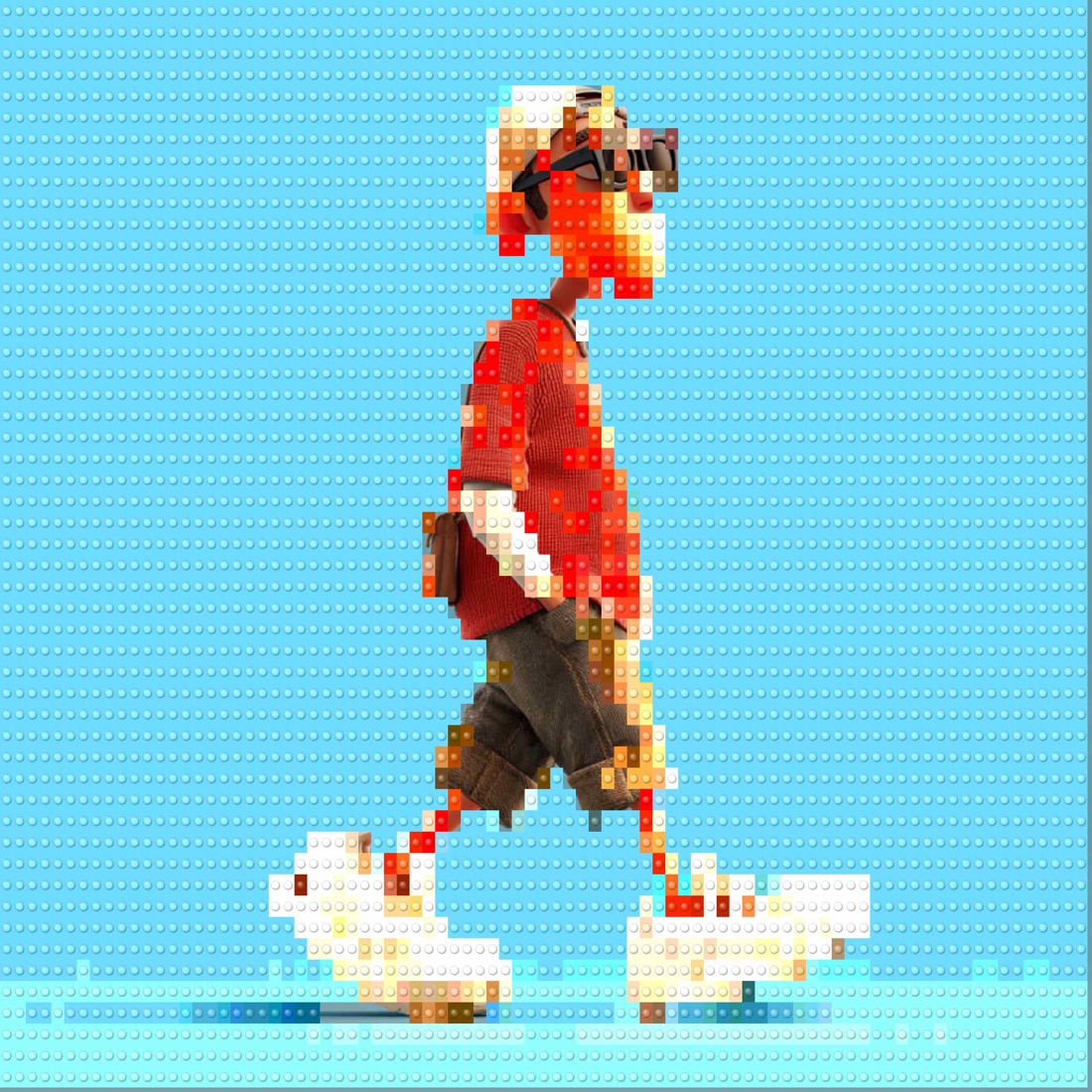
/MORE EXAMPLES
Six photos rebuilt as LEGO-brick mosaics, every studded tile sampled from the source image.
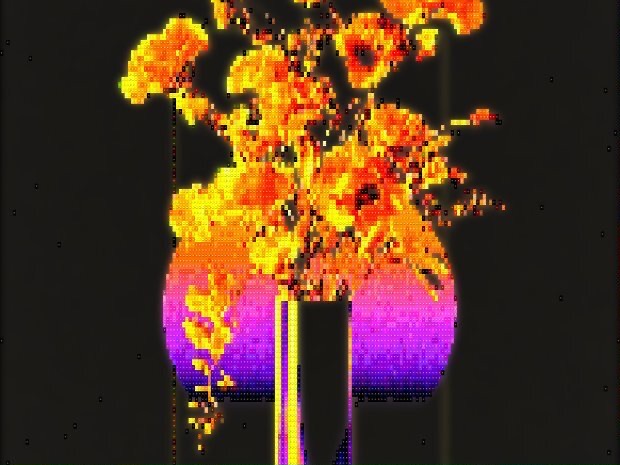
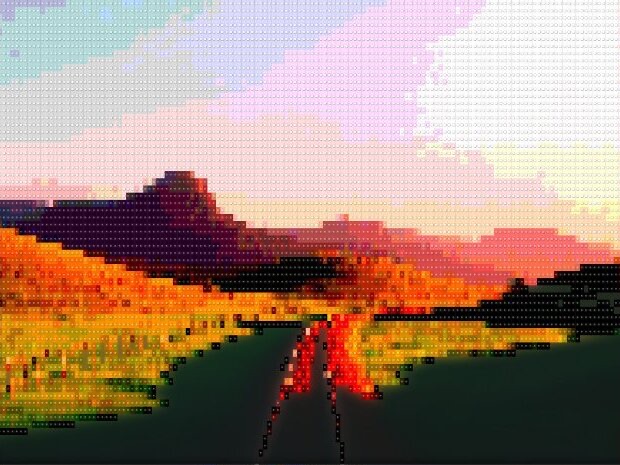
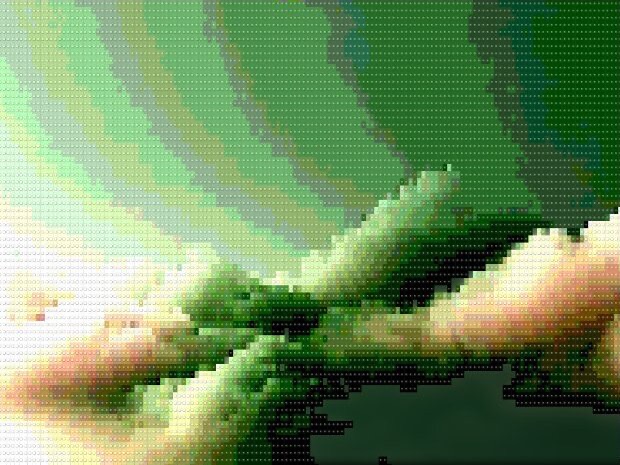
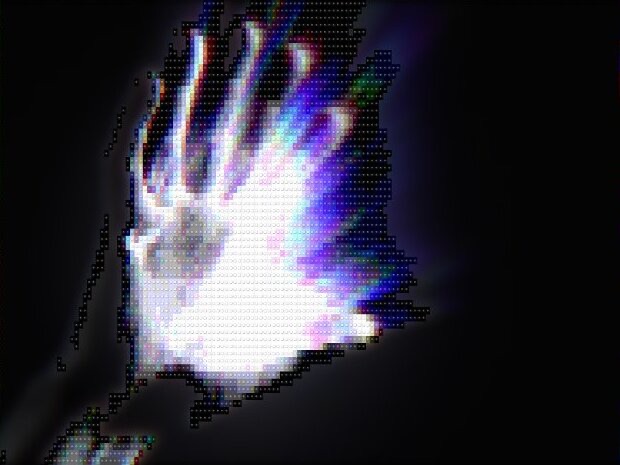
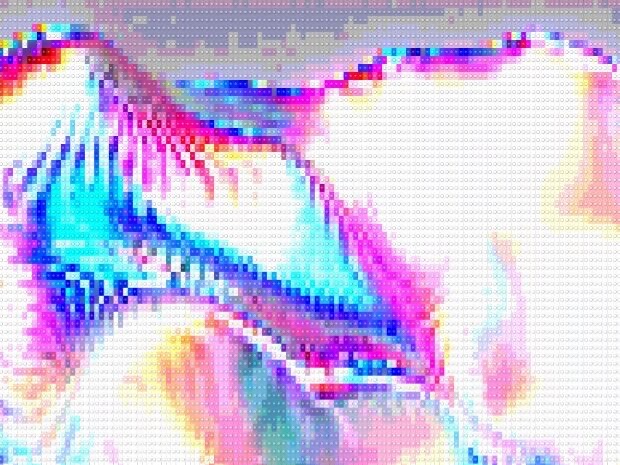
Every image is a real ASCII Magic export, drop your own photo to get the same look, then tune and export up to 4×.
/HOW IT WORKS
Drag any JPG, PNG, WebP, GIF or MP4 into the editor. No upload, your file stays in the browser.
Switch the render mode to LEGO, your photo is instantly redrawn in the LEGO art look.
Adjust brick size, coverage and palette in real time, from chunky bricks to a fine studded mosaic.
Save as PNG, JPG, animated GIF or MP4, at up to 4× source resolution. No watermark.
/WHY ASCII MAGIC
Every cell becomes a raised, shaded LEGO-style stud, an instant brick mosaic of your photo.
From chunky display-piece bricks to a fine, detailed studded mosaic, set with one slider.
Bricks are posterised from the source image, so the mosaic keeps your photo's palette.
Brick every frame of a clip and export a looping MP4 or GIF; stills export up to 4× source resolution.
/PRACTICAL USE
Many users prototype a real brick mosaic in ASCII Magic before buying any LEGO. The recipe: set brick size to 1×1 studs, pick the official LEGO Art palette from the dropdown, export the PNG at 4× resolution, then count studs by row and column. The exported image becomes your build plan. This saves dozens of hours of guesswork and hundreds of dollars on the wrong bricks. We are not affiliated with LEGO, but if you are going to spend the money, prototype first. For wall art that does not need to be built, use 2×2 or 3×3 studs at 4× export for a more graphic look that prints cleanly at A2 or larger.
All three terms describe the same idea, a photograph rebuilt out of LEGO bricks viewed from above. LEGO mosaic is the technical name (a grid of single-colour studs). LEGO Art is the LEGO Group's official product line (Marilyn, Iron Man, Star Wars, Mona Lisa kits). LEGO portrait is what people search when they want their own face. ASCII Magic generates the digital version of all three from any input photo, with brick-size, palette and stud-height controls so you can match the official LEGO Art look or push past it.
Same tool, tuned for the head-and-shoulders crop. Upload a selfie, crop tight so the face fills the frame, and pick the LEGO style with a chunky brick size (24 or 32 studs across). The result is a square LEGO PFP ready to drop into any profile picture slot, Discord, Slack, X, LinkedIn.
Square crop, head fills 70 to 80 percent of the frame. Uses the crop tool inside the editor. Every stud counts, don't waste them on background.
Chunky reads better for a PFP than fine detail. 24 studs feels like real LEGO Art; 32 keeps more face structure.
A 1024×1024 square PNG works everywhere. Studded, blocky, unmistakably you-as-LEGO. Same file also prints beautifully as a poster.
The same workflow works for LEGO yourself, LEGO PFP, LEGO avatar generator, LEGO portrait, LEGOify your photo, LEGO minifig-style headshots. The palette dropdown includes the official LEGO Art colour set for that authentic build-kit feel.
/FAQS
/CREATE ART IN SECONDS
Studded bricks, adjustable size and palette, every change previews instantly, export at up to 4× resolution. Free forever.
Try it out now/RELATED STYLES
Each opens the editor with that style ready. Explore the full styles index.