/RELEASE · v2
ASCII Magic v2 is here
By Kailash · Published September 16, 2026 · 12 min read
The short version
ASCII Magic v2 turns any photo or video into art in your browser. It now carries 100+ styles and shaders, 171 AI generative presets, a deeper post-effects stack, and up-to-4K export. There is a new optional Pro plan with a monthly generative credit allowance, and, the big one, an MCP server so your AI agents can call ASCII Magic directly. Everything that was free before is still free. This post walks through every part of v2, in order.
v1 was the version where ASCII Magic stopped being an ASCII toy and became a real image and video studio: fourteen render styles, a dither engine, a colour pipeline, recipes, video and MP4 export. If you want that story, it is written up in how the tool evolved from v0.1 to v1. v2 is a different kind of jump. It is less about one new feature and more about scale, and about opening the tool up so it is not only something you click through, but something your agents can drive. Here is everything that changed.
Where this started
Before v2, v1 quietly found its people. More than 64,000 of them in its first three months, all turning photos and video into art right in the browser, no signup, no watermark. That run is what earned this release. Here is a quick look back before we get into everything new.
More than ASCII now: one place for every effect
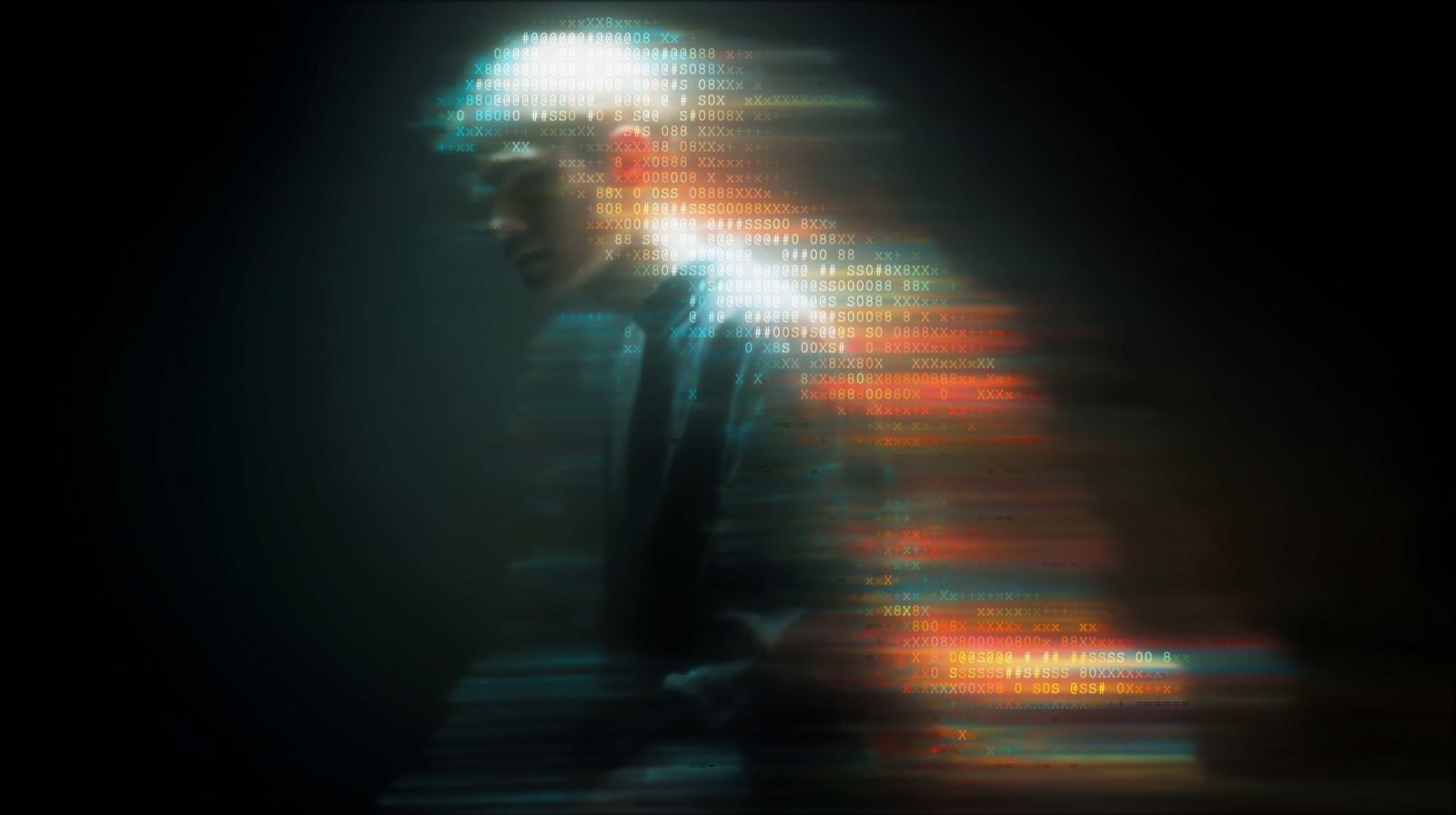
ASCII art is where this tool started, and it is still the front door. v2 makes the bigger shift official: ASCII Magic is now a full image and video effects studio. Text and ASCII are one family inside it, sitting right next to pixel and voxel, dither and halftone, glitch and CRT, glass and chrome, oil paint and watercolor, plus 171 AI generative looks. Photos or video, realtime canvas filters or GPU shaders or AI renders, it all lives in one editor.
The idea is simple: stop hopping between a dozen single-trick tools. Whatever you want to do to an image or a clip, drop it in once and reach for any effect in the same place. One tab, one source file, every look. That is where ASCII Magic is heading, the one stop for turning any photo or video into art.
First, the important part: it is still free
Let us get this out of the way, because it matters. The core ASCII Magic editor is still free. No signup, no watermark, no export limit, no ads. Every style and every feature that was free before v2 is still free. Drop in a photo or a video, pick a look, tune it live, export it, done, exactly like before.
v2 adds a Pro plan on top for people who want the heavier stuff, the full shader library, AI generative renders, and 4K export. Pro is additive. It never takes anything away from the free tool, and you never need it to make great ASCII art. Think of free as the whole original tool, and Pro as the studio upgrade.
100+ styles and shaders
The style library is the heart of ASCII Magic, and in v2 it crossed 100 render styles and shaders. You still get the classics, and a lot more sitting next to them:
- Text and ASCII: the original Characters ramp, Braille dot matrices, and a full-control ASCII Studio mode for fine glyph work.
- Pixel and blocks: Pixel Art, Block Characters, LED Matrix and Hex Mosaic.
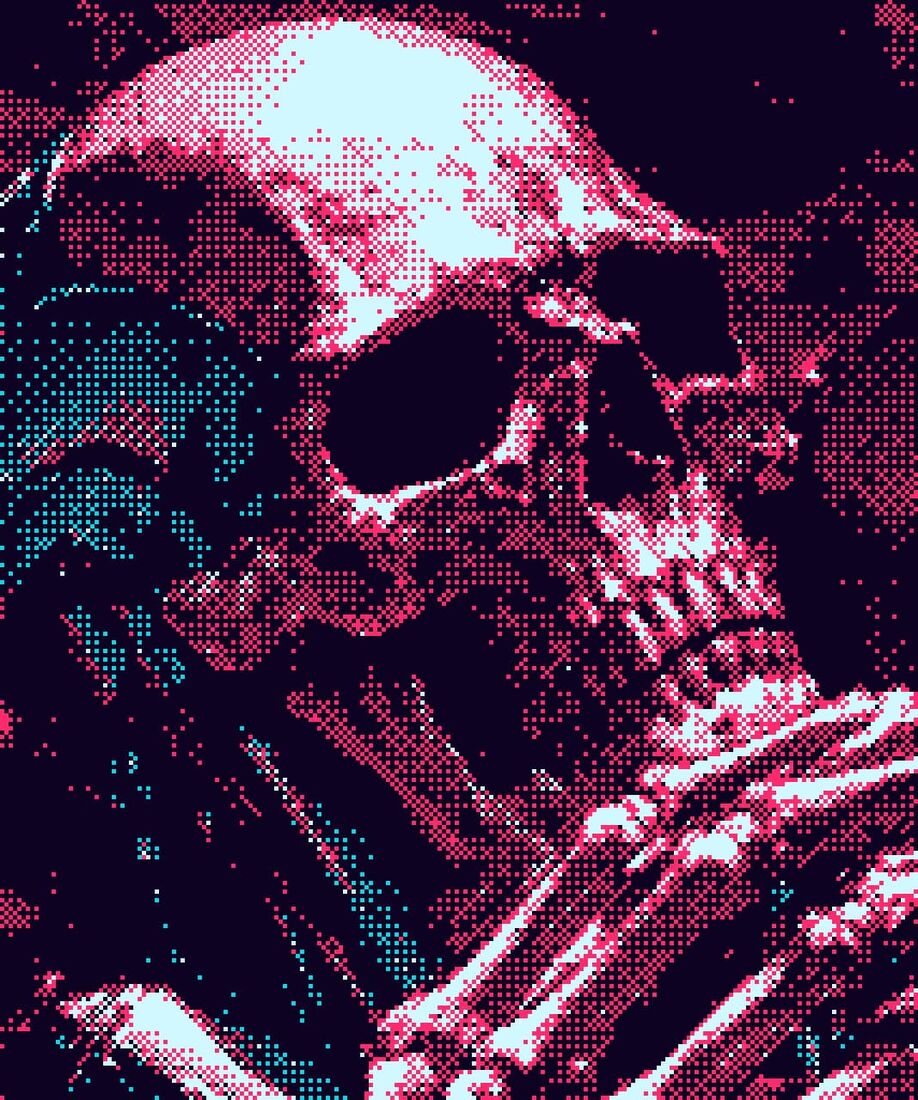
- Print and paper: Dither (11 algorithms, 16 palettes), Halftone Dots, CMYK drops, Crosshatch, Engraving, Mezzotint, Stippling, Risograph, Comic, Woodblock and Warhol.
- Geometric: Voxel cubes, Low Poly, Iso Extrude, Lattice, Truchet, Topography, Flow Field and more.
- Glitch and signal: Digital Distortion, CRT, Scanline, Datamosh, Pixel Sort, RGB Split, Thermal.
- Light, glass and material: Prism, Duotone, Gradient Map, Frosted Glass, Stained Glass, Chrome, Marble, Molten Metal, Oil Paint and Watercolor.
Every style renders live in your browser as you drag the controls, and works on both photos and video frames. The classic styles stay free; the deeper shader families are part of Pro. You can browse the whole set on the all styles page, and hover any tile to see the original photo it was rendered from.
171 AI generative presets
This is the newest way to transform an image. The Generative feature reimagines a photo with AI across 171 presets, and unlike the local styles it does not just re-draw your pixels, it reinterprets the whole image. You get looks that are impossible with a pure canvas filter:
- Retro and print: 1-bit dither, risograph, xerox zine, teletext, blueprint schematic, money print.
- Material and craft: claymation, stained glass, oil portrait, knit sweater, cross-stitch, embroidery patch, papercraft, origami.
- Camera and film: CCTV cam, Y2K digicam, wet plate, Polaroid frame, night vision, infrared.
- Bold graphics: neon sign, comic ink, ukiyo-e wave, constructivist, tarot card, hologram foil.
Each preset is steerable: add a prompt to nudge the result, set the strength to control how far it drifts from the source, and pick the output resolution. Generative renders are part of Pro and use credits, because each one is processed by an AI provider rather than on your device (more on credits below).
Coming in the next two weeks
50 more generative presets land within two weeks, taking the set past 220. They roll out automatically, so on Pro they simply appear in the Generative panel with nothing to update.
A deeper post-effects stack
Styles decide how your image is drawn. Post-effects decide how it is finished, and in v2 you can stack them freely on top of any style, photo or video:
- Screen and signal: scanlines, CRT curvature, chromatic aberration, RGB split, film grain, glitch.
- Light: bloom, vignette, directional lighting, lens flares, edge glow.
- Print: halftone overlay for a genuine dot-print finish.
Because they are pipeline passes, they compose. A plain Characters render becomes a CRT terminal with scanlines and bloom, or an 80s VHS still with grain and aberration, from the same source, and it all updates in real time. The whole stack is free.
And you can place them exactly where you want. Post-effects are no longer all-or-nothing across the whole frame. With the new on-screen guides you position and size an effect right on the canvas, so a bloom, a blur, a glow or a glitch can hit just one part of the image, one subject, one corner, one band, and leave the rest untouched.
Pro effects and shaders
The Pro tier is where the advanced GPU shaders live, the families that turn a photo into a fully re-materialised object rather than a stylised drawing. That includes the glass set (frosted, fluted, stained, glass orb, shatter), the material set (chrome, marble, molten metal, oil paint, crystallize, emboss), the distortion set (pinch, polar, twirl, ripple, spherize, smudge), the blur set (gaussian, motion, radial, tilt-shift), and the light set (prism, kaleidoscope, gradient map, dreamdust, warpbloom). These sit right in the same styles rail as the free ones, so you can flip between free and Pro looks without leaving the editor.
The rule of thumb: the classic ASCII, pixel, dither, mosaic, voxel and print styles are free, and the deep shader and generative work is Pro. See the pricing page for exactly what is in each tier.
The credit system, explained
Most of ASCII Magic costs nothing to run, because it runs on your machine. The exception is AI generative renders, which are processed by an AI provider, so those use credits.
- The Pro plan includes 10 generative credits a month.
- One credit is one generative render.
- Every local style, ASCII, pixel art, dither, mosaic, voxel, halftone, glitch and the rest, renders on your device and never uses a credit. Those stay unlimited and free.
So credits only ever apply to the AI generative feature. The rest of the tool has no meter on it at all.
4K export, recipes, and privacy
Three things worth naming that quietly make v2 more useful:
- Up to 4K export. Pro exports stills and video at up to 4x source resolution, which lands at 4K for typical inputs, big enough for prints and posters. Free exports stay watermark-free at standard resolution.
- Recipes and share links. Every setting, style, post-effects, colour, animation, can be saved as a recipe code or a one-click link. Send it, and the recipient opens the exact look on their own photo. Browse the library at /recipes.
- Local-first privacy. Every classic render happens in your browser on HTML5 Canvas; your file never leaves your device. Only AI generative renders send the image out to be processed, and those are clearly labelled and opt-in.
New ways to create
Beyond single styles, v2 adds ways to combine effects, compare your work, and move faster.
The Flow editor
Flow is a node-based canvas for building your own pipelines. Instead of one style at a time, you chain effects as nodes, branch them, and feed one result into the next. In v2 it also takes shaders and gradients as nodes, so you can mix and match several effects in a single graph, layer a gradient under a shader under a style, and compose designs you cannot get from any one look. Build a graph once, then run any photo or video through it.
Quality-of-life upgrades
A lot of v2 is the small stuff that makes a long session pleasant:
- Undo and redo across every edit, so you can experiment without fear of losing a good state.
- A before/after comparison slider you drag right on the canvas to wipe between the original and your render.
- Shuffle, Restyle and Inspire. Shuffle to a new background, restyle the same image with a fresh look, or get inspired with a new image and look together.
- Favorites, so your go-to styles are always one tap away.
- A unique animation tuned to every effect, so each look moves in its own way.
- Many more backgrounds, including a big new set of animated ones, with roughly 1,000 more arriving soon straight from Backgrounds Supply.
MCP: give your agents ASCII Magic
This is the feature that makes v2 feel different. ASCII Magic now runs an MCP server. Connect it once and an agent in Claude, Cursor, ChatGPT or any MCP client can use ASCII Magic on its own: convert images and video to ASCII, reach for any of the 100+ styles and 171 generative presets, stack post-effects, and export up to 4K, without a human clicking anything.
Setup is one block in your MCP config:
{
  "mcpServers": {
    "ascii-magic": { "url": "https://www.ascii-magic.com/mcp" }
  }
}
After that, your agent just asks in plain language, "turn product.jpg into LEGO-style art at 4K", or "render this clip as ASCII with scanlines", and it calls the tool, gets the result back, and keeps working. It is the same render pipeline the app uses, exposed as tools an agent can pick up. For designers automating asset pipelines, for developers wiring image steps into an agent, or for anyone who wants their AI to handle the boring render work, this turns ASCII Magic from a place you visit into a capability your agents carry with them.
What v2 is, in one line
A free, browser-based photo and video art studio with 100+ styles, 171 AI generative presets, a stackable post-effects engine, up-to-4K export and shareable recipes, plus an optional Pro plan and an MCP server so your agents can use all of it too. The core stays free. Nothing to install.
Open the editor →