/CHANGELOG STORY · v0.1 → v1
ASCII Magic v1: How the Tool Evolved from v0.1 to v1
By Kailash · Published July 19, 2026 · 7 min read
The short version
ASCII Magic launched as a bare-bones photo-to-ASCII generator at v0.1. Twenty releases later, at v1.0, it does 14 render styles, video, animated GIFs, MP4 export, an 11-algorithm dither engine, 16 retro palettes, a colour-grading pipeline, a background library, crop-and-rotate, a shareable recipe system, a separate Text to ASCII generator, a community wall, and per-style guides. Same URL, same free-forever browser tool, just about ten times the surface area. This post walks through every milestone, in order.
When a browser tool ships a v1.0 tag, the version number by itself is a claim, not a story. This is the story. What follows is the honest chronological read of what actually landed between the first commit and the v1.0 flag, pulled straight from the changelog, with a bit of context on why each step mattered. If you have been using ASCII Magic since May and wondered "wait, when did that ship?", this is the reference.
v0.1, the launch: one style, one lever, one export
The first published version did the smallest useful thing an "ASCII art generator" can do: drop a photo, get a wall of monospace characters back. The controls were a character set, a font size, and a contrast slider. Export was a single PNG. No video, no colour, no animation, no styles other than Characters. Small, honest, worked.
The point of shipping this narrow was to see whether anyone actually wanted it. They did. That first week was the reason the rest of this list exists.
v0.2 → v0.3: video and animation, the format leap
v0.2 added video support. Drop an MP4, the tool decodes it frame-by-frame in the browser and renders every frame as ASCII, live. This was the first big shape-change: ASCII Magic stopped being a "photo tool" and became a "media tool", one that happens to render in text. The playback loop was pure canvas, no upload, and the export was still a still, but the input format was now anything the browser could decode.
v0.3 closed the loop on that with animated ASCII exports. GIFs of the live-rendered clip, frame-by-frame, straight from the browser. That is the version where the tool started producing shareable things that felt native to the internet rather than just static image files.
v0.4 → v0.6: styles, masking, and Inspire Me
v0.4 introduced Themes and Render Modes. The engine got refactored so the character-grid renderer was one style among several. That refactor is the foundation everything after this depends on, once modes were pluggable, adding new ones was a matter of shader code plus a slot in the styles rail.
v0.5 shipped Shape Masking, lettering-shaped masks that constrain the render to a heart, a star, a custom SVG, whatever. Small feature, disproportionately used in the wild for social posts.
v0.6 is when Inspire Me shipped, the first taste of "one click and something interesting happens". Randomly picks a look, applies it, swaps the sample image. Later versions expanded its pool to 55+ curated combinations, but the seed feature landed here. Inspire Me is still one of the most-clicked controls in the tool.
v0.7 → v0.10: the editor grew a spine
This is the stretch where ASCII Magic stopped feeling like a demo and started feeling like an editor.
- v0.7 Crop & Rotate. Aspect-ratio presets, drag-to-reposition. Made portrait and square social-crop workflows possible without leaving the tool.
- v0.8 Colour Overlay & Blend Modes. First proper colour grading: tint the render with any hex, at any opacity, over 11 blend modes (multiply, screen, overlay, soft-light, hue, saturation, colour-dodge, colour-burn, and more). Everything that later became "recipes" fundamentally needs this.
- v0.9 Export Hardening. Better filenames, canvas-scale exports at up to 4×, browser-consistent PNG output. Unsexy, load-bearing.
- v0.10 Post-Processing Effects. Bloom, vignette, scanlines, film grain, chromatic aberration, glitch, CRT curvature. All render-pipeline post passes. This is where a photo could suddenly look CRT-terminal, or 80s VHS, or noir film-grain, from the same source image.
v0.11 → v0.15: the polish era
Less about new capabilities, more about making the tool feel resolved.
- v0.11 Backgrounds Gallery. Curated sample images baked in so first-time users could try any style without needing their own photo.
- v0.12 Hamburger Menu & Feedback System. In-app bug reports, feature requests. Every follow-up feature came from these.
- v0.13 Bug Reports & Changelog page. This blog exists because that page exists. Continuous version history became a first-class thing.
- v0.14 About Modal. The "what is this thing" story got its own screen.
- v0.15 Faster Loads, Lighter Page. Trimmed initial-paint payload, moved heavy modules to lazy imports. First-load time roughly halved.
v0.16 → v0.20: nine more styles
ASCII Magic went from three-or-four styles to over a dozen in this stretch. Same editor, new render modes.
- v0.16 Styles, Lights, and a Slider Rework. The styles rail got its final shape, and Lights (a directional-lighting pass) shipped alongside it.
- v0.17 Analytics & Event Tracking. Privacy-preserving PostHog. This is how we now know which styles actually get used vs which sit on the rail unloved.
- v0.18 Cube (voxel-style 3D). Isometric 3D-block renderer, later renamed Voxel (Cube). A photo becomes a Minecraft-style block build.
- v0.19 Crop transition + About redesign. Smoother crop interaction, tighter About screen.
- v0.20 Disco. Mirrored-tile style with placeable lens flares. Genuinely one of the more surprising things you can do with a portrait.
v0.21: "What's New", right inside the editor
The last v0 release. Every update since then is visible in the editor via a "What's New" card and a version tag. Feature releases became visible to the person using the tool, not just people who came looking for a changelog.
v1.0, the milestone: dither, recipes, colour, backgrounds
Everything above built up to v1.0. Four big pillars landed on June 16, 2026:
1. The Dither Engine
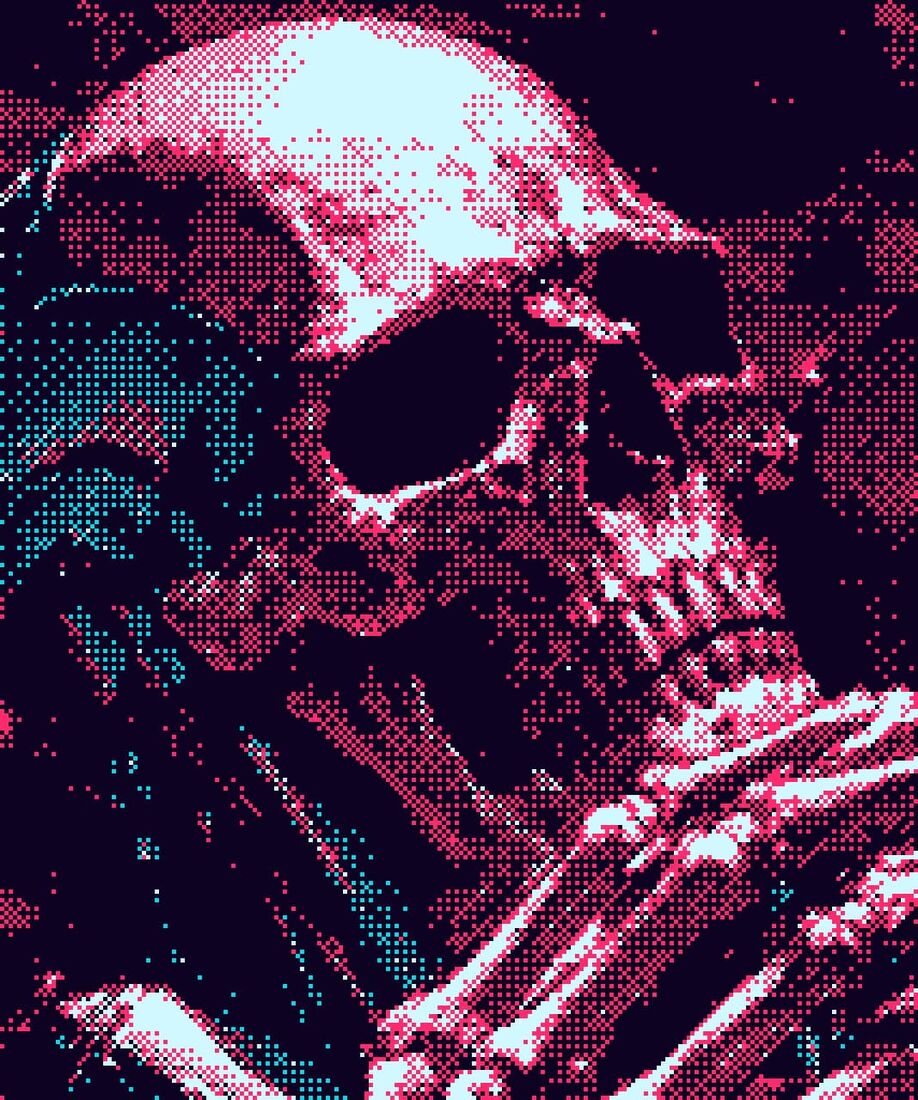
A full dithering pipeline: 11 algorithms (Bayer 2/4/8/16, Floyd-Steinberg, Atkinson, Stucki, Sierra Lite, halftone, line, noise), 16 retro palettes (C64, Game Boy, CGA 0/1, PICO-8, NES, risograph, cyberpunk, pastel, sepia, and more), contrast/threshold/scale controls, custom user palettes, and animated dither matrices for retro screen-look motion. The complete guide to dithering is a separate read if you want the algorithm-by-algorithm breakdown, but the short version: dither turned ASCII Magic into a proper retro-graphics tool, not just an ASCII toy.
2. Recipes
One-tap curated looks. Click a card, the editor loads the sample image and the exact settings that produced it, then you tweak or swap in your own photo. The recipe encodes every setting as a shareable text code, so you can drop it in Discord and someone else opens the identical look on their photo. See the growing library at /recipes, including guided pages for Matrix, Vaporwave, Film Noir and Sepia.
3. The Colour Pipeline
Colour got its own panel with 11 blend modes, grayscale slider for duotone effects, per-channel and luminance-only chroma modes, and custom palette building for the dither engine. Named preset filters (Warm, Cool, Vintage, Fade, Cyber, Sepia, B&W) live here too, each at empirically-tuned defaults.
4. Backgrounds and the small stuff
The backgrounds gallery grew to 70+ curated images, browsable by type, with hover-preload so picks land instantly. Crop got aspect-ratio presets and drag-to-position. Advanced Blur added directional, radial and progressive modes with a draggable angle handle.
After v1.0: guides, tools, community
Once v1.0 shipped, the work shifted from adding capabilities to helping people find them. In the four weeks after:
- 11 per-style guide pages, one for every render mode. LEGO, halftone Dots, Crosshatch, Lines (CRT/scanline), Disco, Diamond, Diagonal, Mixed, Block characters, Photo Mosaic, Voxel. Live examples, FAQs, "try it" links.
- A Community Creations wall, a grid of real work made with ASCII Magic and shared on X. Restarted whenever we spot a new one.
- Bug fixes worth naming: Mosaic and LEGO no longer leave a bare edge when the cell size doesn't divide evenly; the Voxel style renders video cleanly again after a bad regression.
- A new video-to-ASCII tutorial with a playable inline demo.
- A whole separate tool: the Text to ASCII generator. Type any word, get big ASCII text art from 20+ FIGlet fonts, styled with neon/gradient/Game Boy/CRT/dither looks. Copy the text or export a PNG.
- The Text to ASCII generator later grew 10 GPU-rendered animated effects, Liquid, Fire, Glitch, Hologram, Matrix, Bloom, Rainbow, Chrome, Ripple, Vapor, plus real MP4 export using WebCodecs + H.264.
Why versioned changelogs matter
A lot of small tools bury their history. New users see the current UI and assume it always looked that way. That does the product a disservice, because the story of what shipped when is often the strongest signal that the tool is real, maintained, and getting better. Every release from v0.1 has been tagged, dated, and left visible on the changelog page. This post is the narrative version of the same content, if you prefer paragraphs to timestamped bullets.
What v1 actually is, in one line
A browser-based image and video studio that renders your source through 14 different visual styles, 11 dither algorithms, 16 retro palettes, and a full colour-grading pipeline, then exports PNG, GIF or MP4, with a shareable recipe format so a look you like travels to someone else's photo in one paste. All in the browser. Nothing uploaded, nothing stored on a server, still no signup. That is v1.
Open the editor →